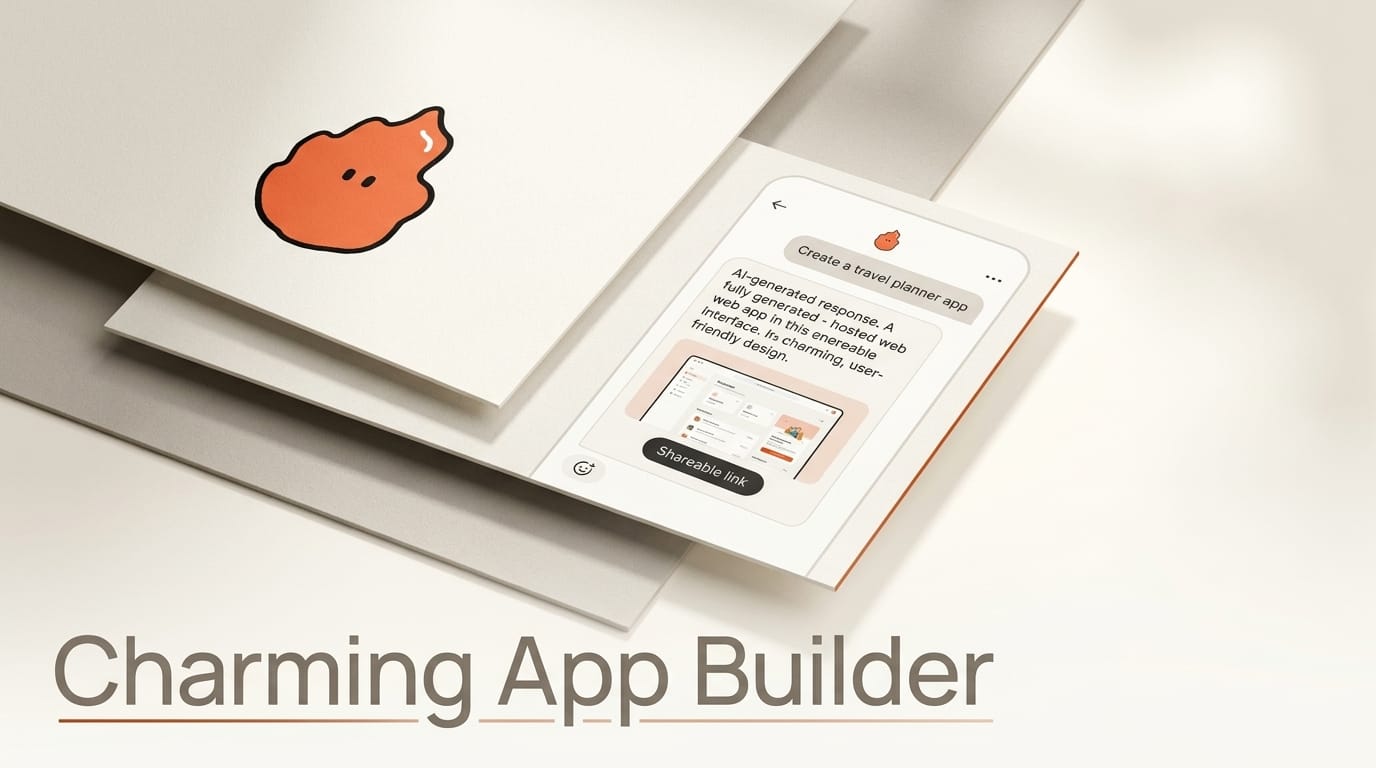
Charming is a new platform that turns a plain-language description into a real, hosted web app with a persistent database and a shareable link, and it does it from inside the AI tools you already use. Instead of opening a separate builder, you tell Claude, ChatGPT, or Cursor what you want, and the agent builds the app and publishes it to a live URL you can open, share, and keep updating. Built by Tambo Labs and launched on Hacker News on August 6, 2026, Charming is an attempt to make the AI agent itself the app builder, with hosting and storage handled behind the scenes.
That framing matters. Most AI app builders are destinations you visit. Charming is a capability you hand to the agent already sitting in your workflow, connected through the Model Context Protocol. The result feels less like using a tool and more like asking a collaborator to spin something up.
What Charming Actually Is
Charming is a hosting and data layer that an AI agent drives through MCP. You describe an app in chat, the connected agent generates it, and Charming publishes it at a URL such as charm.ing/you with a database that keeps its data between sessions. Because the persistence layer is exposed over MCP and plain HTTP, any AI that supports the protocol, or that can make HTTP calls, can read and update the app's data later. That means an app you built on Monday can be edited by a different agent on Friday without losing state.
The personal tier is free and includes unlimited apps, hosting, and the ability to share and remix. A paid "Charming for Work" tier adds single sign-on, roles and permissions on every app, an admin view of everything a team builds, and white-labeling on your own domain. Pricing for the work tier is not yet public. The MCP server that powers the integration is open on GitHub as tambo-labs/charming-mcp.

How It Works: The MCP Loop
The core flow is short and repeatable. Setup guides for each assistant live on the works-with page, but the pattern is the same across tools:
- Connect Charming to your AI chat. Add the Charming MCP server to Claude, ChatGPT, Cursor, or another MCP-capable agent once. This is a one-time authorization.
- Describe the app in plain language. Tell the agent what you want, for example a shared reading list, a small CRM, or an event RSVP tracker.
- Let the agent build and publish. The agent generates the app and Charming hosts it, returning a live link.
- Share or keep iterating. Send the URL to collaborators as viewers or editors, then ask the agent for changes anytime. Data persists across every edit.
The important design choice is that the data outlives any single chat. Because state is stored in Charming rather than in the conversation, you or a teammate can return weeks later and pick up where the app left off, using whichever agent is convenient that day.
Charming vs Other AI App Builders
Charming enters a crowded field. Tools like v0, Bolt, and Replit also turn prompts into working apps, but they are primarily web destinations with their own editors. Charming's differentiator is that it lives inside your existing agent through MCP and centers on a shareable, persistent link rather than a code project you manage. The table below compares the practical differences.
| Tool | Where you build | Output | Persistence | Best for |
|---|---|---|---|---|
| Charming | Inside your AI chat via MCP | Hosted app + shareable link | Built-in database, cross-agent | Quick shared tools you keep editing |
| v0 | Dedicated web editor | React/Next.js code | You deploy and host | Production UI components |
| Bolt | In-browser IDE | Full-stack project | You manage backend | Prototyping full apps |
| Replit | Cloud IDE + Agent | Deployed project | Replit-hosted | Learning and hosted dev |
The tradeoff is control. Builders that hand you the code, like v0, give you ownership and portability. Charming trades some of that for speed and a zero-setup share link, which is a reasonable exchange for internal tools, prototypes, and small collaborative apps.

What This Enables for Creators
For creators and small teams, the practical win is removing the gap between an idea and a usable link. If you run a newsletter, a Discord, or a client project, you can ask your agent to build a submission form, a content tracker, or a lightweight dashboard and hand out the URL in minutes, without touching a deploy pipeline. Because the same app is editable by Cursor or any MCP agent later, a non-technical collaborator can request tweaks in ChatGPT while a developer refines the same app elsewhere.
The remix capability also turns finished apps into starting points. Share a working tool, and a teammate's agent can clone and adapt it, which is closer to how people actually reuse spreadsheets and docs than how they reuse code repositories.

Where It Falls Short
Charming is new, and several unknowns matter before you build anything important on it. The underlying database technology and data-portability path are not documented on the site, so exporting an app or migrating off the platform is an open question. Work-tier pricing is unlisted, which makes team planning hard. And because output is a hosted app rather than code you own, you are trusting a young company with your app's availability. For throwaway tools and prototypes that is fine; for anything mission-critical, wait for clearer answers on export and uptime.
Frequently Asked Questions
What is Charming?
Charming is an AI-driven app builder that lets you describe an app in a chat with Claude, ChatGPT, Cursor, or another MCP agent and get back a hosted web app with a persistent database and a shareable link.
Do I need to know how to code?
No. You describe what you want in plain language and the connected AI agent builds and publishes it. No coding or deployment steps are required.
Which AI assistants work with Charming?
Any assistant that supports the Model Context Protocol or can make HTTP calls, including Claude, ChatGPT, Cursor, and Codex. Setup guides are on the works-with page.
Is Charming free?
The personal tier is free with unlimited apps, hosting, and sharing. A paid "Charming for Work" tier adds SSO, roles and permissions, an admin view, and white-labeling. Work pricing is not yet public.
How is it different from v0, Bolt, or Replit?
Those tools are web destinations with their own editors that usually hand you code to deploy. Charming lives inside your existing AI agent via MCP and produces a hosted, persistent, shareable app instead of a code project you manage.





