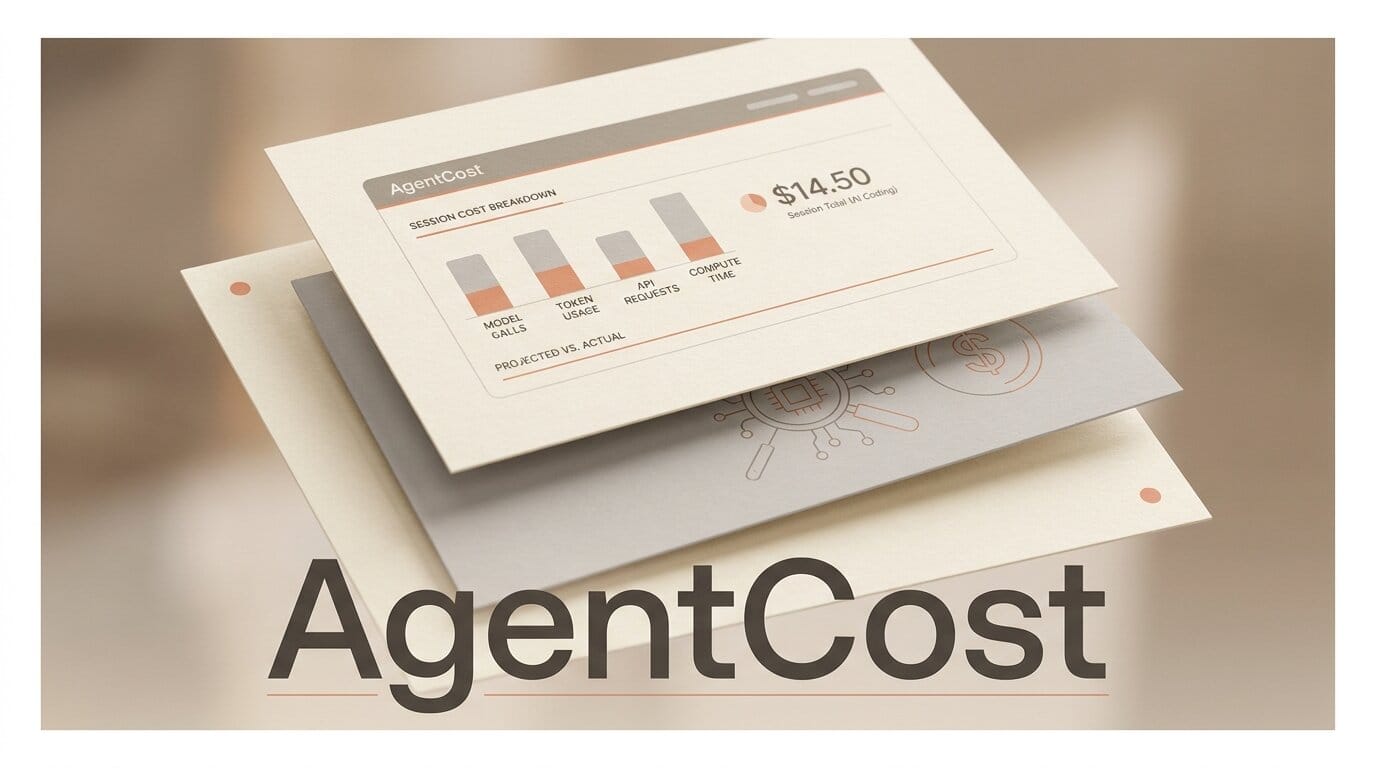
A local command-line tool called AgentCost landed on PyPI on July 24, 2026, and it answers the question every heavy Claude Code, Cursor, or Codex user eventually asks: not how much a session cost, but why. Released as an open-source 0.1.0 alpha by developer Kashif (kashifdevfe), AgentCost reads the transcripts your coding agents already write to disk and breaks token spend down by call, by prompt, and by cache behavior. For creators who now run AI agents for hours a day, that shift from a single dollar figure to a line-item breakdown is the difference between guessing and knowing.
What AgentCost actually does
Most cost tools give you a total. AgentCost gives you attribution. It scans the local session logs each agent leaves behind, then profiles where the tokens went. On the project repository the author frames it plainly: a CLI that tells you why your AI coding session cost what it did, not just how much.
It reads four sources of truth, all on your own machine:
- Claude Code transcripts from
~/.claude/projects/ - Cursor Agent transcripts from
~/.cursor/projects/ - OpenAI Codex rollout logs from
~/.codex/sessions/ - Ollama local sessions, recorded with no cloud dependency
From those logs it produces a per-call breakdown of input, output, and cache tokens; a ranked list of which prompts drove the most spend; anomaly detection for inefficient patterns; and machine-readable JSON you can pipe into a dashboard. It is MIT licensed, needs Python 3.10 or newer, and runs entirely offline. Notably, it is honest about its own limits: it flags when a number is directional rather than invoice-accurate, which matters most for Cursor transcripts.

AgentCost vs the trackers you already have
Cost visibility for AI coding is a crowded corner, but most options answer a different question. Built-in session totals and popular utilities like ccusage tell you how much you spent. AgentCost is one of the few aimed squarely at why. The table below compares the common approaches.
| Tool | What it measures | Agents covered | Core question | Where it runs |
|---|---|---|---|---|
| AgentCost | Per-call attribution, cost drivers, anomalies | Claude Code, Cursor, Codex, Ollama | Why did it cost that? | Local CLI |
| ccusage | Daily and monthly usage totals, burn rate | Claude Code | How much so far? | Local CLI |
| Claude Code cost view | Running total for the current session | Claude Code | How much this session? | Built into the CLI |
| Cursor usage dashboard | Request and usage counts on your plan | Cursor | How much of my plan? | Web dashboard |
Anthropic documents the built-in numbers in its Claude Code cost guide, and Cursor exposes plan consumption on its pricing and usage pages. What none of them do is tell you that one runaway refactor prompt burned 40 percent of your day, or that a low cache hit rate quietly doubled your input tokens. That gap is the reason AgentCost exists.
How to profile your AI coding spend
The workflow is deliberately low-friction because it reads logs your agent already writes. You do not change how you work.
- Install it. Run
pip install agentcost-cliin a Python 3.10+ environment. - Work normally. Run a real session in Claude Code, Cursor, or the Codex CLI. AgentCost needs nothing running alongside it.
- Point it at your transcripts. It auto-discovers the standard directories, so a single command against
~/.claude/projects/or~/.codex/sessions/is usually enough. - Read the cost-driver table. Sort by percentage of spend and look at the top three prompts. This is where the money actually goes.
- Check cache usage. A low cache hit rate is the most common silent cost driver; if it is poor, restructure how you feed context.
- Export JSON. Pipe the output into a file or dashboard so you can track spend trends across sessions over time.

What this enables for creators
Once you can see attribution, three decisions get easier. First, you stop overpaying for context bloat: if a fat system prompt or an over-stuffed file dump is the top cost driver, you trim it. Second, you get a data-backed reason to route routine work to a cheaper or local model, running the low-stakes tasks through Ollama while keeping the frontier model for hard problems. Third, you can actually justify or cut an AI budget instead of arguing from a mystery number on an invoice.
This complements cost-reduction tactics we have covered before. Where a router like the one in our Cursor Router breakdown lowers the per-token price, AgentCost tells you which tokens to attack first. And if you run several agents at once, as in our guide to running Claude Code, Codex, and Cursor in parallel, per-agent attribution is the only way to know which one is quietly the expensive one.

The catch: it is very early
Set expectations honestly. AgentCost is a 0.1.0 alpha, released with zero GitHub stars and maintained by a single developer, and its development status is explicitly marked Alpha. The cost figures are directional estimates, not a substitute for your provider invoice, and the tool itself says so, particularly for Cursor data. There is no graphical interface yet; it is a command-line tool that emits tables and JSON. For a workflow diagnostic that is fine, but do not treat its dollar totals as accounting-grade until you have reconciled them against a real bill at least once.
What to do next
If you run AI coding agents daily, the payoff-to-effort ratio here is high: install it, profile one real session, and see whether the spend distribution matches your intuition. It almost never does, and the surprises are where the savings live. Reconcile the estimate against your latest invoice to calibrate how much to trust the numbers, then decide whether cache restructuring, prompt trimming, or model routing is your biggest lever. Because it reads existing logs and runs locally, there is no account to create and nothing leaves your machine.
Frequently asked questions
Is AgentCost free?
Yes. It is open source under the MIT license and runs entirely on your own machine, so there is no subscription and no per-use fee for the tool itself.
Which AI coding agents does it support?
Claude Code, Cursor Agent, OpenAI Codex, and local Ollama sessions. It reads each one from the standard local transcript or session directory.
Does it send my code or prompts anywhere?
No. AgentCost reads local transcript files and computes everything offline. There is no cloud dependency, which is also why Ollama sessions are priced at zero.
How accurate are the cost numbers?
They are directional estimates. The tool flags when a figure is not invoice-accurate, most often for Cursor transcripts, so reconcile against your provider bill before treating the totals as exact.
How is it different from ccusage?
ccusage reports how much you have used over a day or month. AgentCost attributes what drove the spend within a session, ranking the specific prompts and cache patterns responsible.
Do I need to change my workflow to use it?
No. It analyzes the transcripts your agents already write to disk, so you keep working exactly as you do now and run AgentCost afterward.





