Adobe launched an AI productivity agent on May 6, 2026 that converts PDFs and documents into podcasts, blog posts, presentations, and social media content. Detailed in Adobe's announcement, the agent ships inside three new Acrobat subscription tiers and represents the most direct path Adobe has offered for creators to repurpose existing documents into multi-channel output without leaving the Acrobat environment.
What Happened
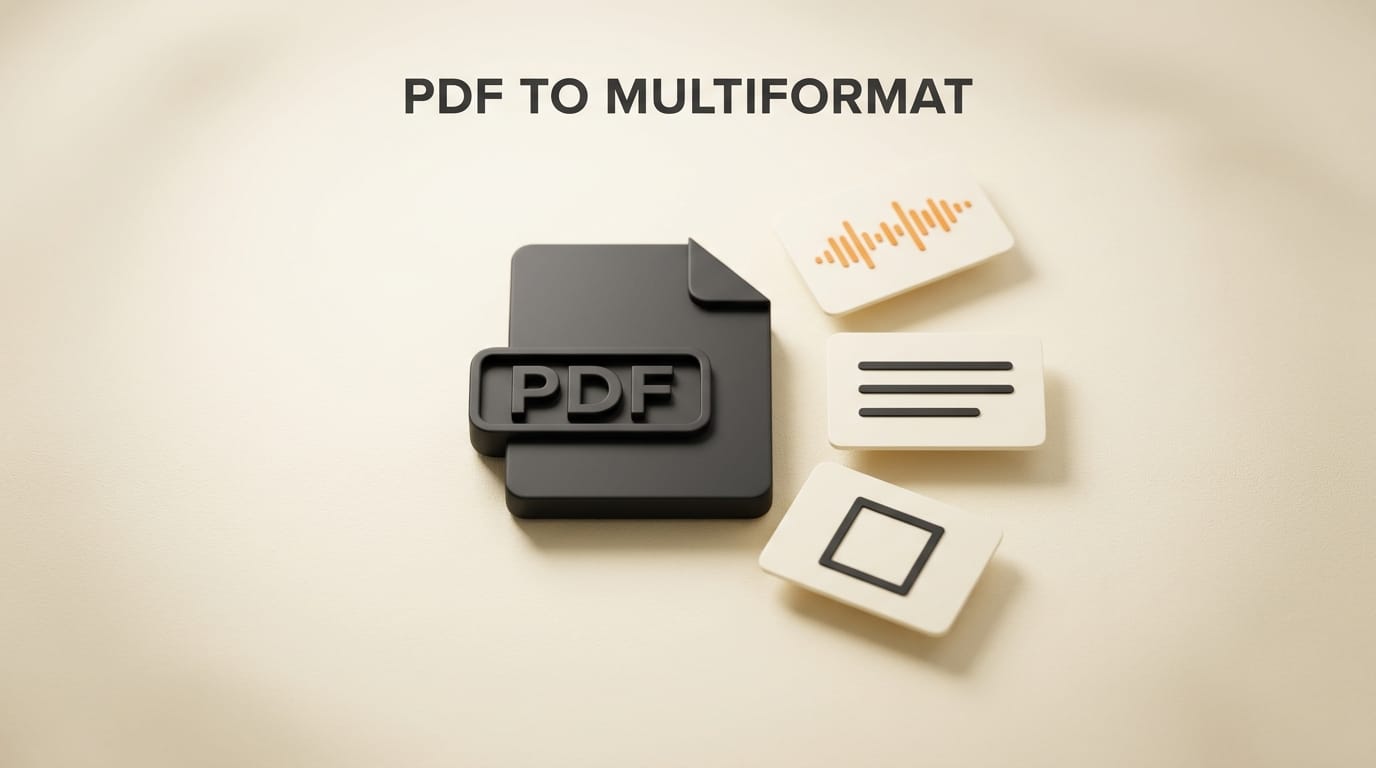
Adobe restructured its Acrobat lineup and embedded an AI productivity agent as a conversational layer inside the application. Users can chat with PDF content, generate summaries and titles, create audio overviews (podcast-style spoken summaries), and export documents as blog posts, presentations, or social media posts. A tone-matching feature analyzes an uploaded document and constrains all generated outputs to the same voice and style.
The agent ships across three new tiers:
- Acrobat Express: Entry-level with PDF chat, basic summaries, and limited document creation
- Acrobat Studio: Full repurposing suite including audio overviews, blog posts, presentations, and social content generation
- Adobe Acrobat AI Plans: All Studio features plus custom AI assistant tuning for specific brand voices or industry contexts
Adobe confirmed the agent is live as of May 6, not a future announcement. Existing Acrobat subscribers can access features based on their current plan tier, with upgrades available through Adobe's Acrobat plans page.
Why It Matters for Creators
Content repurposing is one of the highest-friction steps in any creator's production workflow. A 3,000-word research report that took a day to write can take another 2 to 4 hours to adapt into a newsletter section, LinkedIn article, podcast script, and five social posts. Adobe's agent collapses that into a single session inside the tool where the document already lives.
The audio overview feature has the most immediate impact for creators with podcast or video workflows. Rather than generating synthetic audio (which still requires recording and editing), Acrobat generates a structured narrative script: a 5 to 10-minute spoken-word outline with intro hook, key points, and a summary. Creators can use this as a podcast draft or a YouTube voiceover script without starting from a blank page. Combined with Adobe Express for visual asset creation, this gives creators a document-to-multiformat pipeline inside the Adobe ecosystem.
The tone-matching capability addresses one of the core failure modes of AI writing tools: output that sounds generic rather than consistent with an established voice. By analyzing sentence structure, vocabulary complexity, and tone markers from an uploaded document, the agent constrains all generated content to match that style. For brands managing multi-channel content, this reduces the editing overhead on AI-generated material significantly.
How It Compares to Existing Tools
Several tools already handle document-to-content workflows, but Adobe's integration is the first to combine PDF-native reading with multi-format output generation in a single interface. Tools like Notion AI work well for creators already inside Notion workspaces, but they require pasting or importing document content rather than reading PDFs natively. General-purpose LLMs like ChatGPT offer more prompt flexibility at the cost of more manual workflow setup.
| Feature | Adobe Acrobat AI | ChatGPT (with upload) | Notion AI | Otter.ai |
|---|---|---|---|---|
| PDF chat and Q&A | Yes (native) | Yes (file upload) | No | No |
| Blog post from document | Yes (one session) | Yes (manual prompt) | Yes (limited) | No |
| Audio overview / podcast script | Yes | No (native) | No | Transcription only |
| Presentation generation | Yes | No (native) | No | No |
| Tone matching to source doc | Yes | Manual prompt required | Limited | No |
| Social content generation | Yes | Yes (prompt) | Yes | No |
| Works inside existing PDF tool | Yes | No | No | No |
Step-by-Step: From PDF to Podcast Script and Blog Post

Here is a practical workflow for getting three content formats from a single document using the Adobe productivity agent:
- Open your document in Acrobat Studio. Upload any PDF: a client report, research paper, whitepaper, or a saved webpage export. The AI agent activates in the sidebar automatically.
- Run a PDF chat session to verify understanding. Ask the agent to summarize the document's three key findings and list any specific numbers or dates mentioned. Confirm the summaries are accurate before generating final output. This takes 60 seconds and catches any misreadings early.
- Set your tone reference (optional but recommended). If you have an existing article or newsletter that represents your voice, upload it as a tone reference. The agent will use it to constrain the vocabulary and style of all subsequent outputs.
- Generate the audio overview. Click "Create audio overview" from the agent menu. The output is a structured narrative script with a 2 to 3-sentence intro hook, 4 to 6 expanded key points, and a closing summary. For a 10-page source document, expect 700 to 1,000 words of script output.
- Generate the blog post. Ask the agent for a blog post version. Review the output against your tone reference. If the voice feels off, paste one of your own published posts into the session and ask it to revise with that style applied.
- Generate social posts. From the same session, request 5 LinkedIn posts and 5 short-form posts pulling the most data-specific claims from the document. Edit and schedule via your social tool of choice.
- Export and publish. All text outputs export as editable copy. Paste into your CMS, podcast script doc, or email client. No proprietary format lock-in.
What to Do Next
The agent is live now. If you are an existing Acrobat subscriber, log into your account and check which tier you are on. The full repurposing suite requires Acrobat Studio or above. The highest-leverage first use: take your 5 most-read long-form posts or documents from the last 6 months and run each through the audio overview generator. That back-catalog becomes a podcast episode queue or a YouTube script library with minimal editing.
For teams, the AI Plans tier's custom assistant tuning is worth evaluating if your team produces high-volume content. Tuning the assistant once to your brand voice reduces per-document editing time across all team members.
Frequently Asked Questions
Which Acrobat plans include the full AI productivity agent?
The audio overview, blog post, presentation, and social content generation features require Acrobat Studio or the Adobe Acrobat AI Plans tier. Acrobat Express includes PDF chat and basic summaries but not the full multi-format repurposing suite. Existing Acrobat Pro subscribers should check their plan to confirm which tier they fall under after Adobe's restructuring.
Does the agent generate actual audio files or just scripts?
Adobe's announcement refers to "audio overviews" without fully specifying whether the output is a rendered audio file or a text script formatted for reading aloud. Based on the feature description, the primary deliverable appears to be a structured narrative script. Creators should treat this as a starting point for podcast recording rather than a finished audio file.
Can it process non-PDF documents?
Acrobat can convert Word documents, PowerPoint files, and other formats into PDF before processing. The AI agent then works on the converted PDF. Native non-PDF input processing was not confirmed in Adobe's launch announcement. If your source material is not already a PDF, convert it first using Acrobat's built-in conversion tools.
How accurate is the tone-matching feature?
Tone matching analyzes writing patterns from a reference document including sentence length distribution, vocabulary register, and structural markers. Results vary depending on how distinctive and consistent the reference style is. For best results, use a long-form piece of 800 words or more that is representative of your established voice. Short or generic reference documents produce less differentiated outputs.
Is this available globally or US-only?
Adobe did not specify geographic restrictions in the May 6 launch announcement. Adobe's history of shipping features globally suggests broader availability than tools that launch US-only. Log into your Acrobat account and check the AI features section to verify access in your region.
Does this replace tools like Otter.ai or Notion AI?
For creators who primarily work with PDF-based documents, Adobe's agent consolidates several separate tools into one interface. However, Otter.ai specializes in live audio transcription from meetings and interviews, which Adobe's agent does not handle. Adobe's advantage is native PDF integration: it reads the document as a PDF tool, not as a generic AI that receives pasted text.





