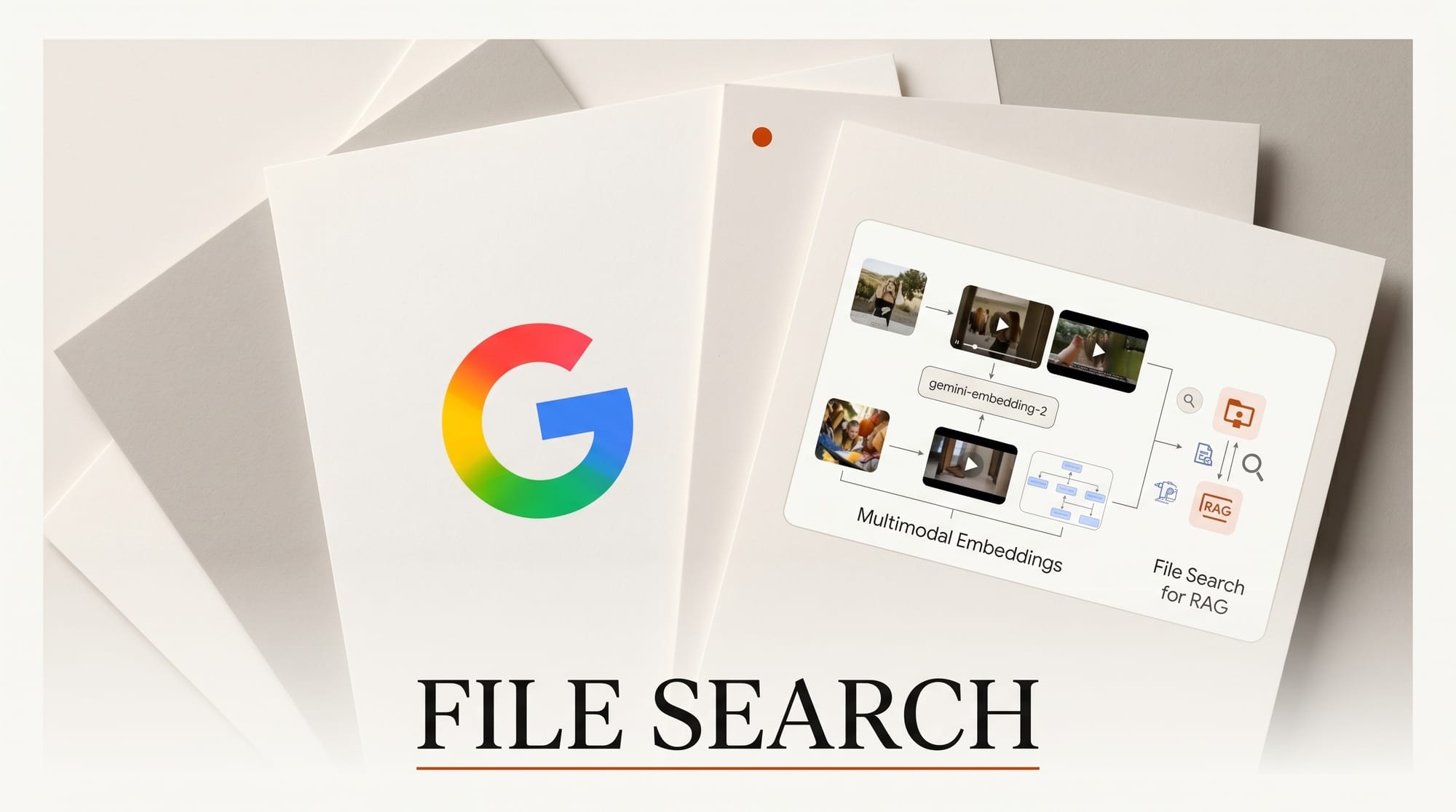
Google updated the Gemini API's File Search tool today to handle native multimodal retrieval, adding image search capabilities powered by the gemini-embedding-2 model. The change is live now in Google AI Studio and the paid Gemini API tier.
What Happened
The File Search tool previously indexed and retrieved text documents for retrieval-augmented generation (RAG) workflows. The May 5 update extends that to images: developers can now upload image files, embed them using gemini-embedding-2, and retrieve them by visual semantic similarity alongside text. Citation metadata also expanded to include visual identifiers and page location references, so AI-generated answers can now point back to a specific image or diagram, not just a text passage.
Why It Matters
Most AI creative tools search your files by metadata: file names, tags, or captions someone typed in manually. This update enables search by what images actually look like.
Gemini Embedding 2 maps text, images, video, and audio into a shared semantic space. An AI assistant built on it can find images visually similar to a reference example, match a mood board aesthetic to past work, or surface all assets containing a specific visual element, without manual tagging required.
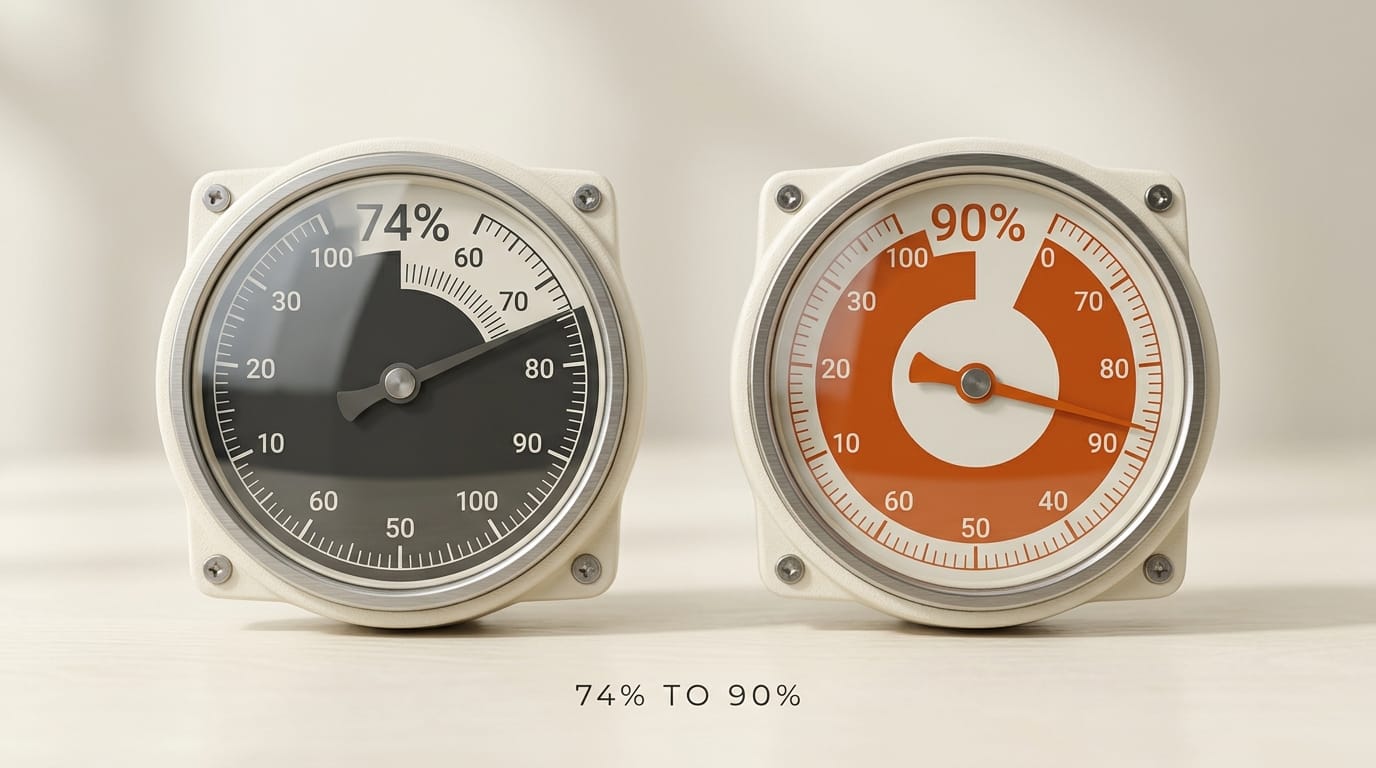
Google cited Nuuly, URBN's clothing rental company, as an early adopter: their visual search tool powered by gemini-embedding-2 improved product identification accuracy from 74% to over 90% by matching untagged warehouse photos against a product catalog.
Key Details
- Model: gemini-embedding-2 processes up to 6 images, 8,192 text tokens, 120 seconds of video, and 180 seconds of audio in a single request
- Citation metadata: Now returns visual identifiers and page coordinates so AI answers can trace back to specific images or diagrams
- Cost: 50% lower via the Batch API for high-volume pipelines
- Access: Available in Google AI Studio and via the Gemini API paid tier today
- Dimensions: Supports 3,072 dimensions, reducible to 768 for faster retrieval at scale
The full developer guide with code examples is at developers.googleblog.com.
Creator Outcome: What to Build With This
Three workflows where multimodal file search opens new options for creative teams:
- Visual asset retrieval: Upload a design library or reference photo collection. Query by describing the image or uploading an example. No filename conventions or tagging required.
- Style-aware search: Build a creative AI assistant that finds past work matching a client's aesthetic by visual similarity rather than keyword tags.
- Mixed-document RAG: Combine pitch decks, mood boards, and written briefs in one retrieval index. The AI can cite a specific slide or diagram when answering questions.
The developer guide on dev.to has step-by-step Colab notebooks to get started today.
How to build a multimodal RAG pipeline with Gemini File Search
The 30-minute setup for visual semantic search on your own asset library:
- Open Google AI Studio and create a File Search corpus
- Upload images and text via the API or UI (the multimodal corpus accepts both)
- Embed with gemini-embedding-2 automatically when uploaded
- Query with text or an image reference; the API returns visually similar results
- Use the citation metadata to ground AI assistant answers in specific images and pages
The Nuuly case study is the clearest production example: their visual search tool improved product identification accuracy from 74 percent to over 90 percent by matching untagged warehouse photos against a product catalog. That is the order-of-magnitude lift this enables for any asset library where manual tagging is the bottleneck.
How Gemini File Search compares to Pinecone and Weaviate for visual RAG
| Capability | Gemini File Search | Pinecone | Weaviate |
|---|---|---|---|
| Native image embedding | Yes (gemini-embedding-2) | No (bring your own) | Yes (img2vec module) |
| Multimodal index | Text + image + video + audio | Vectors only | Text + image (modules) |
| Citation metadata | Visual identifiers + page coords | Custom metadata only | Custom metadata only |
| Setup complexity | Low (managed) | Low (managed) | Medium (Docker or Cloud) |
| Pricing model | Per-token + per-storage | Per-pod or serverless | Per-cloud-instance |
| Best fit | Multimodal corpora needing citations | Pure-vector at scale | Self-hosted multimodal |
Pricing math for production pipelines
Gemini File Search pricing follows the broader Gemini API model: per-token for embedding and retrieval, plus per-storage for the indexed corpus. The 50 percent Batch API discount makes high-volume indexing economical for catalogs with 10,000+ images. For a typical creator-tool workflow indexing 5,000 product images plus 50,000 text passages, expect monthly costs in the $20-60 range at standard tier and $10-30 at Batch tier.
The 768-dimension reduction option (down from 3,072) cuts retrieval latency and storage cost roughly 4x with minimal quality drop for most use cases. For latency-sensitive applications (live chat assistants, real-time visual search), use 768. For maximum quality on subtle visual distinctions, keep 3,072.
What this enables for working creators
Practical use cases where visual RAG via Gemini File Search beats traditional metadata search:
- Brand asset libraries: "Find all images that match this mood board reference" without manual tagging
- Stock photo curation: "Find photos with similar lighting to this client example" across thousands of untagged shots
- Design system component lookup: "Find all UI screens with this color palette and dark mode" across past projects
- Video b-roll retrieval: "Find clips with similar camera movement to this reference" for video editors
- Product catalog matching: Untagged inventory photos matched against canonical product imagery (the Nuuly use case)
Frequently asked questions
What is the difference between Gemini Embedding 1 and 2?
Gemini Embedding 2 maps text, images, video, and audio into a shared semantic space; Embedding 1 was text-only. Embedding 2 supports up to 6 images, 8,192 text tokens, 120 seconds of video, and 180 seconds of audio in a single request. The shared semantic space is what makes cross-modal retrieval (find images by text query) work natively.
Can I use Gemini File Search for free?
The feature is available in Google AI Studio (free) and the paid Gemini API tier. Google AI Studio has rate limits suitable for testing. Production-volume use requires the paid tier with metered per-token pricing.
How does this compare to OpenAI's vector retrieval API?
OpenAI's File Search (introduced in the Assistants API) handles text-only retrieval. As of May 2026, OpenAI does not offer a native multimodal embedding API matching Gemini Embedding 2's text + image + video + audio coverage. Pipelines requiring visual semantic search must use Gemini, Pinecone with CLIP, or Weaviate with img2vec on OpenAI infrastructure.
Is the citation metadata accurate enough for production AI assistants?
Visual identifiers and page coordinates are returned in the structured response. Accuracy depends on image quality and corpus coherence. For typical product catalogs and design asset libraries, citation accuracy is high enough for production AI assistants to ground answers in specific images. For dense charts or text-heavy diagrams, accuracy drops; pair with OCR for those.
Can I combine Gemini File Search with my existing vector database?
Yes. Use Gemini Embedding 2 to generate embeddings, then store them in Pinecone or Weaviate alongside your existing vectors. This combines Gemini's multimodal embedding quality with vector-database-native query patterns. Trade-off: you lose the built-in citation metadata, which you would need to track manually.
What to try this weekend
Pick one asset library you maintain by hand: brand kit, stock photo collection, product catalog, design system screens. Upload 50 representative items to a Gemini File Search corpus, embed with gemini-embedding-2, and run 5 visual queries. If the top-3 results match what you would have manually retrieved, the workflow replaces your tagging system. If results are off, the gap tells you what dimension your corpus needs more coverage on.





