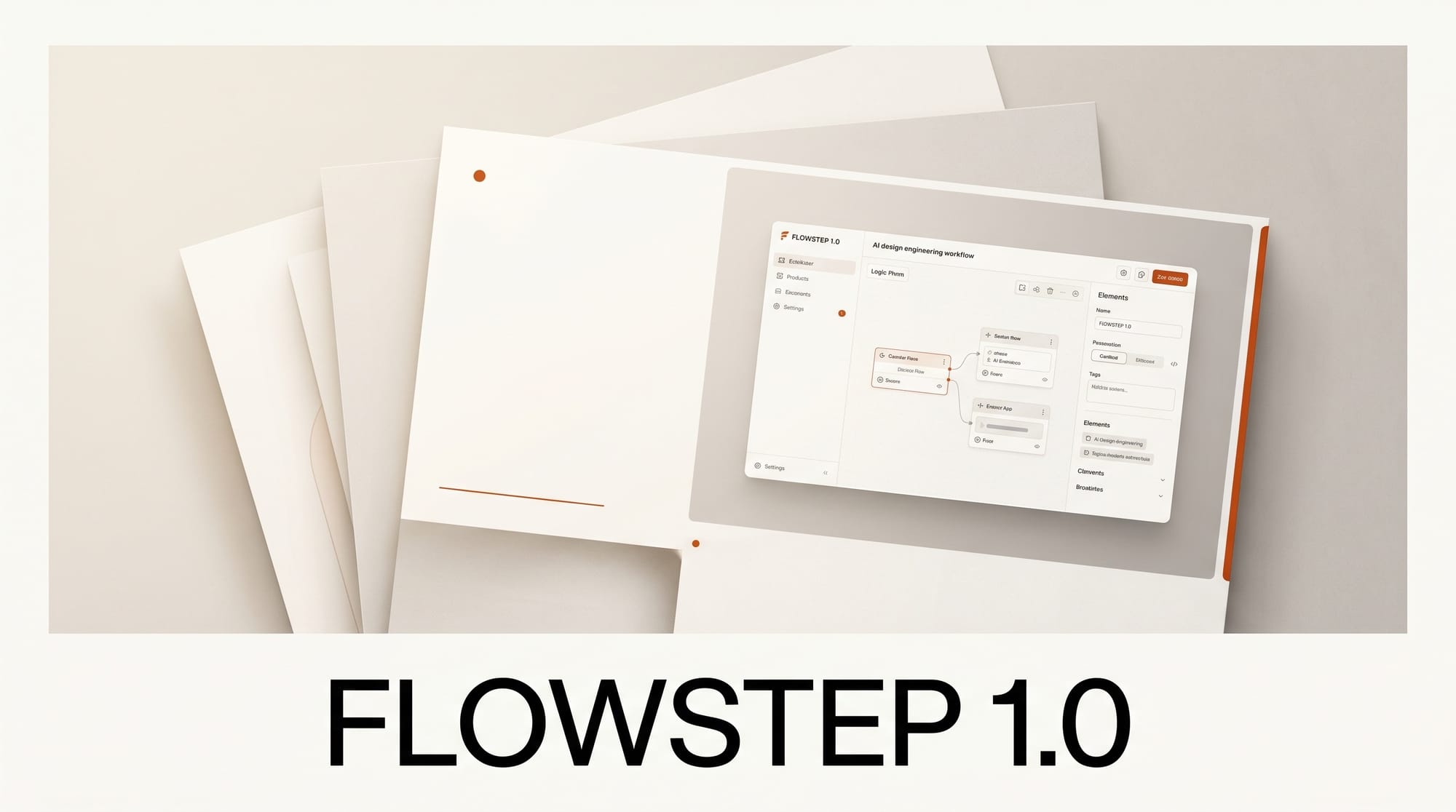
Flowstep 1.0 launched on Product Hunt on May 5, 2026, pitching itself as an AI design engineer that goes from a text prompt to production UI on an infinite canvas. The pitch is short: chat with Flowstep like you would a designer, and it returns full screens you can edit, copy-paste into Figma, or export as clean React, TypeScript, and Tailwind CSS. The product also accepts PDFs, images, and links as references so you can ground a session in an existing brand or competitor screen.
Try it: Generate and ship one screen today
The fastest 30-minute test is to open flowstep.ai, prompt one full-flow screen ("settings page for a billing dashboard, three plans, dark mode, our brand color is #1F6FEB"), then take the two finishing moves Flowstep is built around. First, hit Cmd+C and paste directly into Figma to keep the design where your team reviews. Second, export the React/Tailwind code and drop it into a fresh route in your Next.js or Vite project. If the output runs without edits, Flowstep replaces a chunk of the design-to-handoff loop. If it does not, the gap tells you exactly which part of your stack the model has not seen.
Why It Matters
The category is filling fast. Wonder shipped its design agent in public alpha on April 30, and Figma Make added voice prompts and a Zapier connector the same week. Flowstep's pitch is narrower than either: it is not trying to replace Figma or run a multi-step agent loop, it is trying to be the prompt-to-component layer that drops into both, similar to how Anima positioned itself for the design-to-code handoff before generative AI tools took over the category. For freelancers shipping landing pages and small product teams without a dedicated designer, that narrower focus matters more than feature breadth, because the win is closing the gap between "describe screen" and "ship screen."
Key Details
The free tier covers basic generation; paid tiers unlock more screens per month and team collaboration with synchronized edits, per the Product Hunt listing. Code output targets the React, TypeScript, and Tailwind stack only, with no Vue, Svelte, or vanilla CSS option at launch, which keeps the model focused but limits adoption outside that ecosystem. Documentation lives at intercom.help/flowstep/en. Multi-screen flows are a single prompt rather than a chain, which is the differentiator from canvas-only tools like Figma Make: you ask for "onboarding flow with 4 screens" and get all 4 back at once.
What to Do Next
If you spend any time turning Figma into code, run the same component spec through Flowstep and your current AI tool side-by-side and compare what survives the import. Watch two things: how the model handles your design tokens (does it pick up the brand color from a reference, or fall back to defaults?) and how clean the exported component tree is (one big div soup, or sensible component boundaries you can name?). Those two answers tell you whether Flowstep is a real shortcut for your workflow or just a faster way to get to the same hand-tuning step.
How Flowstep compares to Wonder and Figma Make
Three AI design tools shipped major milestones in 10 days: Flowstep 1.0, Wonder public alpha, and Figma Make's voice + Zapier connector update. Each takes a different position on the prompt-to-UI workflow. Side-by-side comparison for working freelancers and small product teams:
| Capability | Flowstep 1.0 | Wonder (public alpha) | Figma Make |
|---|---|---|---|
| Code export | React + TypeScript + Tailwind | React + Tailwind, configurable | None (stays in Figma) |
| Figma copy-paste | Yes, native Cmd+C | Yes, via plugin | Native (built-in) |
| Reference inputs | PDFs, images, links | Images, screenshots | Voice prompts + images |
| Workflow position | Prompt-to-component layer | Multi-step design agent | Inline Figma assistant |
| Free tier | Yes (basic generation) | Yes (alpha access) | Bundled with Figma |
| Best fit | Solo devs shipping landing pages | Designers wanting agent loops | Existing Figma teams |
Workflow integration: where Flowstep fits in a real shipping pipeline
Flowstep is best understood as the bridge between two tools you already use, not a replacement for either. The fastest production workflow for a freelance front-end developer in 2026:
- Prompt Flowstep with a screen description plus brand color and reference URL or PDF
- Iterate in Flowstep's infinite canvas until layout, type, and spacing are 80 percent correct
- Cmd+C to Figma if your team reviews designs there, OR export React/Tailwind code if shipping straight to a Vite or Next.js repo
- Drop the exported code into a fresh route, fix the API integration boundary, and ship
The workflow saves the design-to-handoff loop, which is typically 1 to 3 hours per screen depending on complexity, down to roughly 15 to 30 minutes including review iterations.
Pricing math for freelancers + small teams
Flowstep's pricing matters most for freelancers shipping multiple landing pages per month. The free tier covers basic single-screen generation, sufficient for testing. The paid tiers (announced via the Product Hunt listing but unconfirmed final pricing as of May 5) target small teams needing collaboration and higher screen volume. For comparison, Wonder's alpha is free during the beta period, and Figma Make is bundled with any Figma subscription starting at $15 per month.
Frequently asked questions
Is Flowstep ready to replace Figma in 2026?
No, and that is not its pitch. Flowstep is positioned as the prompt-to-component layer that drops INTO Figma via Cmd+C, not as a Figma replacement. For final design polish, design-system maintenance, and team review, Figma remains the canonical tool. Flowstep accelerates the first 60 to 80 percent of the screen-build phase.
How does Flowstep compare to v0 by Vercel?
v0 ships React component code from prompts but does not include the infinite canvas iteration model or native Figma integration. Flowstep's positioning targets the design-to-code handoff specifically, where v0 targets the code-first workflow. Designers and design-conscious developers will likely prefer Flowstep, while pure backend or full-stack developers building admin UIs may find v0 a closer fit.
What frameworks does Flowstep export?
React, TypeScript, and Tailwind CSS are confirmed at launch. Other framework targets (Vue, Svelte, plain HTML) have not been announced. The exported code is plain JSX without proprietary runtime wrappers, so porting to other frameworks is straightforward but not automated.
Can Flowstep edit existing UI screens, or only generate new ones?
Per the Product Hunt listing, Flowstep handles iterative editing within the infinite canvas (continue prompting after the initial generation). Importing an existing screen as a starting point requires uploading a screenshot or design reference; direct Figma file import is not currently supported, only export from Flowstep to Figma.
How much does Flowstep cost in 2026?
The free tier covers basic single-screen generation. Paid tiers (pricing not finalized at launch) unlock more screens per month and team collaboration with synchronized edits. Compared to Wonder (free alpha) and Figma Make (bundled with $15/month Figma plan), Flowstep is positioned in the mid-tier paid-tool category. Final pricing details available at flowstep.ai/pricing.
What to try this weekend
Pick one project you have not finished because the design step is slow. Open Flowstep, paste a screenshot of a similar screen as the reference, prompt it with your brand color and copy, then iterate three times. If the third iteration is shippable, Flowstep is in your stack permanently. If not, the gap tells you exactly which design constraint your stack needs to formalize before AI design tools can help.





