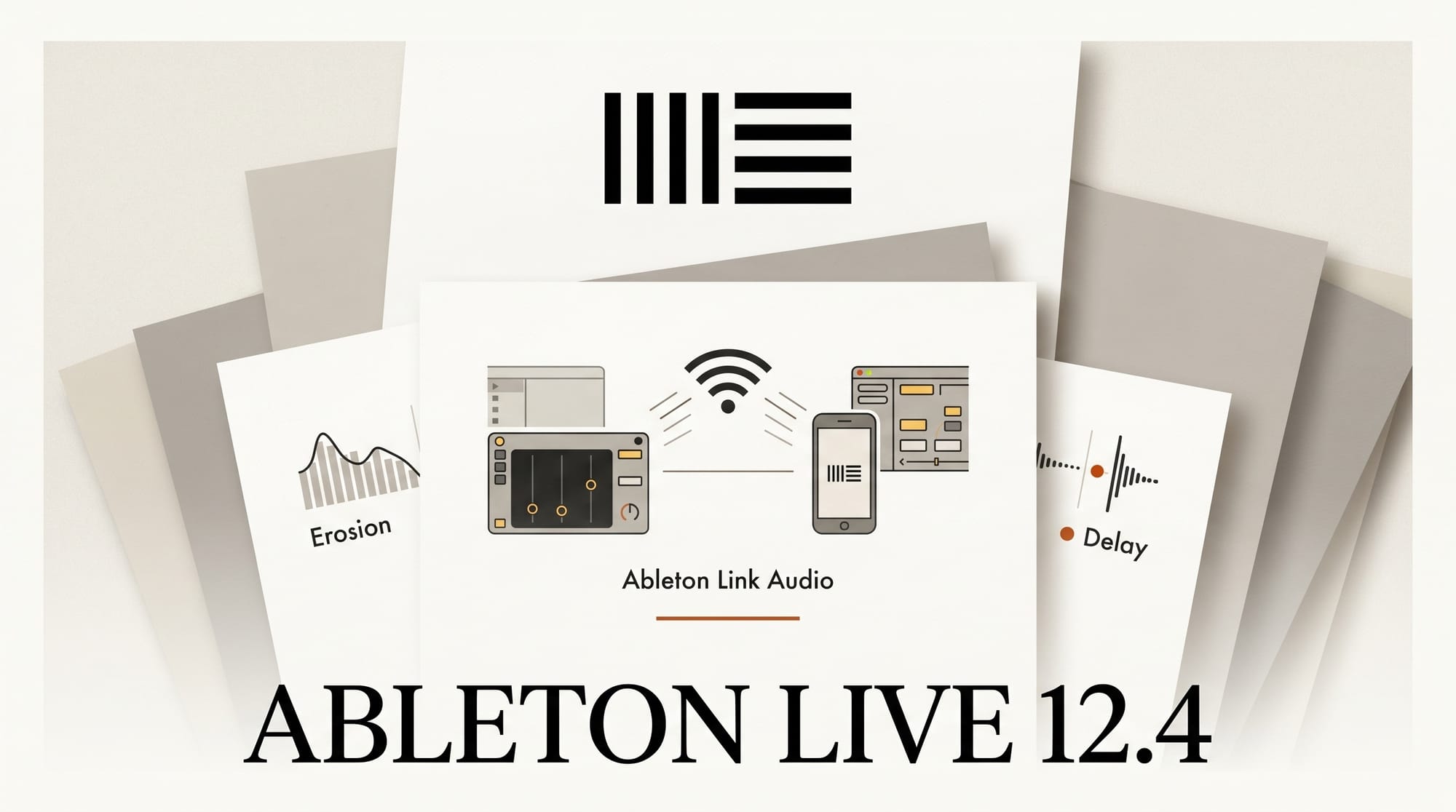
Ableton Live 12.4 shipped on May 5, 2026, as a free update for all Live 12 license holders. The standout addition is Link Audio, a new feature that streams audio wirelessly between two devices on the same local network without any additional hardware. Alongside it: overhauled Erosion, Chorus-Ensemble, and Delay devices; stem separation on time selections; and a new Learn View that replaces the Help panel.
Link Audio: Wireless Audio Between Devices
Link Audio lets two machines running Live 12.4 share audio channels over Wi-Fi or Ethernet. No additional audio interface is needed to route sound between them. One machine acts as a host, the other joins the session, and audio flows between them in real time.
For studio producers, the practical uses are immediate: run your sample processing or CPU-heavy effects on a dedicated desktop while sequencing on a laptop, use an iPad running Live as a second audio router in your setup, or let two producers working side by side send audio between their separate machines without physical cabling. Ableton recommends wired Ethernet for live performance situations where latency is critical. Wi-Fi handles most studio work where a few milliseconds of additional delay is acceptable.
Note: Link Audio is distinct from Ableton Link, the existing protocol that syncs tempo and timeline between apps. Link Audio handles audio routing, not just clock sync.
Erosion: Spectrum View and New Blending Options

Erosion is Live's bit-reduction and digital distortion effect. The 12.4 update adds a built-in spectrum analyzer that shows which frequency ranges you are affecting in real time. A new Stereo blending mode applies the effect differently to the left and right channels independently. A Sine wave mode joins the existing Noise and Sawtooth options.
The spectrum view changes how Erosion is useful. Instead of auditioning different amounts of distortion by ear alone, you can see exactly where the effect is landing and dial it back before it becomes too obvious. This makes subtle lo-fi texture work, glitch layering, and controlled digital degradation significantly more precise.
Chorus-Ensemble and Delay Updates
Chorus-Ensemble receives enhanced delay control that lets you dial in modulation timing more precisely. Delay adds new LFO modes and waveforms, expanding its modulation range beyond the standard sine wave option.
These are not headline-grabbing additions, but they matter for sound design work. Delay in particular has been a core Live device for years; the new LFO shapes open up modulation patterns that previously required routing an external LFO into the device.
Stem Separation Gets Time Selection Support (Suite)
Live 12 Suite's stem separation splits an audio clip into four layers: drums, bass, melody, and vocals. Before 12.4, this required running on a full clip. The update adds support for running separation on a time selection within a clip, and lets you combine multiple separated stems back into a single output.
The workflow change is meaningful. Instead of processing an entire two-minute sample to get at a four-bar drum section, you can highlight just that section, separate the drums, process them, and mix them back in. It brings stem separation into the kind of tight, iterative production loop that Live is built around.
Learn View Replaces Help Panel
The Help View panel is replaced by Learn View, which embeds video tutorials directly inside the application alongside the existing text documentation. A progress tracker lets you mark topics complete as you work through them.
For experienced producers, this change is invisible. The panel can stay collapsed. For anyone new to Live, it removes one more reason to leave the application and search for a tutorial on a specific device or workflow.
Push 3 and Move 2.0 Updates
Push 3 in Standalone mode can now map external MIDI controllers without connecting to a computer. Custom control script management is also added, making it easier to run third-party hardware alongside Push in a live rig.
Move 2.0 and Note 2.0 gain audio recording capability (both were MIDI-only sketch devices before), pitch-preserving tempo warping, and two new effects: Auto Shift for pitch correction and the updated Erosion. These updates bring Move and Note significantly closer to full production tools rather than idea-capture devices.
What Changed from Live 12.3
| Feature | Before 12.4 | Live 12.4 |
|---|---|---|
| Audio routing between devices | Hardware interface required | Link Audio over Wi-Fi or Ethernet |
| Erosion monitoring | Audio only | Real-time spectrum analyzer |
| Stem separation scope | Full clip only (Suite) | Time selections + combining stems (Suite) |
| Help panel | Text documentation only | Video tutorials + progress tracking |
| Push MIDI mapping | Requires laptop connection | Available in Standalone mode |
| Move / Note recording | MIDI only | Audio recording + pitch warping |
| Delay modulation | Sine LFO only | Multiple LFO modes and waveforms |
Three Things to Try First
Live 12.4 installs automatically on next launch for all Live 12 license holders (Intro, Standard, and Suite). You can trigger the update manually in Live's preferences. If you are not yet on Live 12, a free 90-day trial is available at ableton.com.
- Set up a Link Audio session. If you have two machines running Live, open Link Audio on one and join from the other. Route a channel between them and monitor the latency. This is the fastest way to understand what the feature adds to your setup.
- Open Erosion on any audio track and enable the spectrum view. Load a drum loop or pad, add Erosion, and slowly increase the bit reduction while watching the analyzer. The visual feedback changes how you use the device.
- Run stem separation on a time selection (Suite only). Pick a long sample with a clear drum section, highlight four bars, and separate that region. Process the drum stem and mix it back. This demonstrates why time-selection scope matters for real production work.
Related: Claude for Music Producers: Ableton, Splice, and Workflow in 2026 and AI Music + Audio 2026: The Complete Producer Guide.
Frequently Asked Questions
Is Ableton Live 12.4 a free update?
Yes. Live 12.4 is a free update for all Live 12 license holders (Intro, Standard, and Suite). It installs automatically on next launch or manually through Live's preferences.
Does Link Audio require extra hardware?
No. Link Audio uses your existing Wi-Fi or Ethernet network. Ableton recommends wired Ethernet for live performance to minimize latency. Wi-Fi is sufficient for most studio workflows.
What is the difference between Link Audio and Ableton Link?
Ableton Link syncs tempo and timeline position between apps and devices; it has been part of Live for years. Link Audio, new in 12.4, routes actual audio channels between two machines. They are separate features that work independently.
Is stem separation available in all Live editions?
Stem Separation is a Live 12 Suite-only feature. The time-selection scope improvement in 12.4 applies to Suite users only. Live Intro and Standard do not include stem separation.
Do Move and Note users need to do anything extra to get the 12.4 updates?
Yes. Move 2.0 and Note 2.0 receive the audio recording, warping, and Erosion updates via a firmware update available through the Ableton app. Updating Live on your computer alone is not enough for hardware-specific features.
Can Link Audio connect Live to non-Ableton software?
Link Audio in 12.4 connects two instances of Ableton Live, or Live and an iPad running Live. It is not a general inter-app audio protocol. For routing between Live and other DAWs, a virtual audio driver such as BlackHole on macOS remains the standard approach.





