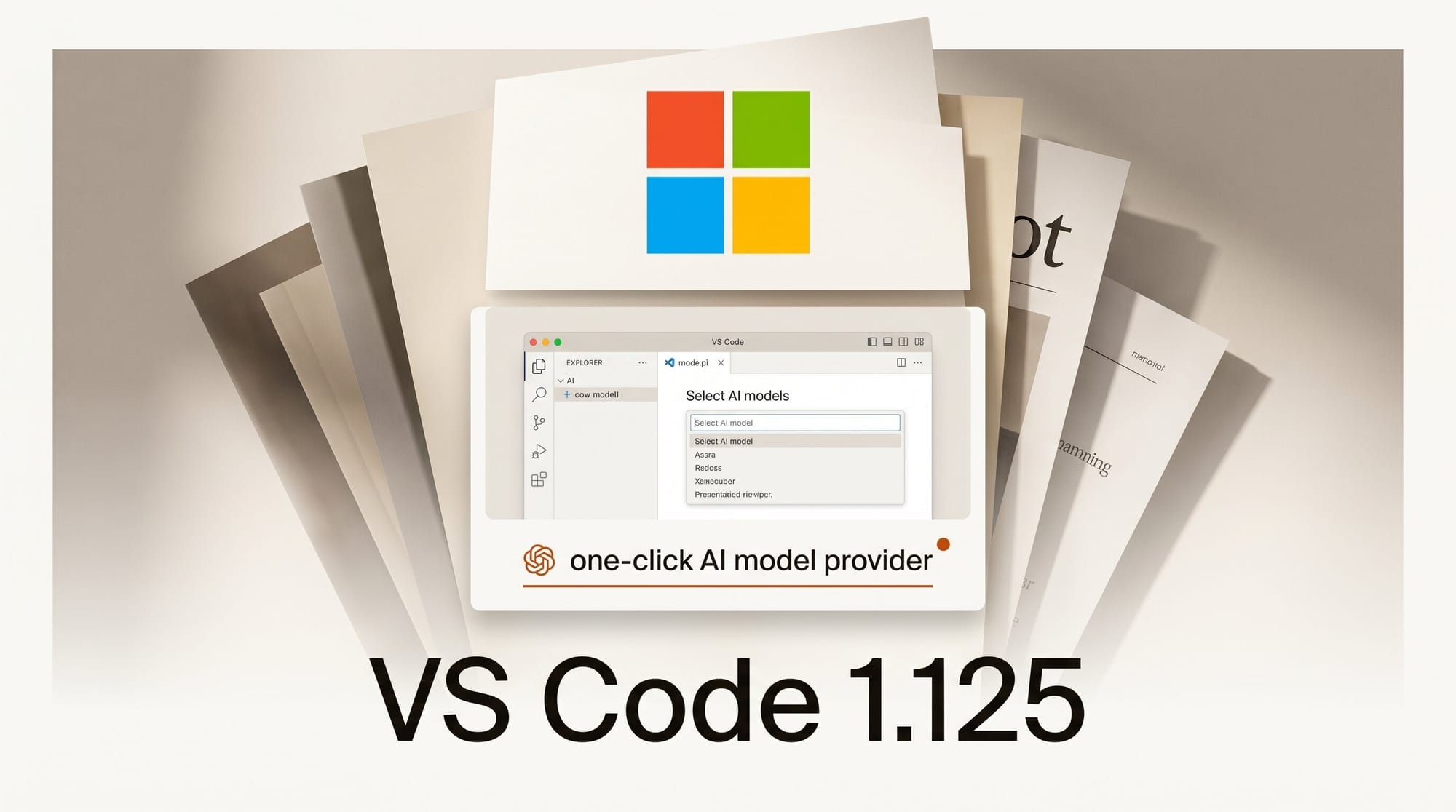
Microsoft shipped Visual Studio Code 1.125 on June 17, 2026, and the release leans hard into AI workflows. The headline changes for anyone building with large language models: a one-click way to install third-party model providers, a live Copilot budget meter inside the status dashboard, and managed Copilot policies that organizations can push through device management. For creators who lean on agents and code generation every day, these are quality-of-life upgrades that touch both cost control and which model sits behind the cursor.
What Happened
The June update adds an "Install Model Providers" button to the Language Models editor. Instead of only bringing your own API key, you can now discover and install extensions that contribute model providers directly from VS Code, making it faster to wire in models like Claude or other hosted LLMs alongside Copilot. The language models documentation covers how providers and bring-your-own-key setups now coexist in the same picker.
Why It Matters
Cost visibility is the practical win. The status dashboard now shows the percentage of your additional Copilot budget you have consumed, so you can spot overage before it lands on the bill. That follows the broader shift to usage-based Copilot billing, where every premium request counts against a quota. GitHub's usage and entitlements guide explains how the numbers behind that meter are calculated.
Key Details
Beyond the model picker, agents now receive corrected URLs when accessing forwarded ports in remote workspaces, fixing a long-standing problem where an agent could not open a browser preview over a remote connection. Enterprise admins get native Copilot policy delivery on Windows and macOS, so configuration no longer depends on per-user sign-in. The editor also gains an integrated browser with web search and secure remote proxying, configurable extension auto-update delays defaulting to two hours, and Language Server Protocol support bumped to version 3.18. The full language model integration remains the place to confirm which providers your team can enable. None of these are flashy features, but together they make VS Code a steadier base for running long, multi-step agent sessions where a stray browser preview or a runaway request quota used to derail the work.
What to Do Next
Open the Language Models editor, click Install Model Providers, and add the model you actually want to drive your agent sessions rather than defaulting to the bundled option. Check the budget percentage in the status dashboard before a long agent run so a single session does not burn your monthly allotment. If you maintain an extension, the Language Model API guide shows how to contribute your own provider so other VS Code users can install it the same way.





