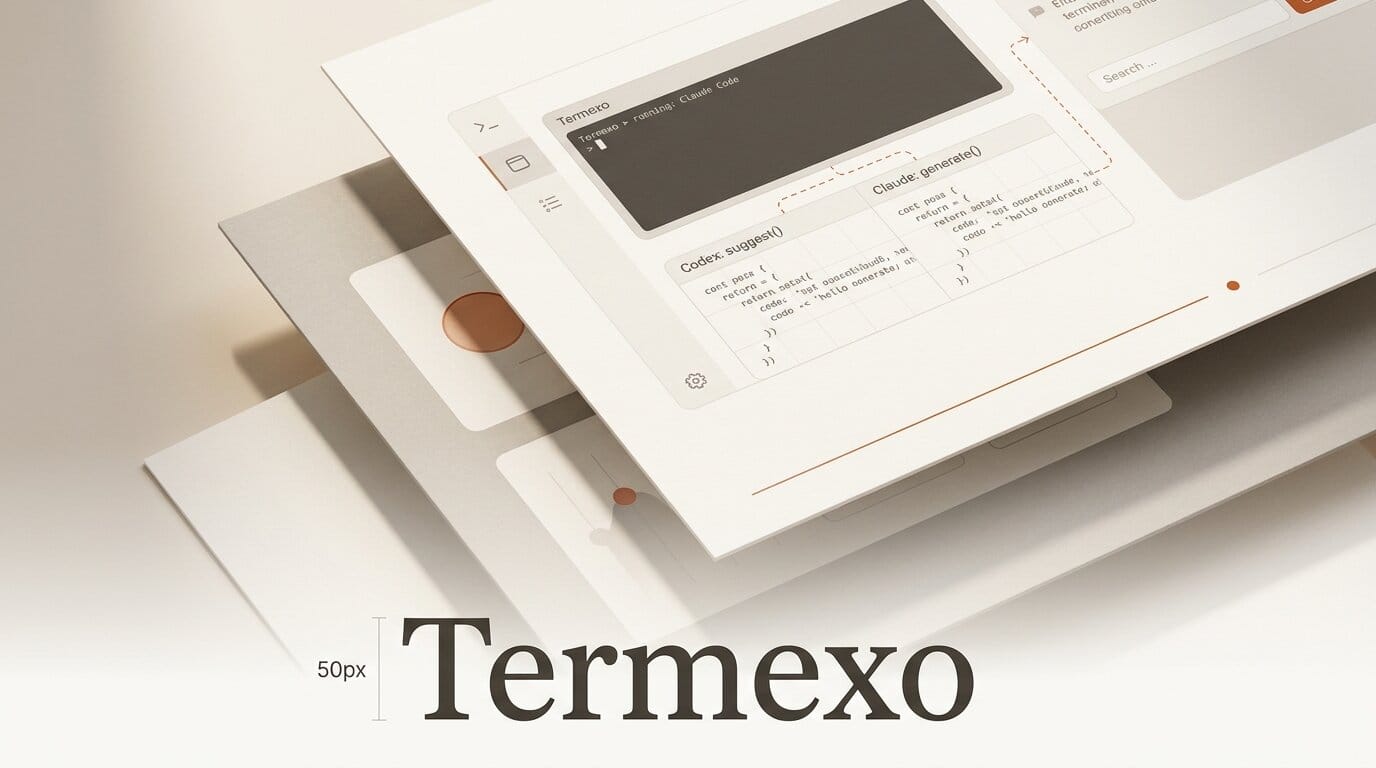
Developers running more than one AI coding agent on Windows have a new way to keep them organized. Termexo, a local workbench that puts Claude Code, Codex, and other agents in a single grid of terminals, launched on August 2, 2026. It is free, needs no account, and starts with one command.
What This Enables
Instead of hunting through scattered console windows, Termexo arranges real PTY terminals in a customizable grid of up to six rows or columns, so you can watch several agents at once. It sends real-time status notifications when an agent is thinking, waiting, or needs approval, letting you jump straight to the one that is blocked. Sessions persist and resume across projects, and you can switch model profiles across Anthropic, DeepSeek, MiniMax, and GLM without rebuilding environment variables.
Why It Matters for Builders
Parallel agent workflows are becoming normal: one agent writes tests while another refactors. On Windows, juggling those sessions has meant a mess of console tabs. Termexo treats the multi-agent terminal as its own surface, the same shift that per-agent model routing brought to editors in our Cursor Router coverage. Storing API keys in Windows Credential Manager also keeps them out of plaintext environment files.
Windows developers have often been second-class citizens in the coding-agent tooling wave, where the polished terminals and wrappers tend to ship for macOS first. A native Windows workbench that speaks PTY, MCP, and multiple model providers closes part of that gap without asking anyone to move to WSL or a different shell.
Key Details
Platform: Windows 10 and 11 only.
Agents: Claude Code and Codex CLI, plus MCP and native PTY support.
Install: Run npx termexo@latest, no sign-up required. The package is on npm and the source is on GitHub.
Price: Free, version 0.3.10 at launch.
What to Do Next
If you already run Claude Code and Codex side by side on Windows, install Termexo and set up a two-column grid to test the approval notifications. Teams standardizing on multiple providers can use the model-routing profiles to compare Anthropic, DeepSeek, and GLM on the same task without reconfiguring their shell each time.





