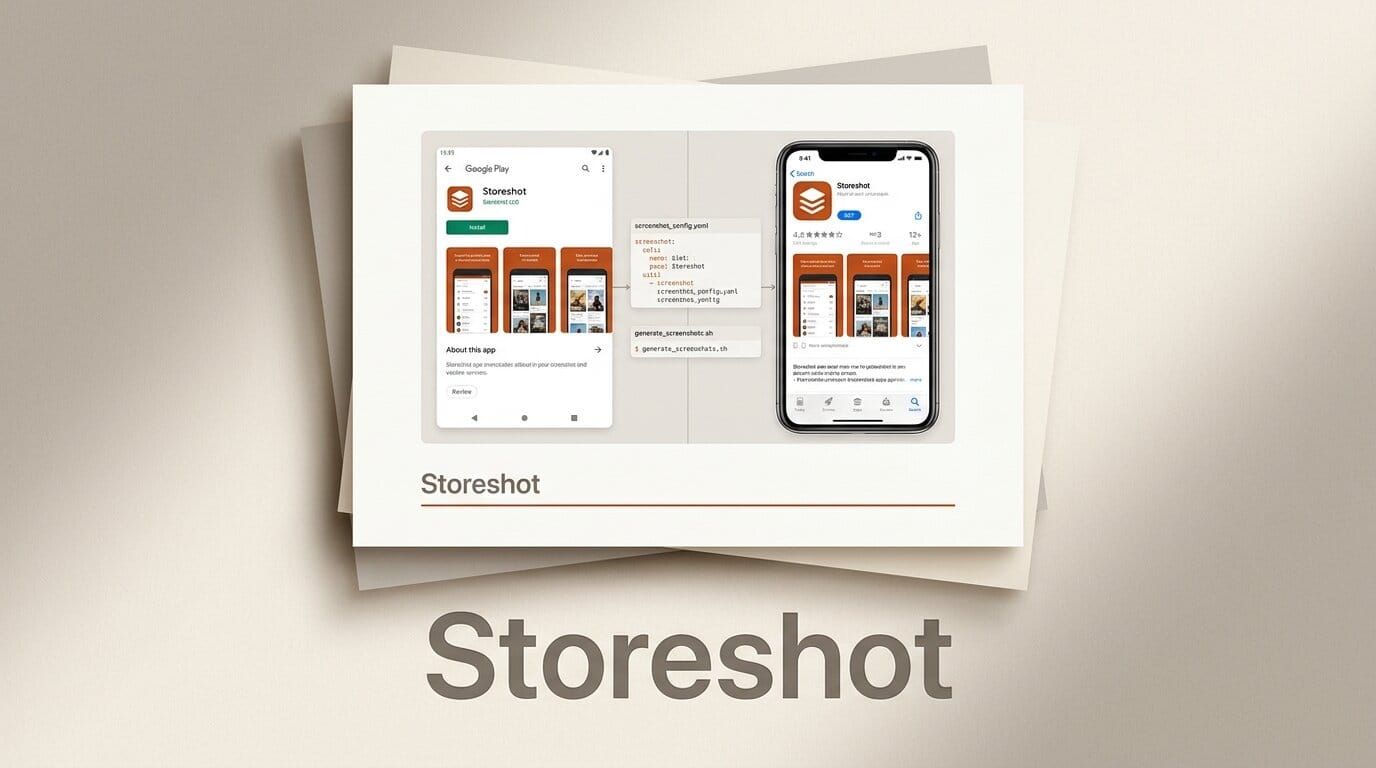
Storeshot is a new open-source tool that generates App Store and Google Play screenshots from a single config file, and it is explicitly built so AI agents can drive it. Released on GitHub under an MIT license by developer thiagoperes, it captures app screens, frames them in device bezels, layers on marketing copy, and validates the output against each store's exact requirements, all from one npx storeshot command.
What Happened
Store screenshots are one of the most tedious parts of shipping an app: every platform demands precise pixel dimensions, no alpha channels, and files under 8 MB, and you often need a dozen localized variants. Storeshot collapses that busywork into one command. You define your screens, captions, themes, and capture sources in a TypeScript config, and the tool produces store-ready assets. The full project is on GitHub.
Why It Matters
The differentiator is that the entire configuration lives in a single file, which makes it trivially editable by an AI coding agent. Instead of hand-tweaking a design tool, you can point Claude Code or Cursor at the config and have it adjust screens, rewrite captions, or regenerate a whole localized set. It also enforces the platform rules that usually cause store rejections, checking against Apple's screenshot specifications and Google Play's asset requirements so you do not bounce off the review queue.
Key Details
- Multiple capture sources: iOS Simulator, Android emulator, a headless browser via Playwright, or pre-made PNGs.
- No browser needed for native apps: composition is handled by the Sharp image library, with Pango-based text rendering for captions.
- Localization aware: captions wrap and rebalance to fit so nothing overflows across languages.
- Requirements: Node 20 or newer, MIT licensed, runs locally with cached device frames and no subscriptions.
What to Do Next
If you ship mobile apps or build them with AI agents, Storeshot is worth a test run on your next release. It is early (1 GitHub star at launch), so treat it as a promising utility rather than a settled pipeline, but the single-config, agent-drivable design is a genuinely useful shape for anyone tired of resizing screenshots by hand. Clone the repo, define one screen, and run npx storeshot to see the framed output.





