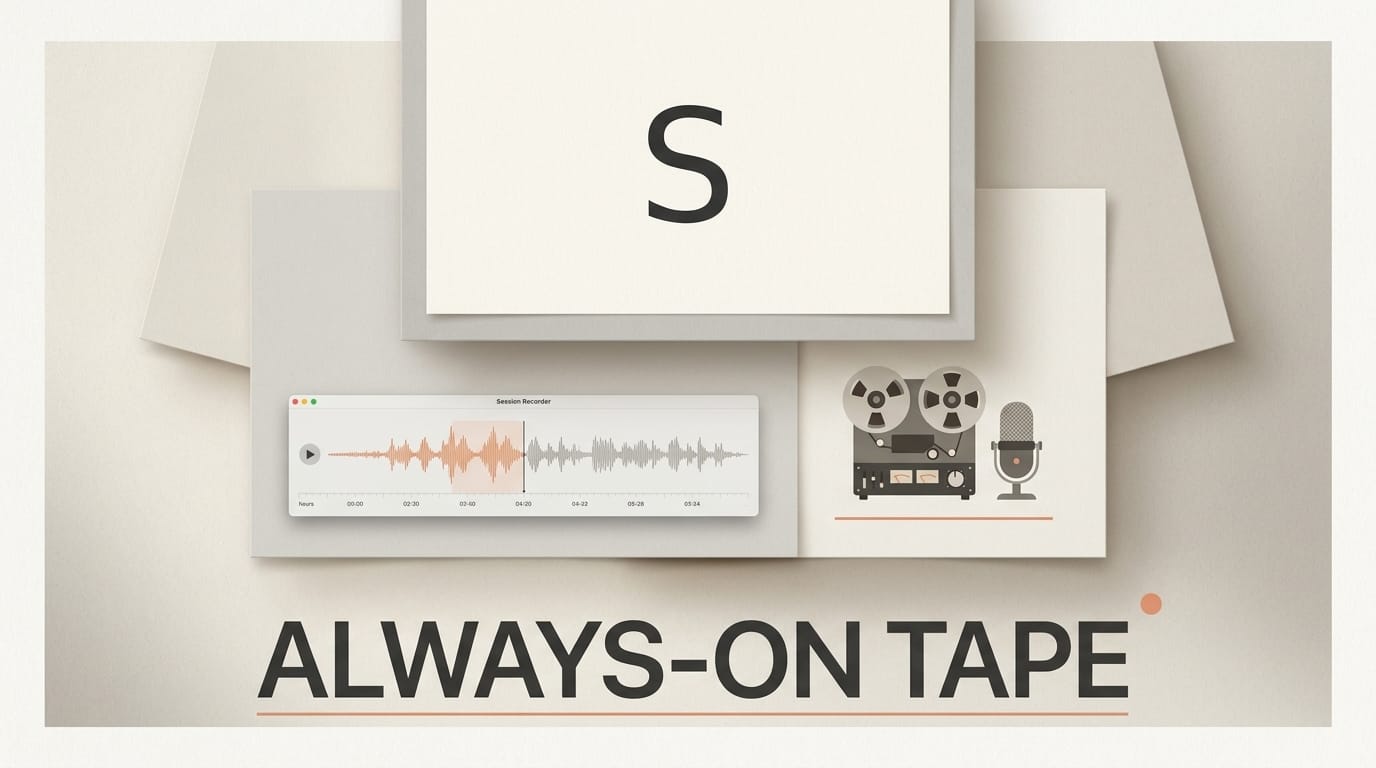
A new macOS app called Session Recorder launched on August 13, 2026, offering an always-on tape for your computer's system audio. Built for musicians who hit record too late, it continuously captures whatever comes out of your speakers so a spontaneous idea, a happy accident, or a one-take vocal is never lost to a missing record button.
What Happened
Session Recorder runs quietly in the background and records your whole system's audio output with no drivers, virtual devices, or routing to configure. When something worth keeping happens, you press a keyboard shortcut to drop a timestamped marker, then export the moment later as a lossless WAV or AIFF file. It ships with AU and VST3 plugins so it can sit inside your existing session rather than as a separate app you forget to arm.
Why It Matters
Every producer knows the feeling of nailing a take that was never being recorded. The best musical ideas often arrive while you are noodling, warming up, or talking through an arrangement, long before you consciously decide to capture them. An always-on safety net changes the economics of experimentation: you can improvise freely, knowing the last stretch of audio is already on disk. For songwriters and beatmakers, that removes a small but constant source of lost work.
Key Details
- Whole-system capture: Records everything your Mac plays, with no audio routing setup required.
- Marking system: A keyboard shortcut drops a timestamp so you can jump straight to the good part later.
- DAW plugins: AU and VST3 versions run inside Logic Pro, Ableton Live, Reaper, and Cubase.
- Low overhead: The app reports roughly two percent of one CPU core sustained while recording.
- Lossless export: WAV and AIFF output, so captured audio drops cleanly back into a session.
- Pricing: Free keeps the latest 30 minutes in a rolling loop; Pro unlocks unlimited full-session recording for a one-time 49 dollars at an introductory price.
What to Do Next
If you produce or write music on a Mac, install Session Recorder and leave it running through your next session, then check the timeline afterward for anything you marked. The free 30-minute rolling loop is enough to decide whether an always-on tape fits how you work before paying for unlimited capture. Pair it with your usual DAW and treat it as insurance for the takes you did not know you needed.