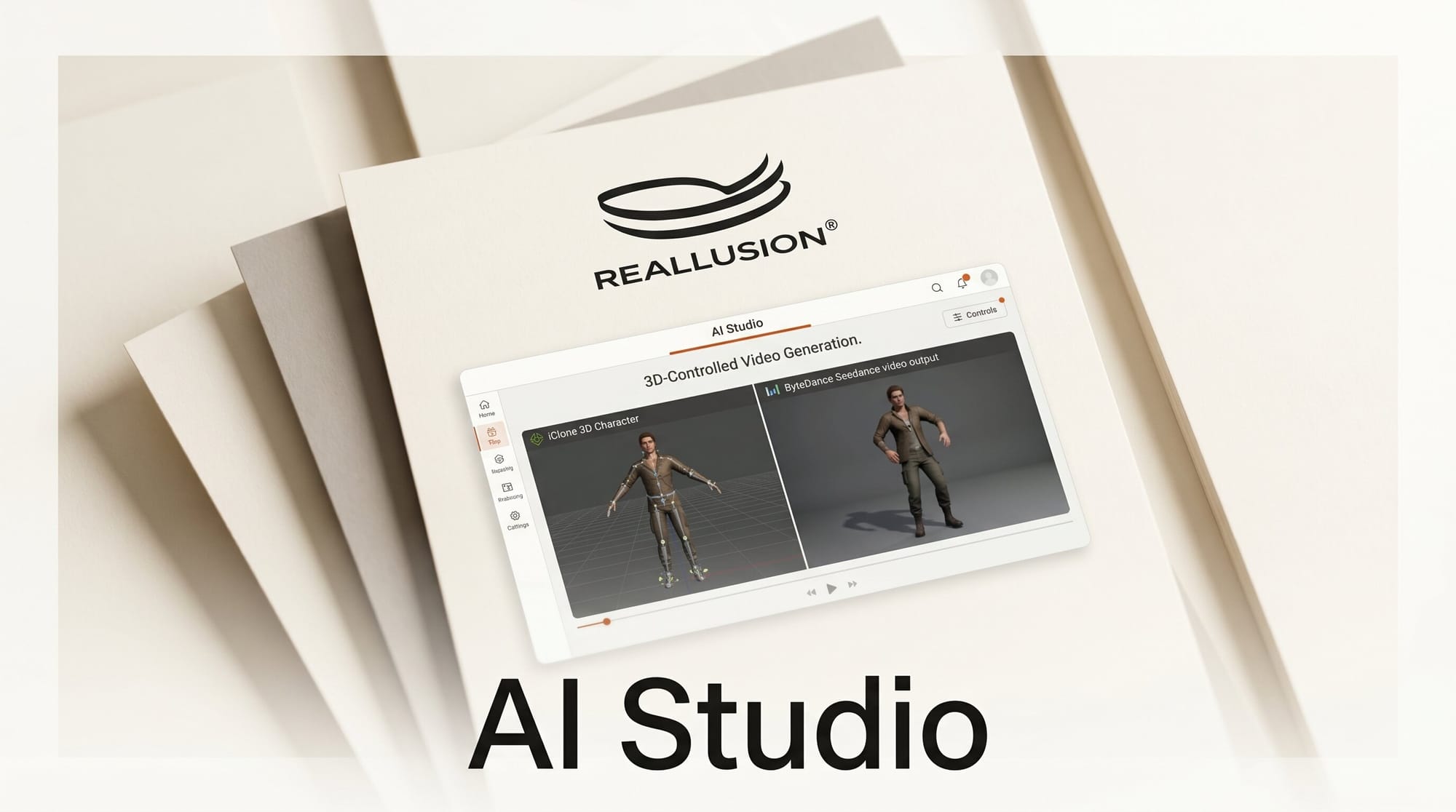
Reallusion launched AI Studio on May 25, 2026, pairing its iClone 3D animation tool with ByteDance's Seedance 2.0 as the headline integration. The product treats a 3D scene as a precision control layer: artists block out camera paths, scene layout, and skeletal animation in iClone, then hand the scene to Seedance 2.0 (or Veo 3, or Kling AI) for visual rendering.
How to integrate AI Studio into a 3D-first pipeline
If you own iClone or Character Creator, log into your Reallusion account and unlock AI Studio from Early Access. Build the scene in iClone the way you normally would: set camera paths, position characters, key the skeletal animation, light the shot. When the blocking is done, export to AI Studio and pick a generative model. Seedance 2.0 is the deepest integration, with native pass-through of camera data and skeletal positions. Veo 3 and Kling AI work via the same control layer but with looser fidelity to the 3D source. The 3D scene becomes a reusable asset; you can swap models without re-blocking the shot.
Why it matters
Text-to-video and image-to-video models still struggle with spatial control. Camera paths drift, characters miss their marks, and multi-axis orbits collapse into vague motion. Reallusion's pitch with AI Studio is that the bottleneck has moved: the models can produce cinematic quality, but only if you feed them precise spatial structure. TheNextWeb described the launch as the first serious creator-tool answer to that problem from a 3D-first vendor. For traditional animators with iClone or Maya skills, it converts a depreciating asset (3D blocking labor) into the new high-leverage input.
Key details
AI Studio works as a hybrid 3D-to-AI pipeline. iClone supplies exact scene layouts, camera paths, lighting, and skeletal data. Seedance 2.0 interprets that data to drive video generation with full directorial control over panning, multi-axis orbits, and instant camera cuts. Reallusion describes the model as "one of the most spatially intelligent on the market" for AI Studio's purposes. The platform supports multiple AI models, so studios can switch between Seedance 2.0, Veo 3, Kling AI, and others while keeping their 3D assets local.
Availability is Early Access. The unlock is gated to registered users who already own iClone or Character Creator; pricing for non-iClone customers is not yet announced. iClone remains the front-end authoring tool.
What to do next
If you already work in iClone or Character Creator, log in and enable AI Studio this week; the integration is free for existing license holders during Early Access. Build a short test shot (10 seconds, one character, one camera move) and render it through Seedance 2.0, then re-render the same shot through Veo 3 to feel out the spatial-fidelity difference. Animators who do not own iClone should watch this space; the 3D-as-control-layer pattern is likely to spread to Blender and Maya plugins next.





