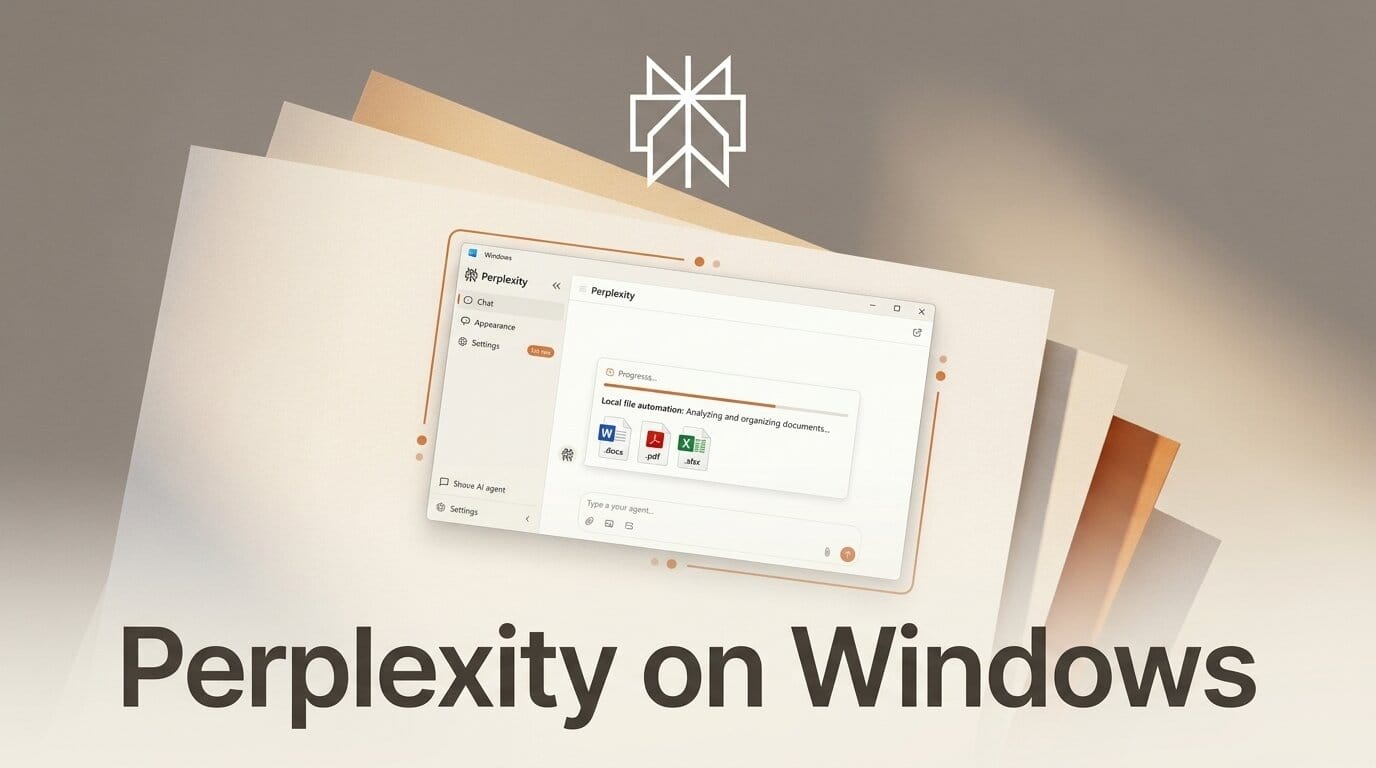
Perplexity has brought its Personal Computer AI agent to Windows, released on July 28, 2026 and expanding the desktop automation tool beyond its original Mac launch to more than a billion Windows devices. The agent acts as a general-purpose digital worker that can read your local files, drive installed apps, and combine that with Microsoft 365 and the web through one chat interface.
What This Enables
For a creator working on Windows, Personal Computer targets the repetitive glue work around a project rather than the creative act itself. You can ask it to sort and rename a folder of exported renders, assemble a spec document from scattered notes, update a budget spreadsheet, or gather research for a video script across several apps at once. Because it operates on your actual local files and Microsoft 365 alongside live web results, the automation happens where your working files already live instead of in a separate cloud tool.
Why It Matters for Creators
This puts Perplexity in direct competition with Microsoft's own Copilot agents inside Windows. The pitch, in Perplexity's words, is that it is "built for the often messy way enterprise work gets done on local machines," and that same messiness describes most creative pipelines: files scattered across folders, half-finished docs, and exports that need renaming. An agent that can act across all of it without uploading everything first is a meaningful convenience for anyone who lives in local project folders.
Key Details
Availability: Rolling out to Perplexity Max and Enterprise Max subscribers, starting at 200 dollars per month.
Platform: Windows, following the earlier Mac release of Personal Computer.
Controls: Perplexity says company data is not used to train its models, the agent requests approval before sensitive actions like sending email or deleting files, and all activity is logged for review, per coverage of the launch.
What to Do Next
If you are a Max subscriber on Windows, start with one low-stakes chore, like organizing a single export folder or compiling notes into a brief, and keep the approval prompts on so you can see exactly what the agent touches before trusting it with anything important.





