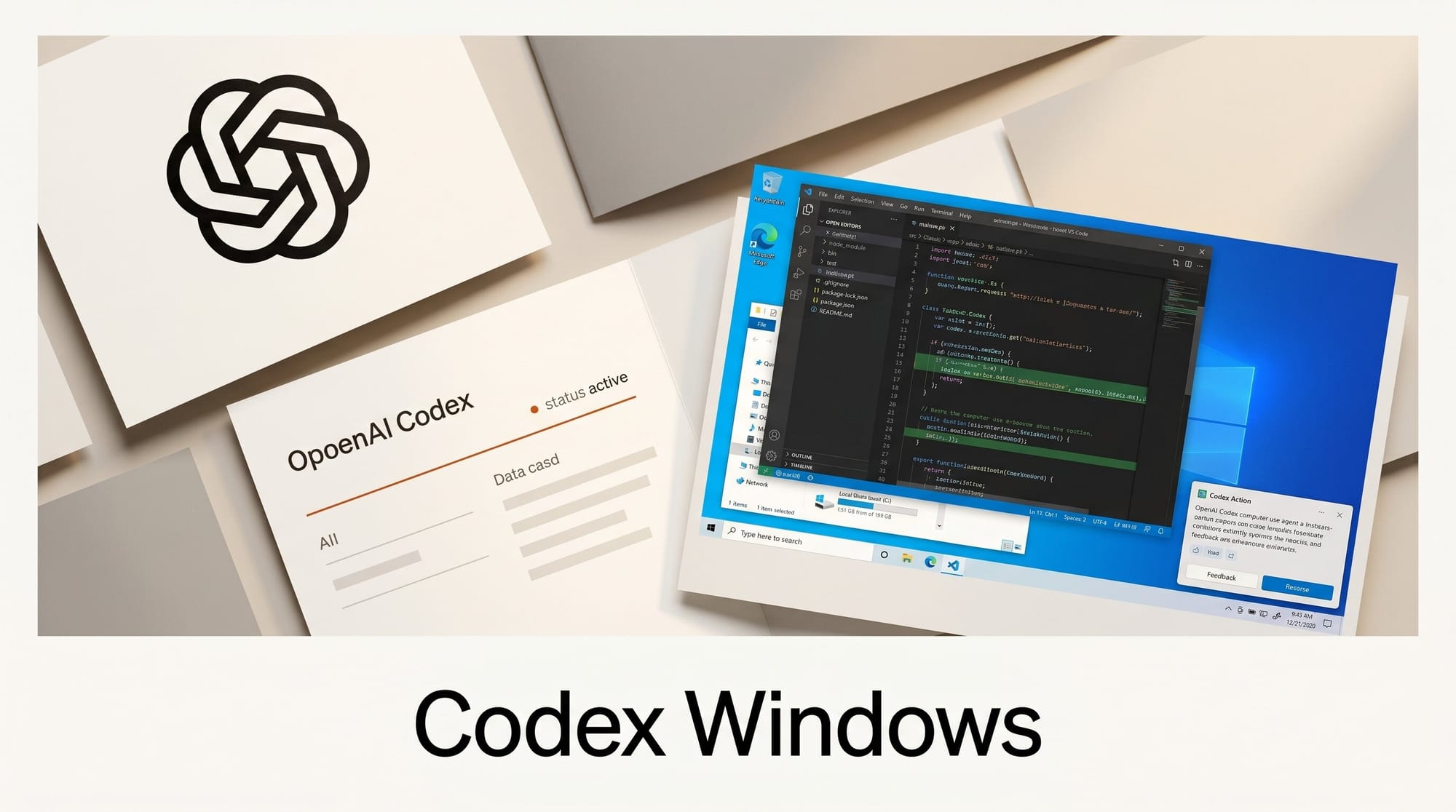
OpenAI's Codex computer use feature now works on Windows. Announced on May 29, 2026, the update lets Codex take direct action on Windows desktops by clicking menus, typing into forms, launching applications, and navigating websites, using the same GUI-interaction approach that launched on Mac earlier this month. Windows is the first major platform expansion for the feature.
What Happened
OpenAI confirmed that computer use in the Codex desktop app is now live on Windows. The announcement also introduced mobile management: Windows users can start, review, and steer Codex tasks from the ChatGPT mobile app while Codex works on their desktop. Geographic restrictions from the Mac launch apply here too: the feature is not available in the EU, UK, or Switzerland at launch.
This completes the picture for desktop AI automation. The Codex coding agent came to Windows in March 2026, but computer use (the ability to control any GUI app, not just code editors) remained Mac-only until today.
Why It Matters
Windows holds the majority of global desktop OS share, which means most developers and creators who might use AI desktop automation were locked out of Codex computer use until now. Community discussion around Codex on Windows has been active since the coding agent launched there, with computer use being the most-requested missing capability. The wait is over for the bulk of the target audience.
For creators, desktop automation unlocks a category of tasks that APIs and CLIs cannot reach: batch-exporting from GUI-only tools, navigating web apps without automation support, filling multi-step forms, and driving legacy software that has no script interface. All of that is now in scope for Windows users.
Key Details
There is one meaningful difference between Windows and Mac computer use. On Mac, Codex runs in the background while your screen is locked, enabling overnight automation without leaving a session active. On Windows, Codex requires the active desktop. It cannot operate in the background while you keep using the same Windows session, per the official documentation. Long tasks need a dedicated session or a second machine.
The ChatGPT mobile integration addresses this partly: you can kick off a task on your Windows machine, switch to your phone to monitor progress and respond to prompts, and steer Codex without sitting at the desktop the entire time.
What to Do Next
Download or update the Codex desktop app for Windows, ensure you have a ChatGPT Pro or Plus subscription, and grant screen recording and accessibility permissions when prompted. OpenAI's guide on using your computer with Codex walks through setup and example workflows. Start with a well-defined, bounded task such as "open Figma, export the artboards in the current file as PNG to my Downloads folder", before handing Codex anything involving live accounts or irreversible actions.