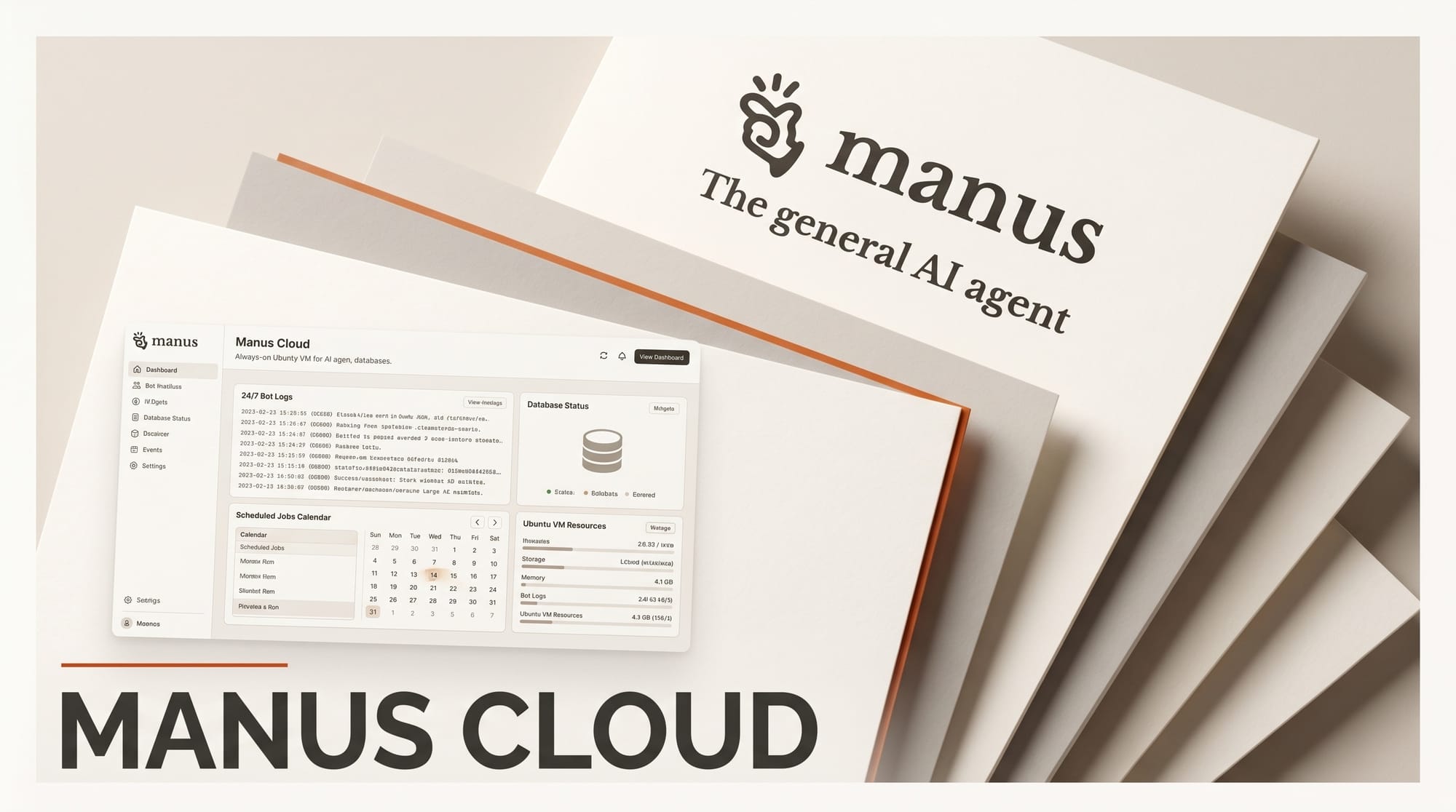
Manus launched Cloud Computer on April 30, 2026, an always-on Ubuntu virtual machine that lets the Manus agent run 24/7 bots, scheduled jobs, and persistent databases without users writing any infrastructure code. It is positioned as a tier above the temporary sandbox the agent normally uses and the local Manus Desktop app.
What Happened
Until this release, every task Manus ran spun up a fresh sandbox that disappeared when the conversation ended. Cloud Computer keeps the file system, installed tools, and running processes alive across sessions. The pitch in the launch post is plain: "It never turns off. Your laptop sleeps, loses Wi-Fi, and eventually shuts down." That single change converts the agent from a one-shot helper into a hosted runtime that can keep a Discord bot answering messages or a scraper hitting a schedule while the operator is offline.
The machine ships with three plan tiers, Basic, Standard, and Advanced, each with selectable region and storage size. Access is by SSH from a local terminal or through a web terminal in the Manus dashboard. There is no graphical desktop yet. Coverage from Testing Catalog notes that the persistent environment is what enables the new use cases, since the agent can install Postgres or WordPress once and have it survive the next chat.
Why It Matters
Most of the AI agent platforms shipping in 2026, including ChatGPT agent mode and the Claude for Creative Work connectors, are tied to interactive sessions. Cloud Computer pushes the agent into the same posture as a small VPS: a creator can ask Manus in plain English to "host this Telegram bot" or "scrape these competitor prices every hour and email me the diff," and the agent has somewhere durable to put the result. That removes the part of automation projects most non-engineers stall on, which is provisioning a server and keeping it patched. The on-ramp from Manus chat to a real Ubuntu shell is a meaningful step beyond what the broader MCP-based agent ecosystem currently offers, where most environments still tear down at session end.
It is also a notable move for Manus given the recent regulatory turbulence around the company, including the China block on its reported Meta acquisition in late April. Shipping product-side capability while the corporate story is still in flux suggests Manus is treating Cloud Computer as a defensive moat against agent platforms that only run in-browser.
Key Details
- Always-on Ubuntu Linux machine with persistent file system across sessions, accessible via SSH or web terminal.
- Three tiers: Basic for Python scripts, Standard for active websites and APIs, Advanced for team databases. Specific pricing not published in the launch post.
- Selectable region and storage size at creation time, with dashboard metrics for CPU, memory, and storage.
- Five featured use cases: 24/7 chat bots (Slack, Discord, Telegram, WhatsApp), persistent MySQL knowledge bases, hosted open-source tools (WordPress, Metabase, Home Assistant, Plausible), scheduled scrapers, and persistent CLI dev environments.
- Isolation: the cloud machine cannot reach files on the local machine, and team access controls are scoped per environment.
- Setup path: Settings, then My Computer, then Create Cloud Computer with plan selection. Available now to Manus users on web and mobile.
What to Do Next
If a workflow has been blocked because Manus could not keep state between sessions, this is the unblock. Pick one specific job, like a scheduled trends scraper or a Telegram bot that summarizes a folder of references each morning, and try standing it up on Basic before scaling. For studios using Manus alongside Manus Desktop, the Cloud Computer is the place for anything that should outlive the laptop, while the desktop app stays for tasks that need access to local files.





