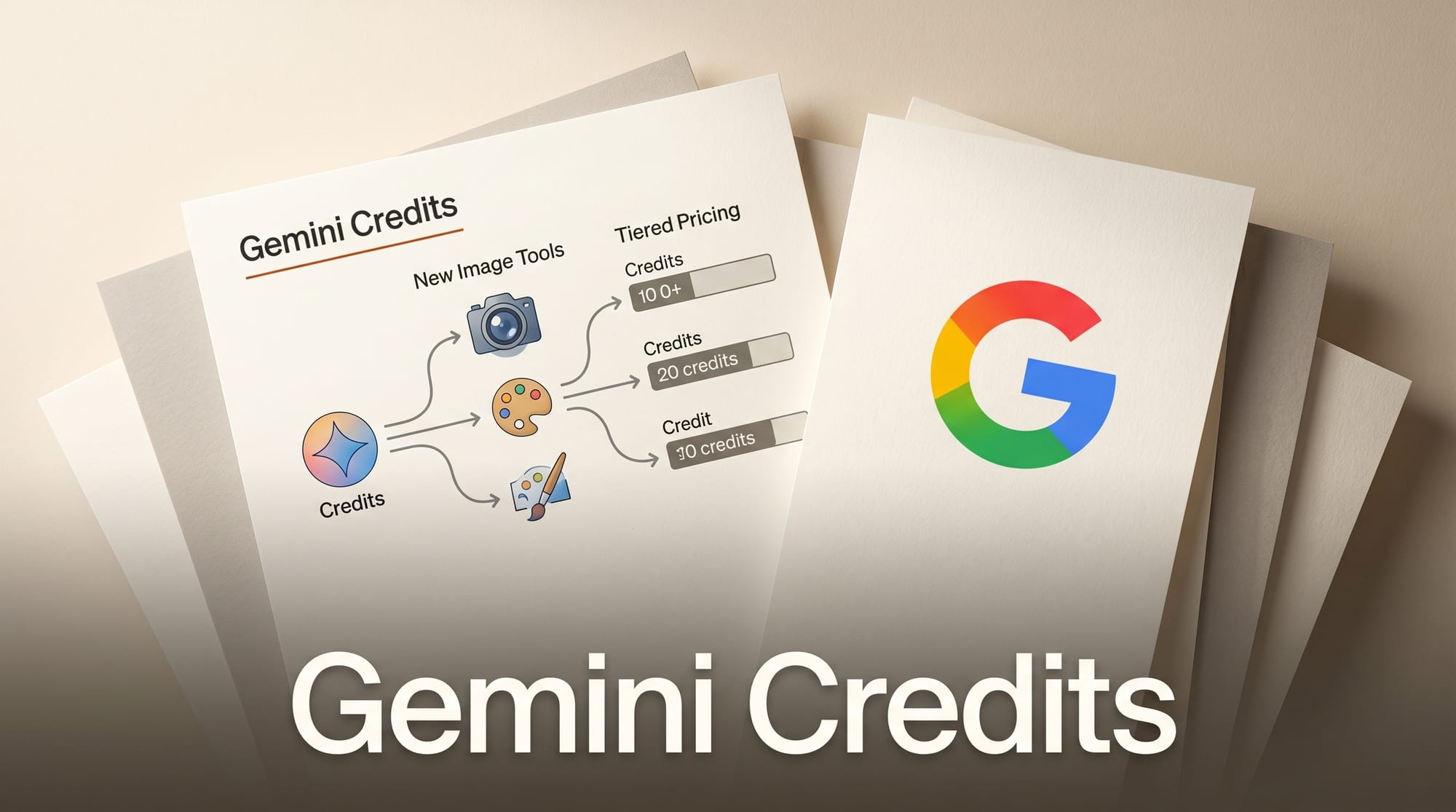
Google is shifting Gemini to a credits-based consumption model, replacing fixed monthly quotas with a flexible budget that works across image generation, video, and AI tools. The change, spotted by Testing Catalog, aligns with new image generation capabilities rolling out ahead of Google I/O 2026 on May 19.
What Happened
The credits system gives each subscription tier a monthly allowance: 100 credits for free users, 200 for AI Plus, 1,000 for Pro, and 12,500 for Ultra. Credits work as a universal budget across Gemini's creative tools including Flow, Whisk, and image generation, replacing the previous fixed prompt limits per tool.
Alongside the billing change, Google expanded image generation with daily limits by tier. Free users get up to 20 images per day, Plus gets 50, Pro gets 100, and Ultra gets 1,000. Both Nano Banana 2 and Nano Banana Pro models are available to paid subscribers, while free users are limited to Nano Banana 2.
Why It Matters
The credits model mirrors what OpenAI and Anthropic already do, but Google's implementation spans a wider creative toolset. Creators who use Gemini for both text and image work can now allocate their budget where they need it most, rather than hitting separate caps on each feature. The Nano Banana Pro model launched for subscribers earlier this month, and credits give a clearer picture of what each generation costs.
For API developers, the shift is more significant. Google moved to prepaid billing with mandatory spending caps: $250/month for Tier 1, $2,000 for Tier 2, and up to $100,000+ for Tier 3. Developers must purchase credits in advance through AI Studio before making paid API calls.
Key Details
- Free tier: 100 monthly credits, 20 daily images (Nano Banana 2 only)
- AI Plus: 200 monthly credits, 50 daily images
- AI Pro: 1,000 monthly credits, 100 daily images, both Nano Banana models
- AI Ultra: 12,500 monthly credits, 1,000 daily images, all premium tools
- Top-up credits: Pro and Ultra can purchase additional credits ($25-$200), valid 12 months
- New features: Personalized image creation via Google Photos integration, enhanced image editing with draw-to-edit
- API billing: Prepaid credits with mandatory spending caps, enforced since April 1
What to Do Next
Free-tier users should monitor their credit usage as the rollout continues. API developers on pay-as-you-go billing need to set up prepaid credits in AI Studio before the transition is mandatory for all accounts. Full pricing and tier details are expected at Google I/O on May 19.





