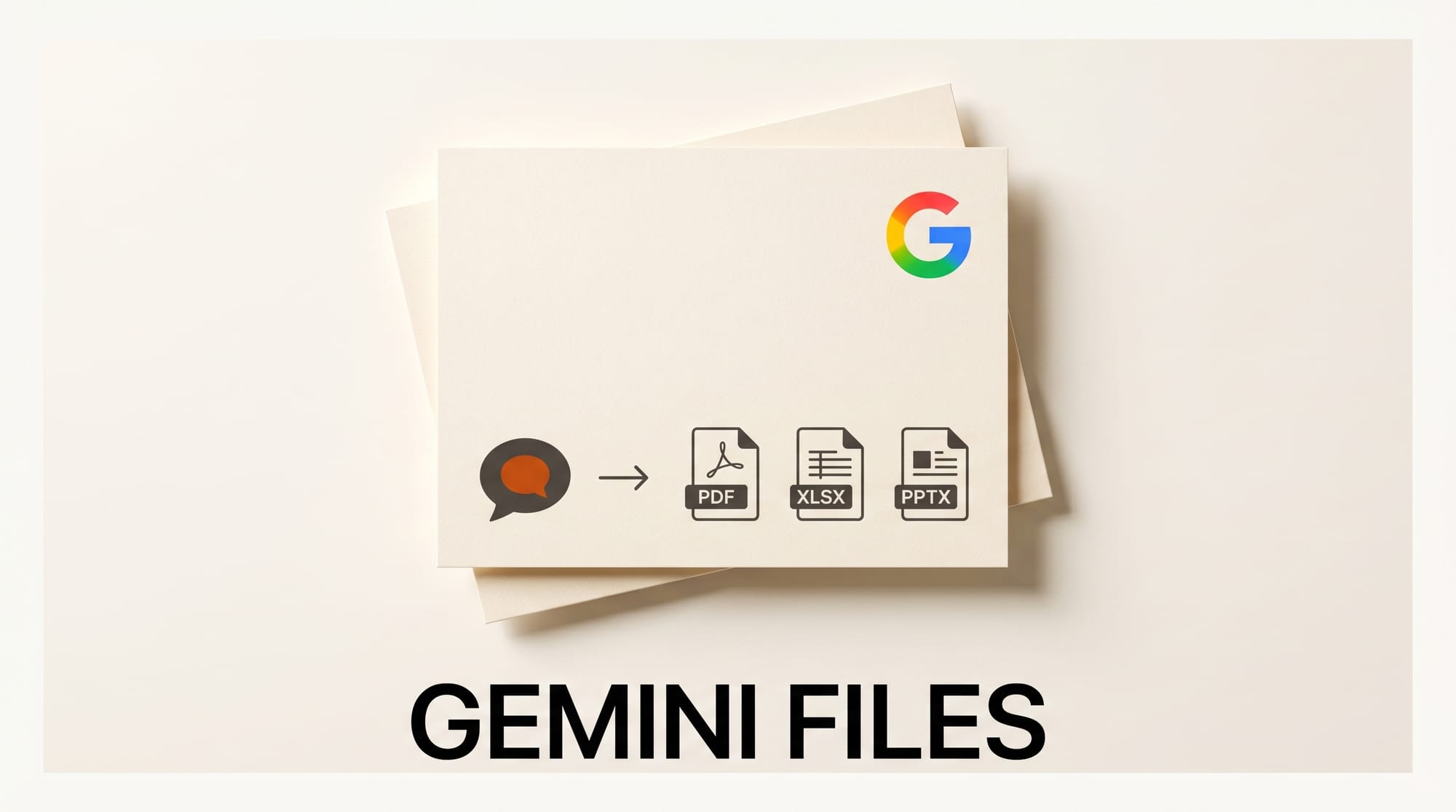
Google's Gemini app can now generate ready-to-share files directly inside the chat. Starting April 29, 2026, every Gemini user globally can ask the app to produce PDFs, Microsoft Word and Excel files, Google Docs, Sheets, Slides, LaTeX, RTF, and more without copying, pasting, or reformatting.
The change closes the gap between brainstorming in a chat thread and shipping a polished deliverable. Up to now, Gemini answers had to be exported by hand into Workspace or downloaded as plain text. With this update, the file is generated in the same turn as the prompt, then downloaded to the device or pushed to Google Drive.
What Happened
In an official Gemini app blog post, Google announced that file generation is now live for all users of the Gemini app worldwide. Users describe the file they need in the chat, and Gemini returns a downloadable document, spreadsheet, slide deck, or PDF.
The supported formats cover most creator and operator workflows: Google Docs, Sheets, and Slides on the Workspace side, plus Microsoft .docx and .xlsx, .pdf, .csv, LaTeX, plain text (.txt), Rich Text Format (.rtf), and Markdown (.md). For most formats users can either save the file locally or send it straight to Drive.
Why It Matters For Creators
For people who already use Gemini to draft scripts, pitch decks, lookbooks, budget sheets, or research briefs, this is the step that turns a chat thread into a finished asset. A YouTube creator can ask Gemini to build a sponsor pitch deck in Slides, a designer can pull a moodboard outline into a .docx for a client, and a solo founder can convert a brainstormed cap table into an .xlsx in one prompt.
It also extends Gemini's reach inside agency and freelance pipelines that live in Microsoft Office. Until now, Gemini's natural export path was Google Docs and Sheets. Adding native .docx and .xlsx output means handoffs to clients on Word and Excel no longer require an intermediate Drive conversion step.
Supported Formats and Workflow
The full list of supported file types announced today:
- Google Workspace files: Docs, Sheets, Slides
- Microsoft Office: .docx, .xlsx
- Portable: .pdf, .csv, plain text (.txt), Rich Text Format (.rtf), Markdown (.md)
- Technical writing: LaTeX
Google's example use cases in the announcement are practical operator scenarios: exporting a budget proposal to .xlsx, arranging loose ideas into a bulleted draft, and consolidating a long collaboration into a single-page PDF or .docx. Files generated in chat appear inline with a download button, with most formats also offering an Export to Drive action.
The rollout is a follow-on to a series of recent Gemini consumer moves. Earlier in April, Google moved the Gemini app to a credit-based pricing model and shipped new image tools ahead of I/O 2026, and open-sourced DESIGN.md for AI brand-consistent design. The file-generation update keeps the focus on output rather than prompt mechanics.
What to Do Next
Open the Gemini app on web or mobile and ask for a deliverable in the format you need. Phrases like "give me this as a PDF," "export to Slides," or "build me an Excel sheet" trigger the file path. Saved files land in the device's downloads folder or a Drive folder of the user's choice.
For teams, the practical next step is auditing existing Gemini chat workflows that end in copy-paste to Docs, Sheets, or Slides and replacing the final step with a direct file generation prompt. For broader feature timing, Google publishes ongoing updates on the Gemini release notes page.





