Claude Tag: Anthropic's Always-On AI Teammate in Slack
Anthropic launched Claude Tag, an always-on AI teammate that lives in Slack with persistent memory, ambient mode, and autonomous async tasks.

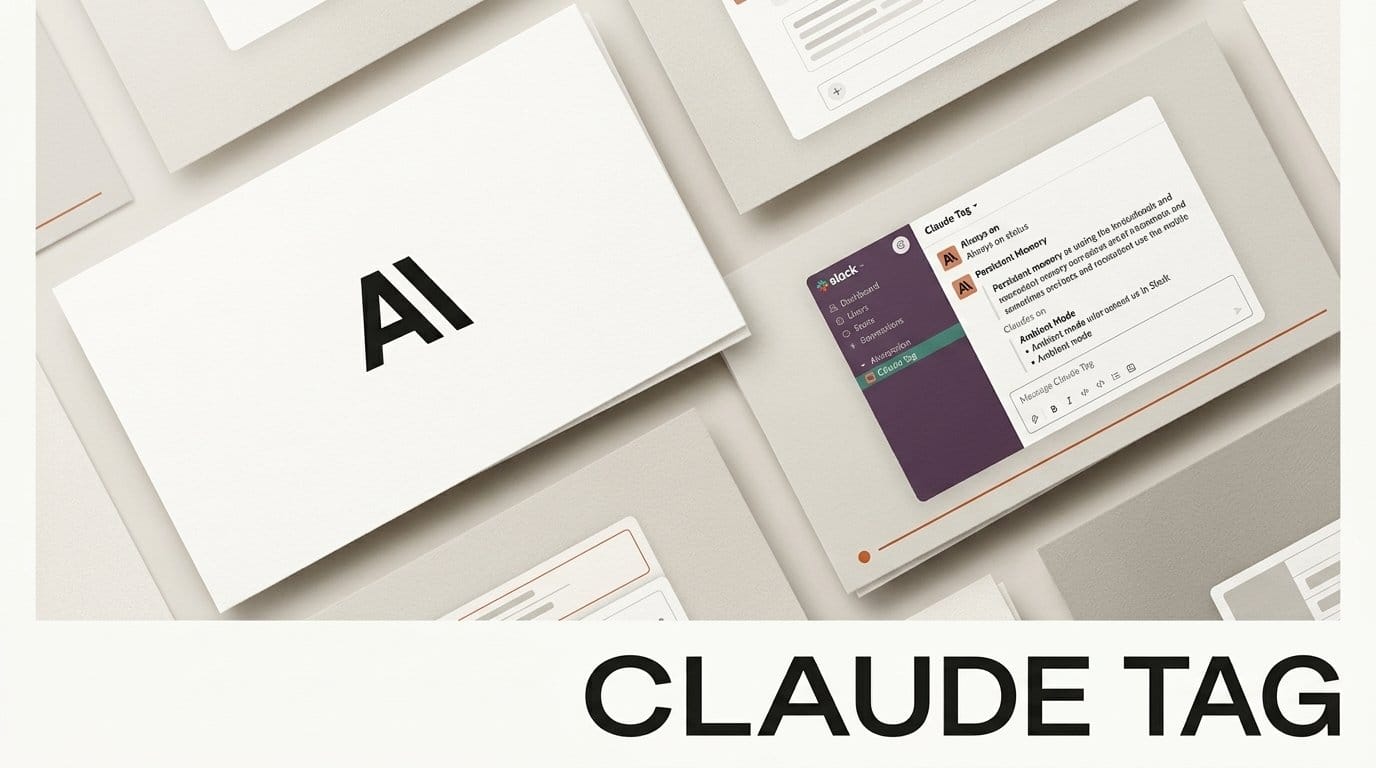
Anthropic has launched Claude Tag, an "always-on Claude" that lives inside Slack and acts as a full AI teammate. Announced on June 23, 2026 in research preview, it lets anyone in a channel mention @Claude to delegate work, pull answers, and hand off tasks that run autonomously for hours or even days. Unlike a one-off bot, Claude Tag remembers your channels and learns your company as the conversation flows past it.
What Happened
Claude Tag replaces the older Claude in Slack app with a persistent, multiplayer teammate built on Opus 4.8. Tag it once and it joins the channel with access to the tools, data, and codebases an admin approves. It can break a request into steps, schedule long-running work, and proactively flag unresolved items through an optional ambient mode. As TechCrunch reported, the system "learns ever more about the work" the longer it sits in a channel, building organizational context from the messages it reads.
Why It Matters
This pushes agentic AI out of a private chat window and into the place where teams actually coordinate. Anthropic says 65% of its own product team's code is now created by an internal version of Claude Tag, a striking figure for a tool that runs inside a chat app. For small creator teams and studios, an ambient teammate that retains context across channels removes the constant re-explaining that makes most chatbots feel disposable. It also continues the trend toward orchestration layers we covered with Sakana Fugu.
Key Details
Claude Tag is in beta for Claude Enterprise and Team customers. Admins control which tools and data Claude can touch per channel, set organization-wide and per-channel token spend limits, and review activity logs of every task and who requested it. Separate Claude identities can be created for different departments, each with isolated memory so a marketing channel's context never leaks into engineering. The full capability list lives on Anthropic's Claude Tag product page. Existing Claude in Slack users get a 30-day opt-in window plus introductory launch credits during migration.
What to Do Next
If your team is on Claude Team or Enterprise, setup is four steps: pair Claude with Slack, grant tool and data access, set spending limits, and run a test task in a low-stakes channel. Start narrow, point it at a single project channel with read access before granting write or code permissions, then expand once you trust its task breakdowns. The official setup docs walk through admin controls and ambient mode. Pairing it with workflow triggers like Cursor Automations can turn routine Slack requests into repeatable, scheduled jobs.