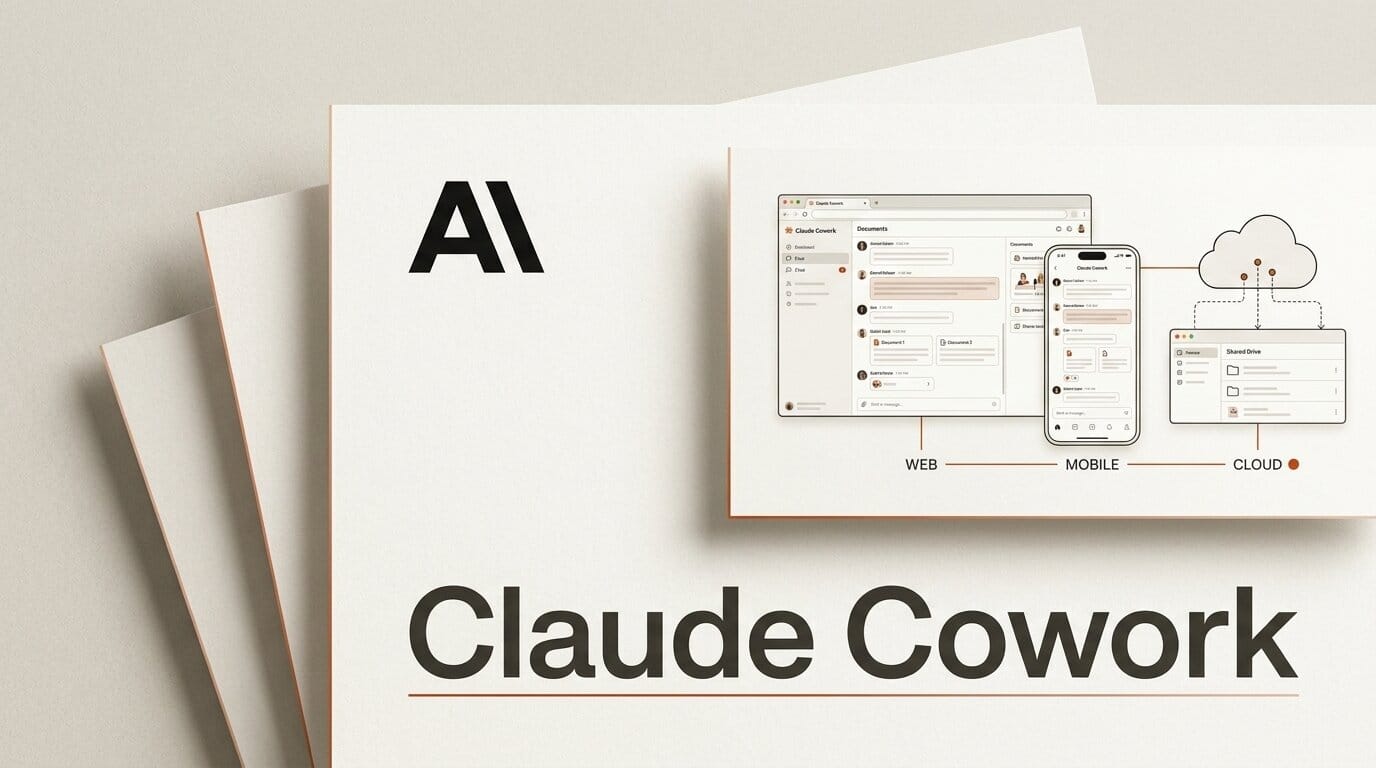
Claude Cowork started life as a desktop-only agent: it worked inside your local files, folders, and apps, and it stopped the moment you closed the laptop. On July 7, 2026, Anthropic changed that, extending Cowork to the web and to mobile, and letting tasks keep running in the cloud with no device online at all.
For creators, this is the difference between an assistant that helps while you watch and one that finishes the job after you walk away. You can now kick off a multi-step task at your desk, check its progress from your phone on the train, and pick up the finished work later, even if your laptop is asleep.
Here is exactly what shipped, how the desktop, web, and mobile versions differ, and a concrete workflow you can set up the day the beta reaches your plan.
What Anthropic Shipped
The expansion turns Cowork from a single-device tool into a synced, always-on platform. According to 9to5Mac, three capabilities anchor the release:
- Cross-device sync. Sessions now follow you. Start a task on the desktop, watch it advance from the phone, and open the output on any device signed into your account.
- Background cloud execution. Cowork can run a task with no device online. You can also schedule work for a specific time, and Claude executes it autonomously in the cloud.
- Intelligent interrupts. When Claude hits a decision that needs human judgment, it surfaces that single question to your phone instead of stalling the whole task.
TechCrunch frames the move as the coding-agent wars spilling into the rest of the office: the same background, cloud-run pattern that Claude Code brought to software work is now aimed at research, document prep, and file management.

Desktop vs Web vs Mobile: What Runs Where
The three surfaces are not identical. Desktop keeps its deep access to local files, while web and mobile lean on cloud execution and review. This table maps the split as it stands at launch.
| Capability | Desktop | Web | Mobile |
|---|---|---|---|
| Access local files and folders | Yes | Limited | No |
| Start and monitor a task | Yes | Yes | Yes |
| Background cloud execution | Yes | Yes | Yes |
| Scheduled task start | Yes | Yes | Yes |
| Answer an interrupt on the go | Yes | Yes | Yes |
| Unified chat and Cowork view | Yes | Yes | Rolling out |
The practical read: the desktop app stays your control room for anything touching local files, and the phone becomes the place you approve decisions and collect results.
Why Background Cloud Execution Changes the Workflow
Until now, an agent that needed your machine awake was really a foreground tool with extra steps. Cloud execution removes that tether. As NBC News reports, Anthropic is making Cowork available through the cloud so that work continues after you close the app entirely.
That unlocks a different rhythm of work. Long-running jobs, batch research, and scheduled prep no longer compete with your active session. You delegate, disconnect, and review. The interrupt system keeps this from becoming a black box: instead of guessing at ambiguous instructions, Claude pauses and asks the one question that matters, then continues once you tap an answer.

A Creator Workflow: Schedule Cowork to Prep Your Morning
Here is a workflow you can try once the beta lands on your plan. It uses the scheduling and background features to have a briefing ready before you sit down.
- Open Cowork on desktop and describe the recurring job in plain language: "Every weekday at 6 am, read my flagged email threads, my meeting transcripts, and the latest news on my three tracked competitors."
- Define the output. Tell Cowork to build a one-page briefing document and to draft, but not send, a follow-up email for anything that needs a reply.
- Set the schedule so the task fires at 6 am and runs in the cloud, with no device required.
- Approve interrupts from your phone. If Claude is unsure which competitor list to use, it asks once on mobile and waits for your tap.
- Review on any device. By the time you open your laptop, the briefing is written and the draft reply is sitting in your queue, unsent, for a final human pass.
What this enables: the tedious "work around work," gathering, summarizing, and staging, happens while you sleep, and you spend your first waking hour deciding rather than assembling.

What the Usage Data Says
Alongside the rollout, Anthropic published usage numbers that reframe what Cowork is actually for. Per ZDNET, an analysis of 1.2 million anonymized Cowork sessions across more than 600,000 organizations found that business process automation (33.4 percent) and content creation (16.4 percent) dominate usage, while software development accounts for just 8.7 percent.
In other words, most people are not using Cowork to write code. They are using it to move documents, synthesize research, and produce content. That is squarely creator and knowledge-worker territory, and it explains why cross-device review matters: this is work people do in between other things, not while sitting at a terminal.
How It Compares to ChatGPT and Gemini Agents
Cowork is not alone in chasing always-on, cloud-run agents. The broader industry is converging on the same shape: agents that run remotely, connect to your tools through open protocols, and report back asynchronously. Anthropic's own newsroom notes that the Model Context Protocol it introduced now sees roughly 100 million monthly downloads, which is the plumbing that lets these agents reach your data.
What sets this Cowork update apart is the emphasis on knowledge work rather than pure coding, plus the interrupt model that keeps a human in the loop on judgment calls. For a fuller cross-tool view, see our comparison of the leading agents in Claude Managed Agents and the always-on dashboards angle in Cowork's live artifacts.
What to Do Next
The beta rolls out over the coming weeks, starting with the Max plan and expanding to more plans after that. Anthropic is also extending its doubled Cowork usage limits through August 5 to mark the launch, so early testers get more room to experiment.
- On Max? Watch for the beta toggle in Cowork over the next several weeks and turn it on.
- Not on Max yet? Plan for a later wave, and start listing the recurring, low-judgment tasks you would delegate to a scheduled agent.
- Design for interrupts. Write your instructions so the ambiguous decision is explicit, which makes the single mobile interrupt land at the right moment.
Frequently Asked Questions
Is Claude Cowork on web and mobile available to everyone?
Not yet. It launches as a beta with a gradual rollout, starting on the Max plan and expanding to more paid plans over the following weeks.
Can Cowork really run with my laptop closed?
Yes. Background cloud execution lets a task continue, or start on a schedule, with no device online. You review the result later from any signed-in device.
What happens if Claude gets stuck on a decision?
It uses intelligent interrupts: rather than guessing or halting, it surfaces the specific question to your phone and waits for your answer before continuing.
Does mobile Cowork access my local files?
No. Deep local file and folder access stays on the desktop app. Mobile is built for starting tasks, approving interrupts, and reviewing finished work.
What is Cowork actually best at?
Anthropic's usage data shows business process automation and content creation lead, with coding a small minority. It shines at research synthesis, document preparation, and file management.
Are there extra usage limits during the launch?
Yes. Anthropic extended its doubled Cowork usage limits through August 5 to coincide with the web and mobile rollout.





