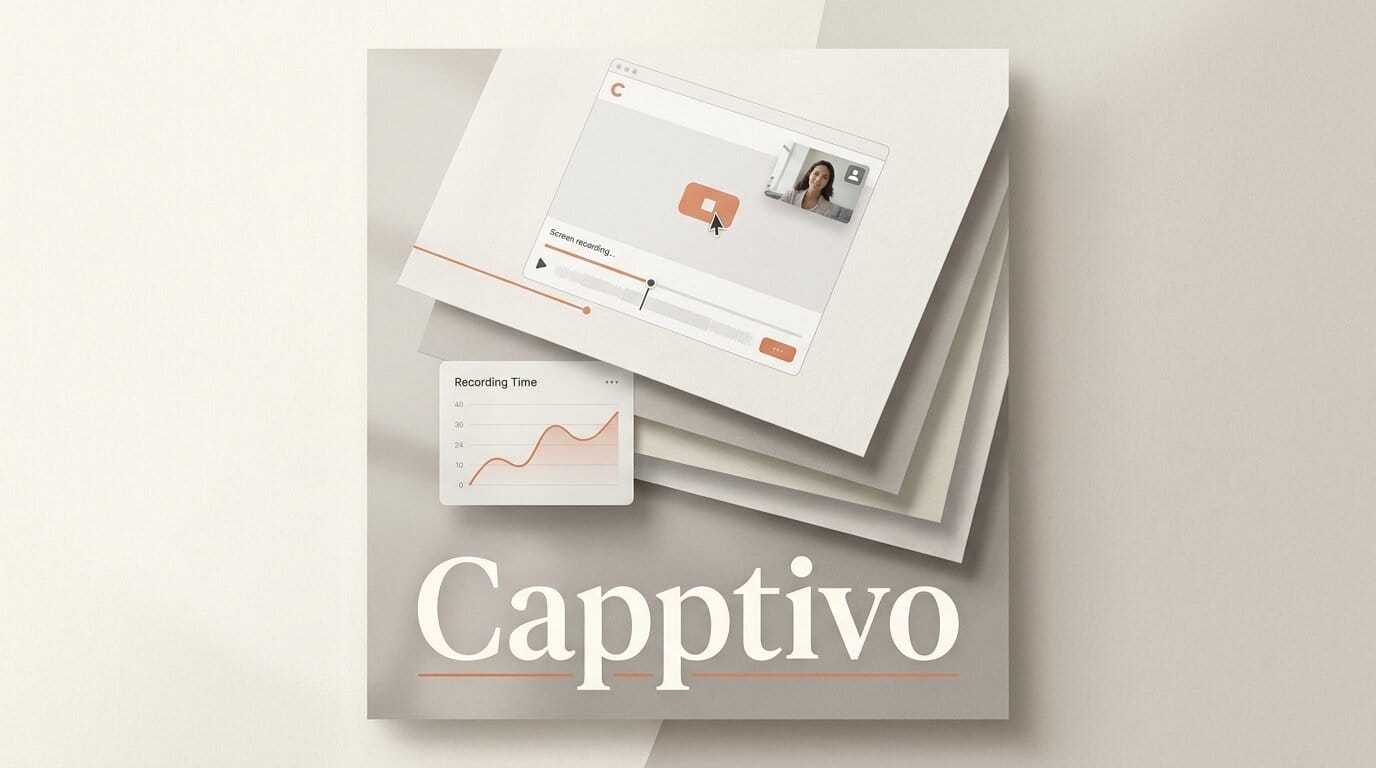
Creators who make product demos and tutorials have a new free option. Capptivo, an open-source screen recorder and demo editor, launched on August 2, 2026, positioning itself as a no-subscription alternative to paid tools like Screen Studio and Cursorful.
Try It: Record a Polished Demo Without a Monthly Fee
Download Capptivo, record your screen, and the editor automatically adds cursor-following zoom fragments so viewers focus on exactly what you are clicking. You can drop in draw-on-screen annotations mid-recording (pen, highlighter, and shapes), burn on-device captions, add a face-cam, and export in widescreen, square, or vertical to fit each platform. The tool launched on Product Hunt as a local-first app, so the whole loop runs on your machine with no account and no watermark, and a first clean demo takes minutes instead of a paid trial signup.
Why It Matters for Creators
Polished demo video has become table stakes for launches, courses, and social clips, but the leading tools charge around $29 per month. Capptivo removes that cost and ships its source under the MIT license on GitHub, so studios and indie creators can customize the tool or build on top of it. Because captions are generated on-device, footage of unreleased products never leaves your computer.
The cursor-following zoom is the feature that usually separates a professional-looking demo from a raw screen capture, and it is the exact thing paid apps charge for. Having it in a free, cross-platform, open build lowers the bar for the kind of onboarding clips, feature walkthroughs, and short tutorials that creators publish constantly.
Key Details
Platforms: macOS, Windows, and Linux.
Editing: Timeline with motion interpolation, custom cursor styling, click-based auto-zoom, preset and custom backgrounds, and idle-cursor auto-hide.
License: Open source under MIT.
Price: Free, no subscription, no account.
What to Do Next
Grab the build from the Capptivo site, record a two-minute walkthrough of your own product, and test the click-based auto-zoom against your usual editor. If you run a tutorial channel, the annotation tools and vertical export make it easy to repurpose one recording into both long-form and short-form clips.





