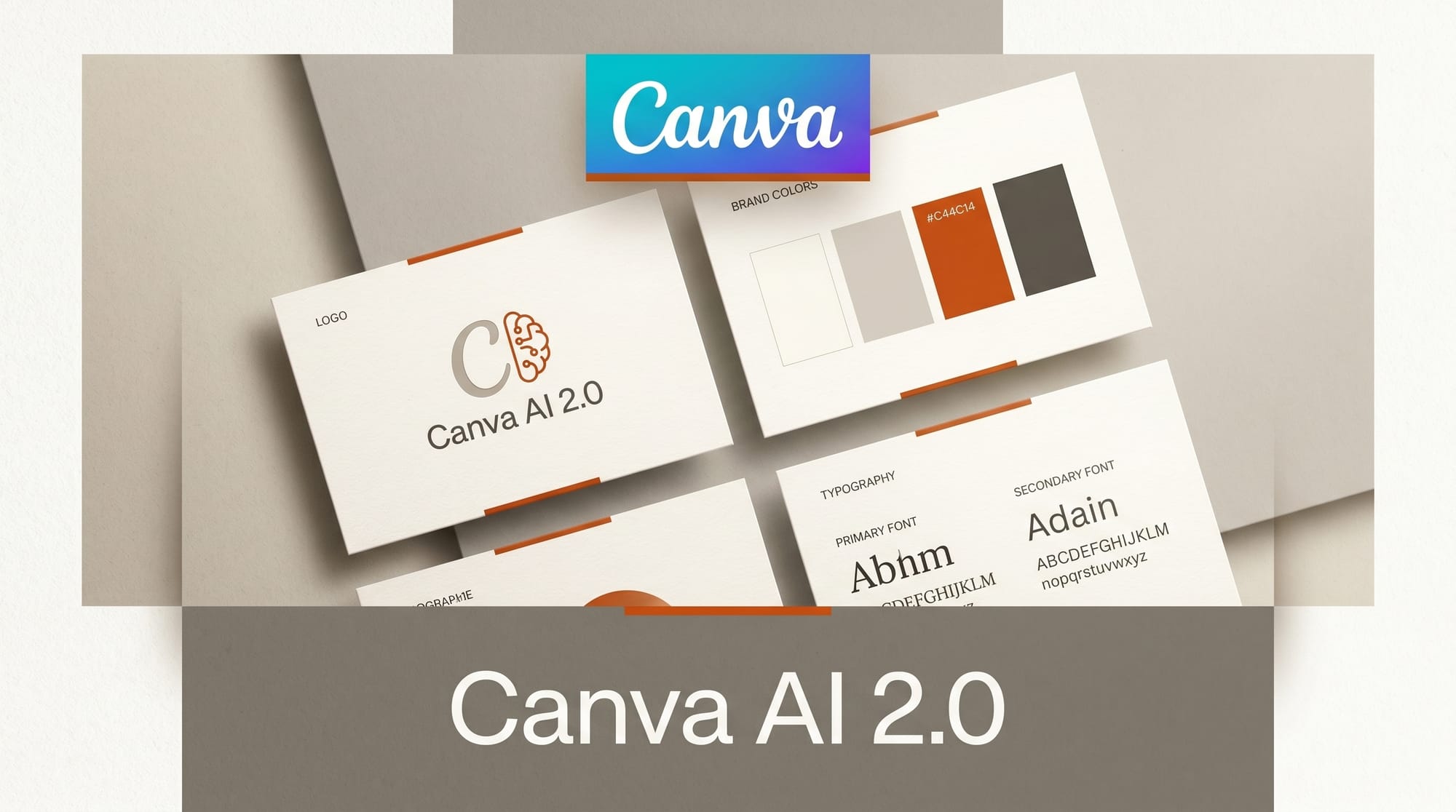
Canva launched Canva AI 2.0 on April 16, 2026 at its annual Create conference in Los Angeles, calling it the most significant update since the platform launched in 2013. The new system upgrades Canva's AI assistant from a single-function tool into a fully agentic design engine that can call multiple tools, manage multi-step tasks, and learn from your personal style over time.
What Happened
Canva AI 2.0 introduces a conversational interface where you describe a goal and the assistant generates a complete, editable design. A new orchestration layer coordinates Canva's image generation, layout, typography, and video tools in sequence to handle tasks like building a multi-channel advertising campaign from a single prompt. Every visual element it generates stays fully editable.
The update ships with persistent memory that builds a profile of your design preferences over time, applying your personal taste and brand style automatically to new generations. New integrations with Slack, Gmail, Google Drive, Google Calendar, and Zoom let the assistant pull context from emails, files, and meetings before starting work. A background scheduling feature allows you to queue tasks for Canva AI to complete while you are away.
On the performance side, Canva's Lucid Origin image model is now 5x faster and 30x cheaper. The 12V image-to-video model is 7x faster and 17x cheaper. Canva AI 2.0 launches as a research preview; the first one million website visitors receive early access before a broader rollout in coming weeks.
Why It Matters
Canva serves 260 million monthly users, most of them non-designers who need fast, on-brand output without deep tool knowledge. Making the assistant agentic, capable of orchestrating multiple tools in sequence, is a direct response to what users actually ask for: finished campaigns, not individual assets. This marks Canva's transition from a design platform with AI features to an AI-first platform where the design canvas is one output channel among several.
For creators and marketers, prompt-to-campaign workflows become viable for the first time. The productivity integrations reinforce the positioning: Canva wants to be where campaigns are both created and coordinated.
Key Details
- Tool orchestration: Assistant calls image, video, layout, and typography tools in sequence from a single prompt
- Persistent memory: Learns your brand style and personal preferences across sessions
- Integrations: Slack, Gmail, Google Drive, Google Calendar, Zoom
- Background scheduling: Queue repeatable design tasks to run while you work elsewhere
- Performance: Lucid Origin image model 5x faster, 30x cheaper; 12V video model 7x faster, 17x cheaper
- Availability: Research preview from April 16, 2026; first 1 million visitors get early access
- Foundation: Builds on Q1 2026 acquisitions including Simtheory and Ortto
What to Do Next
Visit Canva's website to join the research preview. If your workflow involves repetitive social media content, multi-format campaign assets, or brand-consistent design at volume, this is worth testing early. The scheduling and background processing features are the biggest differentiator from tools like Adobe Firefly, Figma AI, and Midjourney, which remain single-session tools without workflow automation.
For teams on Canva for Brand, the persistent memory and integration features deliver the most immediate value. Brief the assistant once with brand guidelines and audience context, then let it apply that automatically to every generation.
Sources: TechCrunch | Engadget





