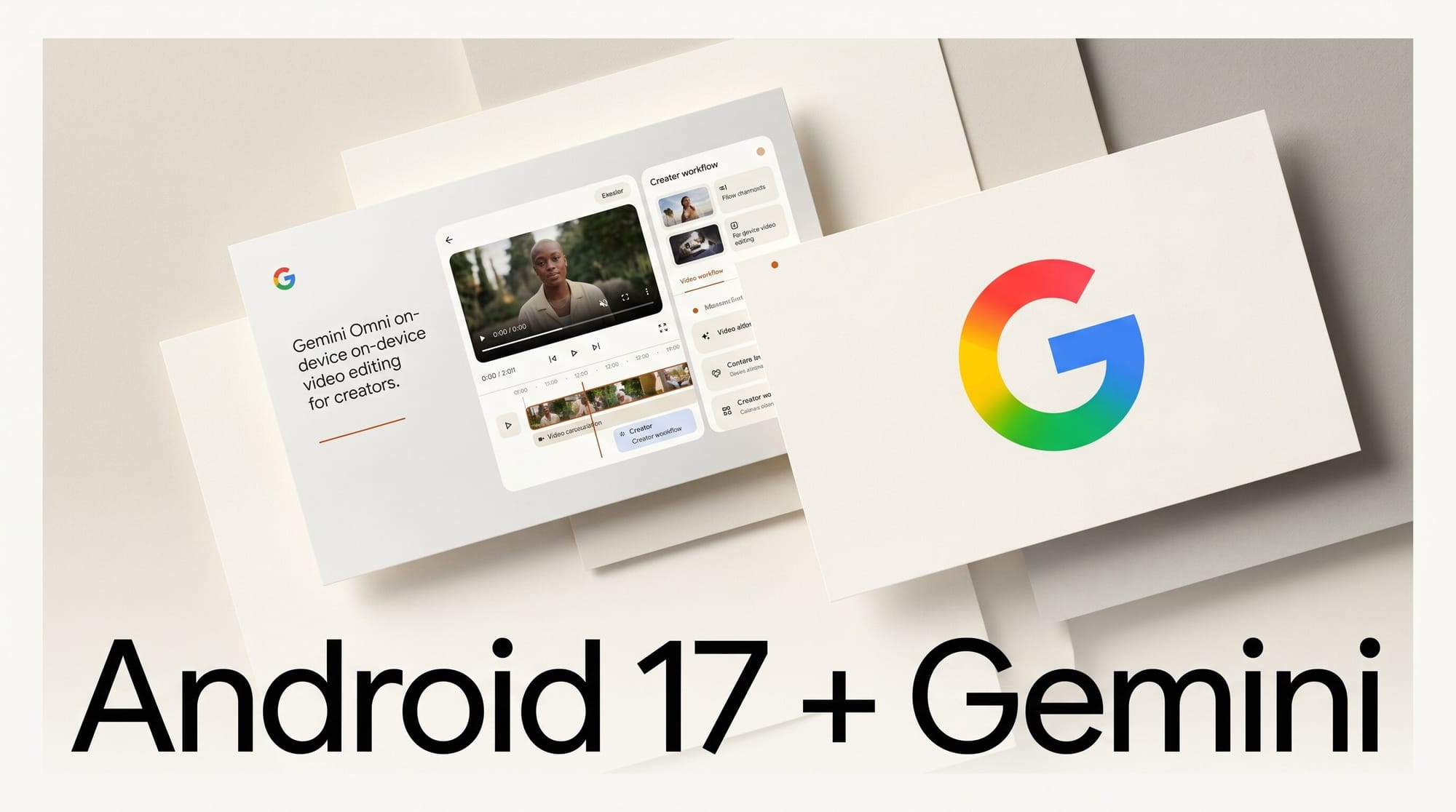
Google shipped the final build of Android 17 on June 16, 2026, and tucked inside the multitasking update is a real set of creation tools. The June Pixel Drop adds Gemini Omni, a conversational video editor, and Screen Reactions, a built-in way to record yourself over your screen without a separate app.
Try It: Edit a Clip From Your Phone in Plain Language
If you have a Gemini Pro plan on a Pixel running Android 17, open the Gemini app and describe the edit you want: trim a clip, stitch photos and video together, or restyle a sequence using a mix of text, images, and footage. Gemini Omni handles the cut conversationally, so a rough social clip no longer needs a desktop timeline. Pair it with Screen Reactions, which now records a selfie video directly inside a screen recording, and you can produce a green-screen style reaction for TikTok, YouTube, or Instagram entirely on the device, no extra editing app required.
Why It Matters for Creators
The friction in short-form video is the round trip to a laptop. Putting a prompt-driven editor and a native reaction-capture tool in the phone collapses that loop, which is where most casual and creator-tier content actually gets made. As Tom's Guide notes, Screen Reactions is available across regions and languages on all Pixel devices running Android 17, so the reaction workflow is not gated behind a paid tier the way Gemini Omni is.
Key Details
Gemini Omni: Conversational video creation and editing from text, photos, and clips. Exclusive to Gemini Pro subscribers.
Screen Reactions: Selfie video built into screen recordings for green-screen reaction content. Available on all Android 17 Pixel devices.
Also in the drop: Lyria 3 music generation reaches the Gemini app, building on Google's earlier Lyria 3 Pro music model, plus floating app Bubbles and expanded Google Photos conversational editing, per Android Police.
What to Do Next
Update your Pixel to Android 17 and test Screen Reactions on your next short-form clip, since it is free on every supported device. If you already pay for Gemini Pro, run a real edit through Gemini Omni and compare the output to your usual mobile editor before committing it to your workflow.





