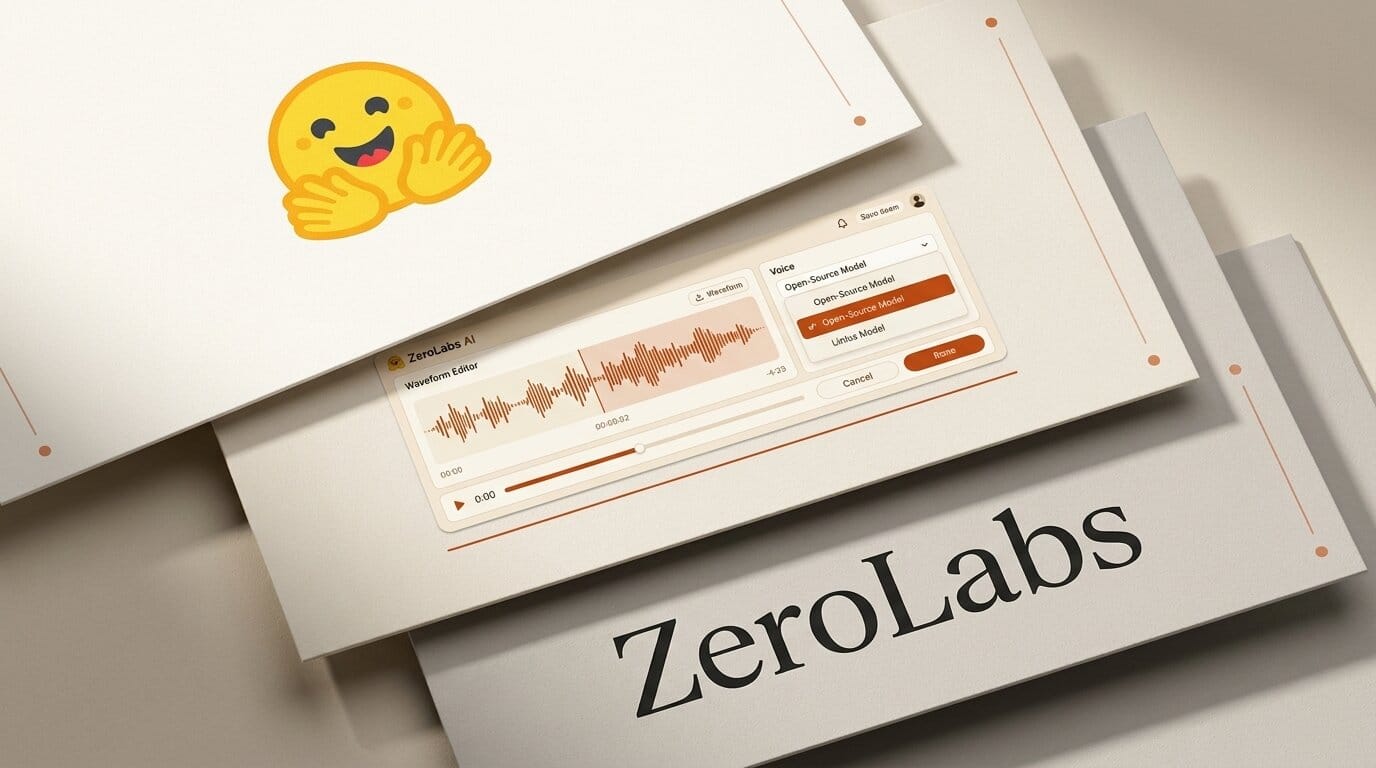
ZeroLabs is a new browser-based audio studio that stitches six open-source models into one interface for voice cloning, voice design, voice conversion, audio cleanup, sound effects, and transcription. Built by Hugging Face's Apolinario Passos (multimodalart), it runs the heavy models on Hugging Face ZeroGPU hardware instead of your machine, so the only cost to start is a free Hugging Face account. The pitch that put it on Hacker News was blunt: roughly 100x cheaper than ElevenLabs for the same core tasks, because the compute is shared and the models are free to use.
For creators who have juggled a separate tab for every audio task, that consolidation is the real story. Below is what ZeroLabs actually does, which models power each feature, how the ZeroGPU model changes the economics, and where it still trails a paid studio like ElevenLabs.
What ZeroLabs Is
ZeroLabs is a static front-end, meaning the page itself is just an interface. When you generate audio, the app authenticates you through Hugging Face OAuth and sends the request to a Hugging Face Space running the relevant model on ZeroGPU, a pool of shared A100-class GPUs. You consume quota from your own Hugging Face account rather than paying ZeroLabs directly. The result is an all-in-one audio suite that behaves like a commercial product but is assembled entirely from open weights and free infrastructure.
The tool groups its features into a familiar workflow: build a voice library from uploaded or recorded reference clips, generate or convert speech, clean up the output, add sound effects, and transcribe existing files. It is closer in spirit to a Swiss Army knife than to any single best-in-class model, which is the trade-off worth understanding before you rely on it.
ZeroLabs vs ElevenLabs at a Glance
| Dimension | ZeroLabs | ElevenLabs |
|---|---|---|
| Cost to start | Free Hugging Face account | Free tier, then paid plans |
| Models | Six open-source models | Proprietary in-house models |
| Where compute runs | Hugging Face ZeroGPU (shared) | ElevenLabs cloud |
| Task coverage | TTS, cloning, conversion, cleanup, SFX, transcription | TTS, cloning, dubbing, music, agents |
| Consistency | Varies by underlying model | Uniform, tuned pipeline |
| Rate limits | Daily ZeroGPU quota | Plan-based character limits |
| Best for | Experimenting, low-volume creators | Production and high volume |
The Six Models Under the Hood
ZeroLabs is only as good as the models it routes to, and each feature maps to a specific open project. Knowing which is which helps you predict quality:
- OmniVoice handles speech synthesis. It is a zero-shot text-to-speech model with very broad language coverage, which we covered in our look at OmniVoice and its 600-language range.
- Qwen3-TTS powers voice design, letting you shape a voice from a text description rather than a reference clip.
- Seed-VC drives voice conversion, turning one recorded voice into another. It is a well-known open project on GitHub.
- Resemble Enhance cleans up audio, removing noise and boosting clarity. Its source is public on GitHub.
- Stable Audio 3 generates sound effects. It is the same open-weights engine behind our Stable Audio 3 producer workflow.
- Cohere Transcribe handles transcription, the model that recently topped the open ASR leaderboard.
Because each task uses a different model, quality is not uniform. Transcription rides a leaderboard-topping model and tends to be strong, while voice cloning depends on how much your chosen reference audio suits the underlying synthesis model.
How It Runs: ZeroGPU, Not Your Laptop
The most common misconception is that ZeroLabs runs locally in your browser. It does not. Every generation is dispatched to a Hugging Face Space on ZeroGPU, Hugging Face's shared GPU allocation system. That design has two consequences. First, you do not need a powerful machine, a phone or a Chromebook works fine. Second, you are subject to a daily quota tied to your Hugging Face account, and free-tier users share GPUs with everyone else, so busy periods can mean queueing.
For creators, the practical read is that ZeroLabs is excellent for iteration and short jobs and less suited to batch-processing hundreds of files on a deadline. The "free forever locally" framing from the launch is aspirational; the models are open and can be run locally, but the hosted ZeroLabs experience is free-with-quota, not unlimited.
A Simple Voice-Cloning Workflow
Here is a minimal path from a raw reference clip to a cloned line of dialogue:
- Sign in with your Hugging Face account so the app can use your ZeroGPU quota.
- Open the voice library and upload or record 10 to 30 seconds of clean reference audio. Cleaner input produces a better clone.
- If the reference is noisy, run it through the Resemble Enhance cleanup step first.
- Type the text you want spoken, select your cloned voice, and generate with OmniVoice.
- Adjust inference steps and speed in the advanced settings if the delivery sounds off, then regenerate.
- Export the result, or pass it to the sound-effects step if you want ambient layers.
The entire loop happens without a local install, which is what makes it approachable for creators who do not want to manage Python environments and model downloads.
What This Enables
The value of ZeroLabs is not any single model, it is removing friction. A podcaster can clean a guest recording, generate a pickup line in a matching voice, and transcribe the episode for show notes without leaving one tab. A video creator can design a narrator voice from a text prompt, then add a few sound effects, all before touching an editor. For anyone testing whether open audio models are good enough for their workflow, ZeroLabs is the fastest way to try six of them side by side without setup. If you outgrow the hosted quota, every underlying model is open, so you can self-host the exact pipeline you validated.
Where ZeroLabs Falls Short
ZeroLabs is a launcher, not a tuned product, and that shows. Output quality is inconsistent because each task leans on a different model with its own strengths and quirks. There is no service-level guarantee: ZeroGPU queues, and a free-tier job can wait during peak demand. It also lacks the polish of a commercial suite, such as dubbing pipelines, project management, or team features. Creators who need reliable, high-volume production will still reach for a paid service or a self-hosted stack. If you want a similar all-in-one but installable locally, our writeup of Voicebox and its seven TTS engines is a useful comparison point.
Frequently Asked Questions
Is ZeroLabs really free?
Yes to start. You need a free Hugging Face account, and generations consume your daily ZeroGPU quota. It is free with limits rather than unlimited, and heavy use may require a Hugging Face Pro subscription for more quota.
Does ZeroLabs run locally in my browser?
No. The interface is in your browser, but the models run on Hugging Face ZeroGPU servers. Your device only sends requests and receives audio, so a low-powered machine works fine.
Which models does ZeroLabs use?
OmniVoice for synthesis, Qwen3-TTS for voice design, Seed-VC for voice conversion, Resemble Enhance for cleanup, Stable Audio 3 for sound effects, and Cohere Transcribe for transcription. All six are open-source.
How does it compare to ElevenLabs?
ZeroLabs is far cheaper and broader in raw task coverage, but ElevenLabs delivers more consistent quality and production features. ZeroLabs suits experimentation and low-volume work; ElevenLabs suits reliable high-volume output.
Can I use ZeroLabs output commercially?
That depends on the license of each underlying model, not on ZeroLabs itself. Check the terms for the specific model behind the feature you used, since the open licenses vary by project.
What if I hit the quota limit?
You can wait for the daily reset, upgrade to Hugging Face Pro for more allocation, or self-host the underlying open models to run without quota. The models are all publicly available.