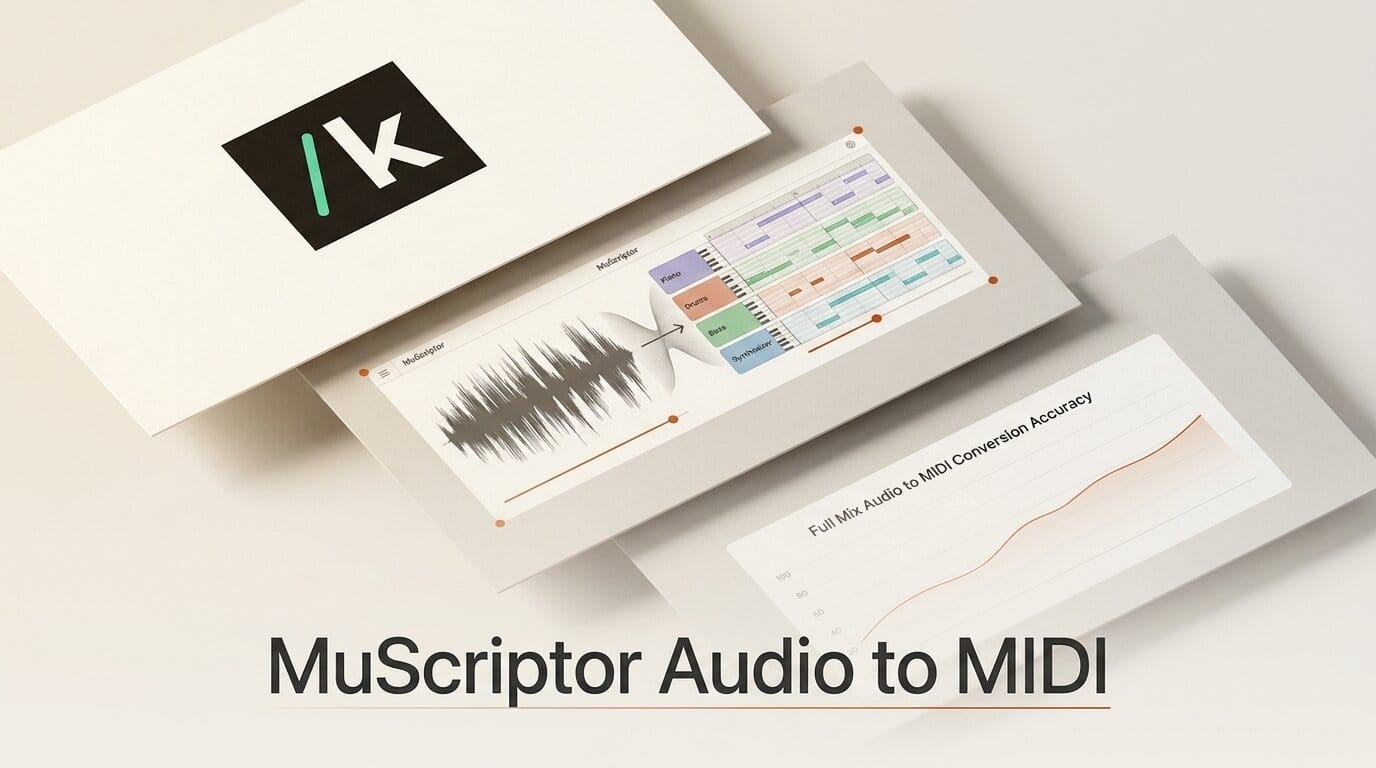
Kyutai and Mirelo released MuScriptor on July 10, 2026, an open-weight model that transcribes a full song mix into separate, editable MIDI tracks, one per instrument. Most audio-to-MIDI tools still expect a single isolated source: one vocal, one piano, one guitar take. MuScriptor reads the whole mix at once, detects the instruments in it, and writes out a MIDI track for each. On the developers' own test set it roughly doubles the note-level accuracy of the previous open baseline.
For anyone who scores, remixes, or learns music by ear, that is the difference between a tool that works on stems you rarely have and a tool that works on the MP3 you actually own. Here is what MuScriptor ships, how accurate it is, and how to run it today.
What Happened
MuScriptor is a joint release from Kyutai, the Paris open-science lab behind the Moshi and Mimi speech models, and Mirelo, a music-AI startup. Kyutai researcher Alexandre Defossez framed it as "the most accurate music transcription model to date." The model, inference code, paper, and a hosted demo all went live the same day.
Under the hood, MuScriptor treats transcription as language modeling. It reads five-second chunks of audio as a mel-spectrogram and autoregressively predicts a stream of MIDI-like tokens for pitch, timing, and instrument, using a plain decoder-only Transformer backbone and the MT3 tokenization scheme. That design lets one model handle polyphonic, multi-instrument audio instead of chaining together source-separation and single-instrument transcribers. The paper details the full architecture and training recipe.

How It Was Trained
The accuracy comes from a three-stage pipeline. MuScriptor is pre-trained on roughly 1.45 million synthetic MIDI files rendered with varied instruments and settings, fine-tuned on 170,000 real recordings totaling more than 11,000 hours of annotated audio, then polished with reinforcement learning on 300 manually verified tracks. The Mirelo team reports that fine-tuning on real recordings lifted performance about 20 percentage points over the synthetic-only version, which explains why earlier synthetic-trained transcribers struggled on messy real-world mixes.
The result is a model that recovers harmonic context, chords, key, and tempo, alongside the raw notes. That extra structure is what makes the output usable in a digital audio workstation rather than a wall of unquantized note events.
The Benchmarks
On the developers' D_Test evaluation set, MuScriptor's medium model posts large gains over YourMT3+, the prior open multi-instrument baseline. These are the numbers reported in the Mirelo write-up and paper.
| Metric | MuScriptor | YourMT3+ |
|---|---|---|
| Multi-instrument F1 | 48.2 | 21.9 |
| Onset F1 | 60.4 | 32.5 |
| Frame F1 | 73.3 | 45.5 |
| Offset F1 | 49.0 | 17.8 |
The multi-instrument F1 score, which measures whether the right note was assigned to the right instrument, more than doubles. That is the metric creators feel most: it is the difference between a transcription where the bass line lands on the bass track and one where every note piles onto a single channel.
How It Compares to Existing Tools
MuScriptor sits in a different category from the single-source converters most creators have used. Spotify's basic-pitch, the widely used open option, is fast and lightweight but built for one instrument at a time and has no instrument labeling. MuScriptor trades some speed for polyphonic, multi-instrument output with automatic part detection.
| Capability | MuScriptor | basic-pitch | YourMT3+ |
|---|---|---|---|
| Full-mix input | Yes | Single source | Yes |
| Per-instrument tracks | Yes | No | Yes |
| Instrument hints | Yes | No | No |
| Open weights | Yes (CC BY-NC) | Yes (Apache) | Yes |
| Model sizes | 103M / 307M / 1.4B | Single | Single |

Why It Matters for Creators
Audio-to-MIDI is one of those workflow steps that used to require either clean stems or a lot of manual note entry. MuScriptor removes both constraints for the common case: you drop in a full mix and get back editable parts. A producer can pull the chord voicings out of a reference track, a composer can turn a rough hummed demo plus backing into notation, and a student can extract the exact piano part from a recording to practice against.
Because the parts come out as standard MIDI with instrument labels, the output drops straight into Ableton, Logic, FL Studio, or MuseScore for cleanup and re-voicing. The three model sizes also mean you can trade accuracy for speed: the 103M small model runs comfortably on modest hardware, while the 1.4B large model is the one to reach for when transcription quality is the priority.
How to Run MuScriptor Today
MuScriptor is a Python package with a built-in web UI. To transcribe your first mix:
1. Install it. Run pip install muscriptor (or uv add muscriptor). The inference code is MIT-licensed.
2. Launch the interface. Run muscriptor serve to open the browser UI, which supports drag-and-drop and a live piano-roll view. Input accepts WAV, MP3, FLAC, OGG, and M4A.
3. Add instrument hints (optional). If you know what is in the mix, pass hints like acoustic_piano, drums to steer the model toward the parts you expect.
4. Review and export. Check the per-instrument piano rolls, then export standard MIDI for your DAW. If you would rather not install anything, the free Mirelo Studio tool runs the same transcription in the browser, and the hosted demo lets you try it instantly. Model weights are on Hugging Face.
One licensing note worth flagging: the code is MIT, but the model weights are released under CC BY-NC 4.0, which restricts commercial use. Hobby projects, learning, and research are fine; a paid product built on the weights is not, at least until the license changes.
Frequently Asked Questions
What is MuScriptor?
MuScriptor is an open-weight AI model from Kyutai and Mirelo that transcribes a full audio mix into separate MIDI tracks, one per detected instrument. It was released on July 10, 2026.
Does MuScriptor need isolated stems?
No. Unlike single-source converters, MuScriptor reads a full mix with multiple overlapping instruments and separates the parts itself, outputting a MIDI track per instrument.
How accurate is it?
On the developers' D_Test set, the medium model scores 48.2 multi-instrument F1 versus 21.9 for the YourMT3+ baseline, and 73.3 frame F1 versus 45.5. It roughly doubles note-level accuracy over the previous open baseline.
Can I use MuScriptor commercially?
The inference code is MIT-licensed, but the model weights are CC BY-NC 4.0, which restricts commercial use. Personal, educational, and research use is allowed.
What formats and outputs does it support?
It accepts WAV, MP3, FLAC, OGG, and M4A input and exports standard MIDI files with per-instrument tracks, plus harmonic context like chords, key, and tempo.
How do I install and run it?
Install with pip install muscriptor, then run muscriptor serve for the browser UI. A free hosted version is available in Mirelo Studio and at the Kyutai demo page.