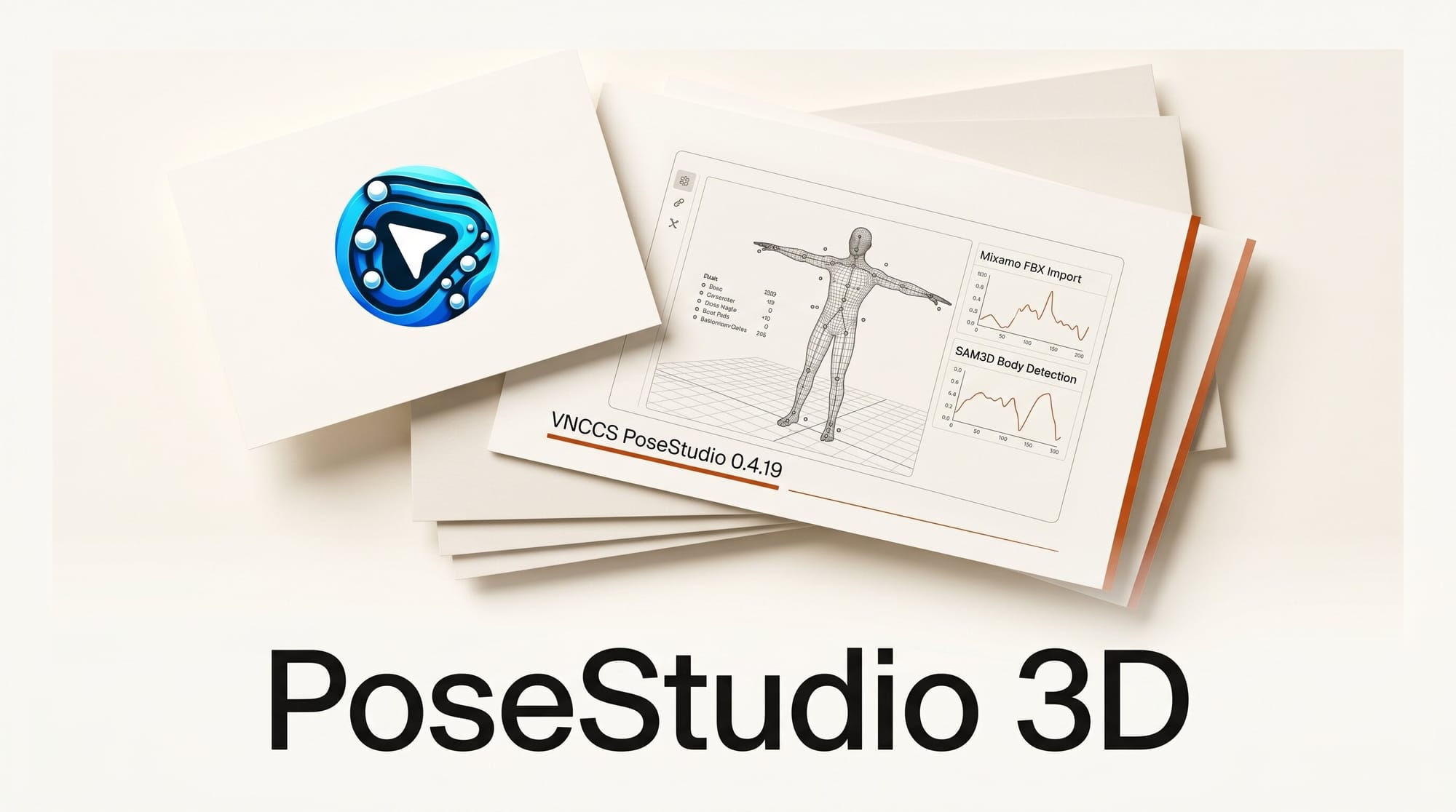
VNCCS PoseStudio 0.4.19 shipped on May 23, 2026 for ComfyUI_VNCCS_Utils, bringing two major workflow upgrades to the free 3D posing node: Mixamo FBX animation import and SAM3D body detection from real photos. Combined, these features close the gap between raw reference material and precise character control in AI image generation pipelines.
What Happened
The 0.4.19 changelog confirms three major additions and several supporting improvements, all merged in a single release on May 23:
- Mixamo FBX import reads industry-standard FBX animation files, maps Mixamo bone names to the PoseStudio rig, and applies world-space rotations to generate accurate poses from any frame of any animation.
- SAM3D body detection accepts a real photo as input, runs a 3D body estimation pipeline to extract keypoints, and retargets those keypoints to the 3D character rig including pelvis, torso, limbs, head, hands, and feet.
- Online pose library integrates with Hugging Face repositories so pose packs can be downloaded, browsed, and applied without leaving ComfyUI.
- Per-limb proportion controls add individual length sliders for upper arm, forearm, thigh, shin, and spine on each side of the body, giving creators fine-grained anatomy matching for specific characters.
- SAM camera matching reads the camera framing from detected photo data and offers optional yaw and pitch matching so the generated image can align with the source photo angle.
Why It Matters
Consistent character posing is one of the hardest problems in AI image workflows. The standard approaches each have a ceiling: ControlNet OpenPose requires drawing or editing a skeleton by hand for every frame; reference image methods give rough guidance but not joint-level precision; manual 3D posing in PoseStudio is accurate but slow for complex or dynamic poses.
The two new features in 0.4.19 break through that ceiling at opposite ends of the workflow. Mixamo import handles motion-rich poses, athletic stances, and cinematic gestures that would take minutes to hand-key. SAM3D detection handles real-world reference photos, allowing creators to capture any pose from a photograph and apply it directly to a generated character.
For studios producing character sheets, sequential art, or game promotional renders, the practical impact is a reduction in per-pose setup time from several minutes to under thirty seconds per character pose.
Mixamo FBX Import: Real Animation Data in Your Poses
Mixamo is Adobe's free motion library covering thousands of human animations across walking, running, combat, sports, dance, and idle categories. The animations are download-free with an Adobe account and export in FBX format, which is the industry-standard container for 3D mesh and skeleton data.
The 0.4.19 import workflow works like this: download any Mixamo animation as FBX, load it into the PoseStudio node via the new file input, and the system parses the bone hierarchy using Mixamo naming conventions. The importMixamoFBXAsPoses function converts the animation into a sequence of individual poses stored in PoseStudio's tab system. From there, any pose tab can be exported as a control image for ControlNet or used as a starting point for manual adjustment.
The IK chain integration ensures that imported limb positions remain physically plausible on the rig, preventing the bone-flipping artifacts that can occur when retargeting between skeletons with different proportions. An IK rotation layer applies on top of the raw bone data so fingers, wrists, and ankles stay correctly oriented even when the source animation was designed for a different body type.
This matters most for action-oriented content: fight sequences, sports scenes, and choreographed dance frames that would be extremely difficult to pose from scratch in a viewport.
SAM3D Body Detection: Match Poses From Real Photos
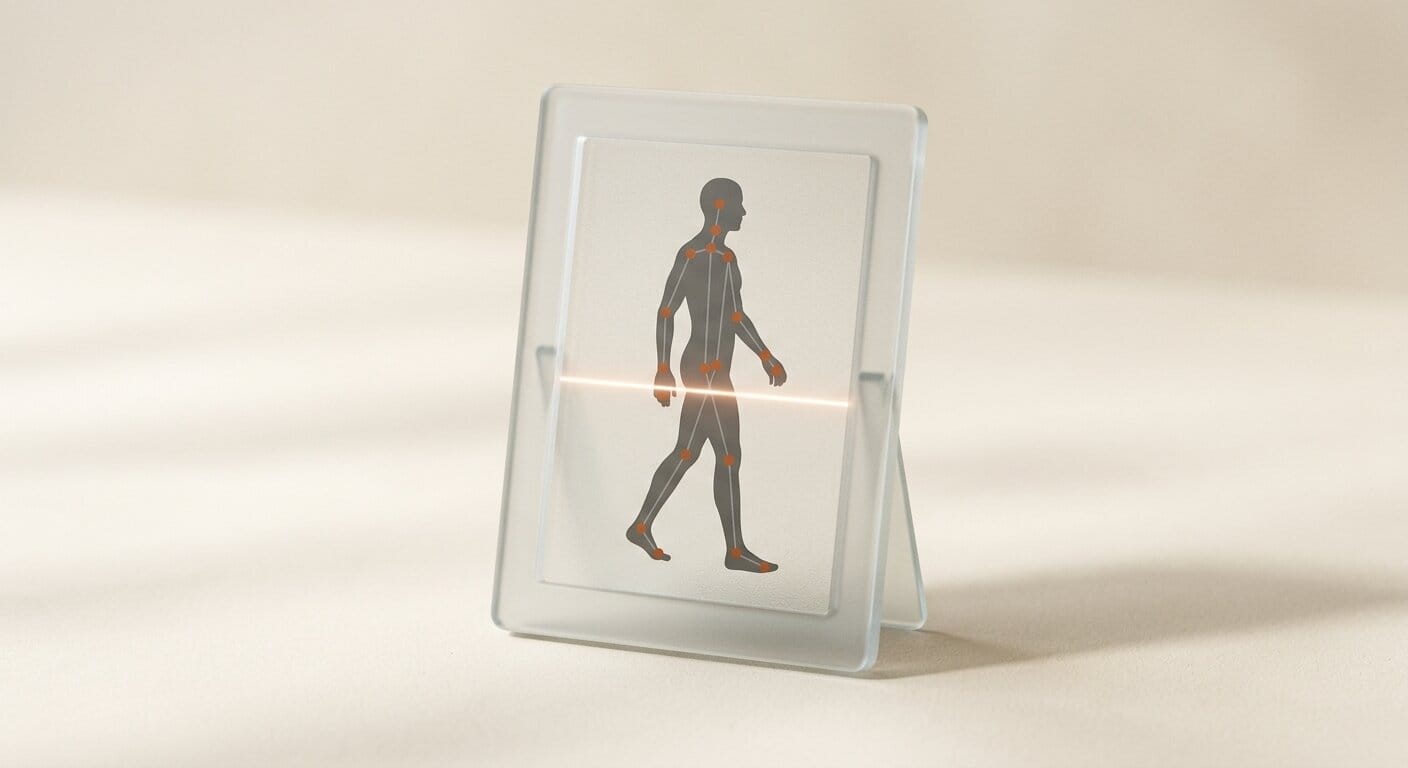
The SAM3D pipeline treats any photograph as pose data. Connect an image to the new pose_image input on the PoseStudio node, and the system runs 3D body estimation to extract landmark keypoints, then retargets those to the character rig. The VNCCS_PoseStudio model repository on Hugging Face provides the supporting model weights used in the detection pipeline.
The retargeting covers the full body hierarchy: pelvis and root position, thoracic spine, both shoulders and arms down to the wrists, both legs down to the feet, and head direction derived from an eye line estimate. Two debug overlays assist with alignment review before committing to a capture: a helper skeleton shows the mapped bone positions, and a mesh overlay shows the estimated body volume.
Camera matching is the complementary feature. When SAM3D processes an image, it also estimates the camera angle used in the source photo. Creators can accept the matched yaw and pitch values to align the 3D viewport with the reference image, or keep their existing camera position and only apply the body pose.
This is a meaningful upgrade to the ComfyUI SAM integration that SAM 3.1 introduced at the core ComfyUI level: where the core integration handles segmentation and masking tasks, the PoseStudio integration specifically solves the body-pose retargeting problem for character generation.
Online Pose Library and Body Controls
The pose library now connects directly to Hugging Face repositories. A bundled default_pose_repositories.json configuration points to the default pose pack, and additional repositories can be added by editing the config. Within ComfyUI, the library inspector shows thumbnails, metadata, and preview images for each pose. Downloads happen in the background with progress tracking so the UI stays responsive.
The per-limb proportion controls are a quieter but practically significant addition. Earlier versions offered symmetric body proportion sliders (height, weight, muscle mass). The 0.4.19 controls add independent length adjustment for left and right upper arm, forearm, thigh, and shin, plus spine length. This allows more accurate anatomy matching for characters with asymmetric proportions or for scenes where a character's specific build matters for the composition.
How PoseStudio Compares to Other Pose Control Methods
| Method | Real photo input | 3D joint control | Animation import | Setup time per pose |
|---|---|---|---|---|
| ControlNet OpenPose (hand-drawn) | No | No | No | 3-8 minutes |
| ControlNet Reference image | Yes | No | No | Under 1 minute |
| PoseStudio pre-0.4.19 (manual 3D) | No | Yes | No | 2-5 minutes |
| PoseStudio 0.4.19 with SAM3D | Yes | Yes | No | Under 30 seconds |
| PoseStudio 0.4.19 with Mixamo FBX | Via animation | Yes | Yes | Under 30 seconds |
The reference image method is faster than manual 3D posing but provides less precise control over joint angles and limb positions. PoseStudio with SAM3D gives both speed and precision: the detected pose loads in seconds and can then be adjusted at the joint level before capture.
How to Install PoseStudio 0.4.19
PoseStudio is part of the ComfyUI_VNCCS_Utils custom node package. The recommended installation path is through ComfyUI Manager: search for "VNCCS" in the custom nodes list and install ComfyUI_VNCCS_Utils. Manager handles the dependency chain automatically.
If you already have an earlier version installed, use Manager's update function on the VNCCS_Utils entry. The 0.4.19 update includes new model weights for the SAM3D pipeline that Manager will prompt you to download on first run.
Manual installation: clone the repository from GitHub into your custom_nodes/ directory, run pip install -r requirements.txt, and restart ComfyUI. The SAM3D models download automatically on first use via the node's built-in model manager widget.
For a full reference on setting up production-ready ComfyUI workflows around tools like PoseStudio, the ComfyUI 2026 Definitive Workflow Guide covers node architecture, model management, and output pipeline setup.
What to Do Next
The fastest way to see the SAM3D detection in action is to grab a clear front-facing reference photo of a person, connect it to the pose_image input on the PoseStudio node, and run the workflow. The pose will load into the active tab and the camera match values will appear in the control panel. From there, use the bone adjustment tools to refine any joints that the detection placed imprecisely before capturing the final control image.
For Mixamo FBX import: visit MimicPC's hosted PoseStudio workflow to test the tool in a browser environment before setting it up locally, then download any Mixamo animation in T-pose character FBX format and load it via the file input.
For character consistency work across multiple images, combine PoseStudio captures with a consistent LoRA or IP-Adapter setup. The Best ComfyUI Workflows 2026 guide covers several production-tested character consistency pipelines that work well with PoseStudio output.
Frequently Asked Questions
What is VNCCS PoseStudio?
PoseStudio is a free, open-source ComfyUI custom node that provides a browser-based 3D character posing environment. It lets you manipulate a 3D humanoid rig, configure lighting, and export pose control images for use with ControlNet or other conditioning nodes in Stable Diffusion and FLUX workflows.
What does the Mixamo FBX import feature do?
It lets you import FBX animation files downloaded from Mixamo and converts the 3D bone data directly into PoseStudio poses. Instead of hand-adjusting each joint, you pick an animation frame and the rig snaps to that pose automatically. Mixamo provides thousands of free human animations covering nearly every category of motion.
How does SAM3D body detection work?
You connect a photograph to the pose_image input. PoseStudio runs a 3D body estimation model on the image, extracts landmark positions for the major joints, and retargets those positions to the 3D rig using IK. A debug overlay lets you review the mapping before committing. The optional camera matching feature reads the estimated photo angle and aligns the 3D viewport to match.
Is PoseStudio free to use?
Yes. The node package and all source code are MIT-licensed on GitHub. The SAM3D model weights used for body detection are hosted on Hugging Face and download automatically on first use. There is no subscription, API key, or paid tier.
Does PoseStudio work with FLUX as well as Stable Diffusion?
PoseStudio generates standard control images (depth maps, openpose skeletons) that are compatible with any ControlNet-style conditioning node. FLUX supports ControlNet conditioning through community nodes, so the output is usable in FLUX pipelines. The node itself is model-agnostic: it exports images, not model-specific embeddings.
Can I use SAM3D with group photos or multi-character poses?
The current 0.4.19 implementation targets a single primary body per detection pass. For multi-character scenes, the standard workflow is to run the detection separately for each person in the reference photo (crop to one person per pass) and apply the resulting poses to separate pose tabs in PoseStudio.





