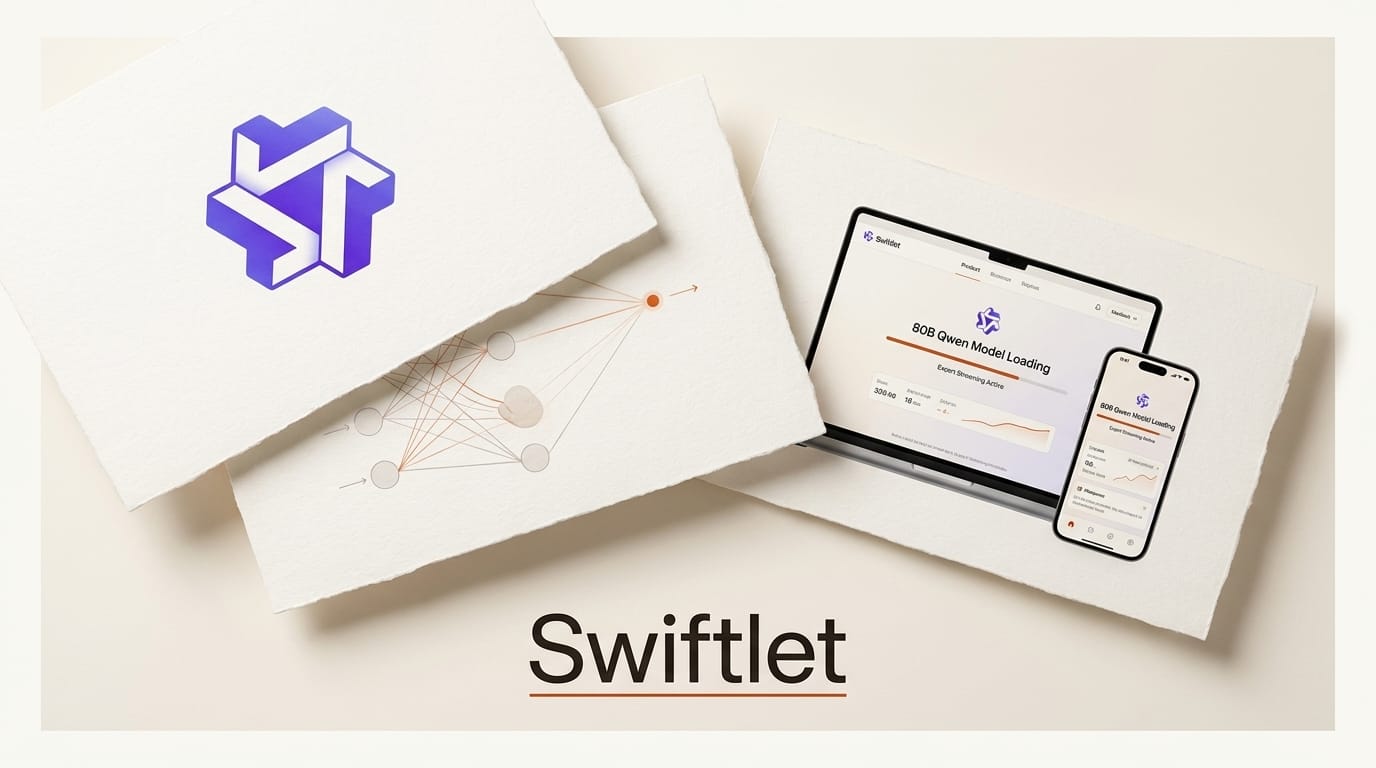
An open-source project called Swiftlet claims something that sounds impossible: run an 80-billion-parameter Qwen model on a Mac using just 4.3 GB of RAM, and a 35-billion-parameter model on an iPhone in about 2.5 GB. Not a distilled toy version, the actual Qwen3-Next-80B and Qwen3.6-35B weights. The trick is a technique called expert streaming, and it changes what "you need a big machine to run a big model" actually means for creators and builders.
For anyone who has wanted local, private, offline access to a frontier-class model without a 64 GB workstation, this is worth understanding. Here is how Swiftlet pulls it off, what the real performance looks like, and whether it fits your workflow. The project ships as a Swift and Metal runtime with a CLI, an OpenAI-compatible server, and an iOS app.
What Swiftlet Actually Is
Swiftlet is a Swift-plus-Metal inference runtime built specifically for the Qwen3-Next and Qwen3.5/3.6 family of Mixture-of-Experts (MoE) models on Apple Silicon. It is a library first, exposing a Swift package, command-line tools, an OpenAI-compatible server so existing apps can point at it, and an iOS app named Priv AI for on-device use. In other words, it is not just a demo; it is a full local-inference stack aimed at Apple hardware.
The models it targets are unusual in the best way. Qwen3-Next-80B-A3B has 80 billion total parameters but activates only around 3 to 3.9 billion per token thanks to sparse MoE routing, and it natively supports context windows up to 262,144 tokens. That sparsity is the door Swiftlet walks through.

How Expert Streaming Works
A normal inference engine loads the entire model into memory. For an 80B model at 4-bit that is roughly 42 GB, which rules out most laptops and every phone. Swiftlet's insight is that in an MoE model, only a handful of experts fire for any given token, so the rest do not need to be resident.
Swiftlet keeps the dense core resident: attention layers, projections, routers, and embeddings. The routed experts live on disk in a .qpack container built from fixed-stride blobs for fast seeking. A bounded in-memory pool caches the experts you actually use, evicting cold ones with a least-frequently-used-plus-recency policy. When a token needs an expert that is not cached, the runtime streams it from storage on demand, compiling Metal shaders at runtime for iOS compatibility. On top of that, roughly 75 percent of the model's layers use Gated DeltaNet linear attention with a fixed-size recurrent state, which eliminates the ever-growing KV cache that normally balloons memory as context lengthens. The result, as documented in the wider Qwen community, is that peak RAM stays tiny even though the model on disk is huge.
Performance: What Runs Where
The numbers below come from the project's own benchmarks. Speed is modest compared to a datacenter GPU, but the point is that these run at all on consumer Apple hardware.
| Model | Disk | Peak RAM | Decode speed |
|---|---|---|---|
| Qwen3.6-35B (4-bit) | 18 GB | 2.6 GB | 7-11 tok/s (M5 Mac) |
| Qwen3-Next-80B (4-bit) | 42 GB | 4.3 GB | 4.5-5 tok/s |
| 35B on iPhone 17 | 18 GB | ~2.5 GB | ~1 tok/s |
The trade you are making is clear: you spend disk space and accept slower generation in exchange for running a model class that would otherwise demand far more RAM. For real-world context, community testing shows the full Qwen3-Next-80B on 128 GB Apple Silicon fits in roughly 92 GB of wired memory the conventional way, so Swiftlet's 4.3 GB peak is a dramatic reduction.
How to Try It
Swiftlet is early but usable end to end. Here is the practical path to running a Qwen model locally.
- Check your hardware. You need an Apple Silicon Mac (M-series) or a recent iPhone. Fast internal storage matters because experts stream from disk.
- Clone the runtime. Pull the Swift package from the repository and build the CLI or the OpenAI-compatible server.
- Fetch a quantized model. Download a 4-bit Qwen3.6-35B or Qwen3-Next-80B and pack it into the
.qpackcontainer Swiftlet expects. - Point your tools at the local server. Because the server speaks the OpenAI API, existing chat apps, scripts, and agent frameworks can use it by swapping the base URL to localhost.
- Tune the expert cache. If you have RAM to spare, raise the cache pool size to keep more experts hot and lift tokens per second.

What This Enables
For creators and builders, Swiftlet makes a frontier-class open model private and offline on hardware you already own. That means drafting, coding help, summarization, and agent workflows that never leave your device, with no per-token API bill and no data sent to a third party. It also lowers the bar for on-device AI apps: a developer can ship an iOS app backed by a 35B model instead of a tiny 3B one, using the OpenAI-compatible server as a drop-in local backend. Compared with cloud endpoints like the hosted Qwen3-Next, you trade raw speed for privacy, offline capability, and zero marginal cost.
What to Do Next
If you have an Apple Silicon Mac, clone Swiftlet and try a 4-bit 35B model first; it is the sweet spot at 7 to 11 tokens per second. For a deeper look at which Qwen models fit which Mac RAM tiers, the Qwen-on-Mac breakdown is a useful reference. Watch the repository for kernel optimizations, since decode speed is the main thing under active development, and expect the broader Apple ML ecosystem to keep pushing on-device inference forward.
Frequently Asked Questions
How does Swiftlet run an 80B model in 4.3 GB of RAM?
It uses expert streaming. Only the dense core of the Mixture-of-Experts model stays resident in memory, while the routed experts are stored on disk and streamed in on demand, with a small cache holding the ones you use most.
Is this the real Qwen model or a smaller version?
It is the real thing: Qwen3-Next-80B-A3B and Qwen3.6-35B at 4-bit quantization. The 80B model activates only about 3 to 3.9 billion parameters per token because it is a sparse MoE architecture.
How fast is it?
On an M5 Mac, the 35B model decodes at 7 to 11 tokens per second and the 80B at 4.5 to 5 tokens per second. On an iPhone 17, the 35B runs at roughly 1 token per second.
Can I use my existing AI tools with it?
Yes. Swiftlet includes an OpenAI-compatible server, so apps and scripts that call the OpenAI API can point at your local Swiftlet instance by changing the base URL to localhost.
What hardware do I need?
An Apple Silicon Mac or a recent iPhone. Fast internal storage helps because inactive experts stream from disk, so read speed affects generation performance.
Why is this a big deal for on-device AI?
It lets consumer devices run a model class that normally needs a high-memory workstation, enabling private, offline, zero-cost inference and letting app developers ship far more capable local models than before.





