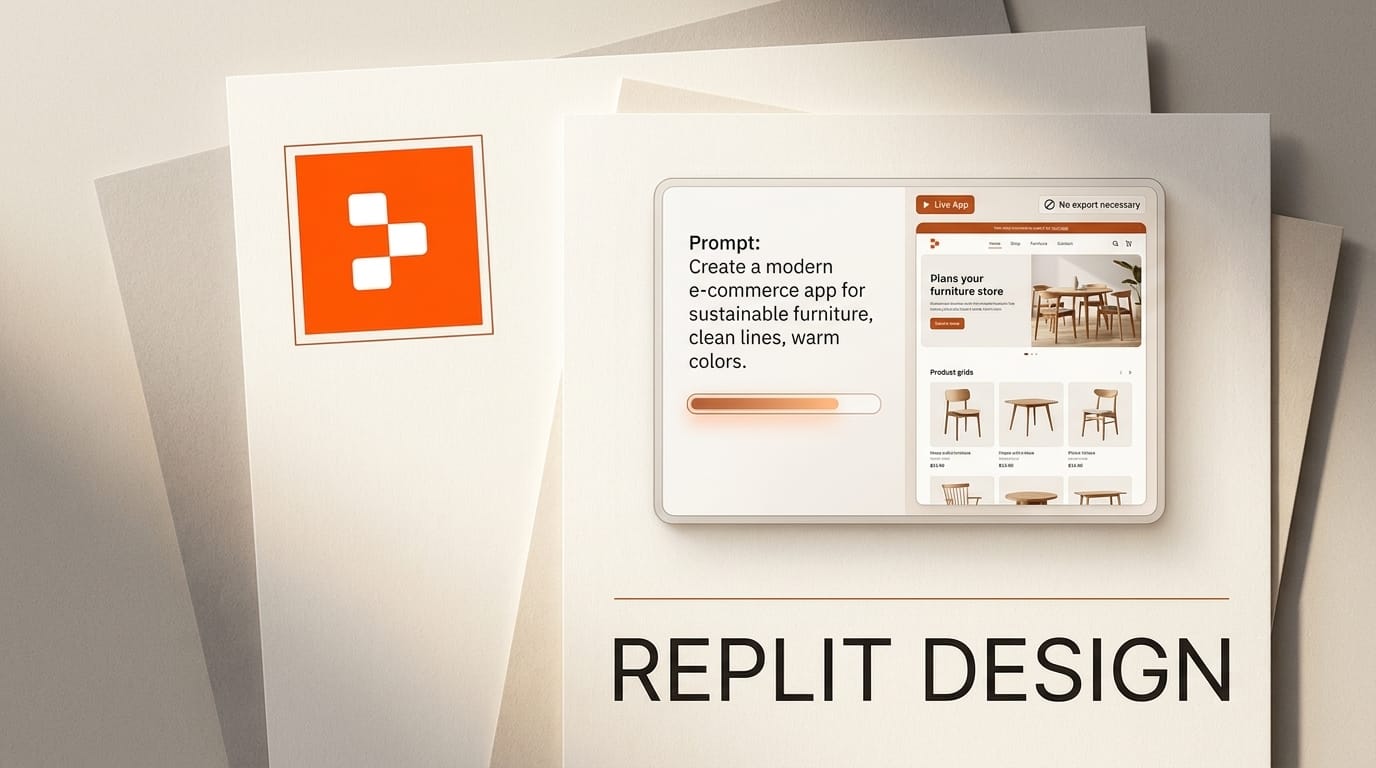
Replit launched Replit Design on July 29, 2026, an AI creative suite that lives inside the Replit platform and turns an idea into finished, publishable design without a single export or handoff. It is live for all users immediately, ships with a moodboard and brand-system engine, and plugs in Mobbin's reference library of more than 600,000 screens from over 1,000 apps. Replit is also running a Designathon with more than 50,000 dollars in cash and credits to seed the launch.
The pitch is aimed at what Replit calls a "new creative class": people who have design ideas but not traditional design training, and who want to go from concept to a live app in one environment. That puts Replit Design in direct competition with Figma Make, Lovable, and v0, but with one structural difference: the design surface and the running application are the same project. Here is what it actually does, how it compares, and how to build with it.
What Replit Design Actually Is
Replit Design is not a standalone design app bolted onto the IDE. It is a layer of AI-powered design tooling woven into Replit's existing build-and-deploy flow. The core concept Replit uses is "Ambient Intelligence," which it describes as AI that suggests variations and progressions you can accept with a single click. Instead of starting from a blank canvas, you start from a direction and steer.
Templates are reframed as ingredients you can pull in at any stage of a project, not just starting points you pick once. A moodboard supplies design inspiration, and a brand system can be applied across a project with one click so colors, type, and spacing stay consistent. Because it sits inside Replit, a finished design publishes straight to a live project rather than getting handed to a developer to rebuild.
Under the hood, Replit Design can draw on multiple frontier models, including Claude, GPT-5, Gemini, Kimi, and GLM, so the design assistance is not locked to a single provider.
Replit Design vs Figma Make vs Lovable vs v0
The AI prototyping space is crowded, and each tool solves a slightly different slice of the concept-to-code path. The table below places Replit Design against three of the most common alternatives.
| Tool | Primary strength | Design-to-live-app | Best for |
|---|---|---|---|
| Replit Design | Design plus build plus deploy in one project | Yes, no export or handoff | Idea to live app with database and auth |
| Figma Make | Adds interaction on top of Figma designs | Converts designs to code, stays in Figma | Extending existing Figma work |
| Lovable | Non-coder-friendly finished pages | Own environment, deploys fast | PMs who want a finished page, not an editor |
| v0 | High-quality React UI components | Generates code for developers | Developers who know React |
The distinguishing move is integration. Figma Make keeps you in Figma, Lovable and v0 hand you a deployable artifact, but Replit is the environment where the design, the database, the auth, and the running app all coexist. For anyone building an internal tool or a real product with persistent data, collapsing design and build into one project removes the handoff that usually loses fidelity.
Ambient Intelligence and the Mobbin Library
Two pieces do the heavy lifting. Ambient Intelligence is the suggestion engine: rather than waiting for a fully specified prompt, it proposes variations and progressions you accept or reject, keeping momentum without demanding design vocabulary you may not have.
The Mobbin integration is the taste layer. Mobbin catalogs real, shipped app interfaces, and wiring more than 600,000 screens from over 1,000 apps into the design surface means suggestions are grounded in patterns that already work in production, not generic AI guesses. For a non-designer, that is the difference between an interface that looks plausible and one that looks like a real product. Applying a brand system on top keeps those borrowed patterns coherent with your identity.
How to Design and Ship in Replit
Because Replit Design is live for all users, you can try the full loop today. A rough workflow:
- Open a Replit project and enter the Design surface. There is no separate app to install or export step to configure.
- Describe your idea in plain language. Ambient Intelligence responds with variations rather than a single locked output, so you steer by accepting the direction that fits.
- Pull from the moodboard and Mobbin to anchor the look in proven patterns instead of describing every detail from scratch.
- Apply your brand system with one click so colors, type, and spacing stay consistent across every screen.
- Use templates as ingredients mid-project, dropping in a component or layout wherever you need it rather than only at the start.
- Publish to the live project. Because the design and the app are the same project, wiring in Replit's database and auth happens in the same place, with no rebuild.
What This Enables for the New Creative Class
The practical outcome is speed for people who were previously blocked at the design step. A founder can go from a rough idea to a branded, working prototype without hiring a designer or learning Figma. A product manager can build a real internal tool with persistent data instead of a throwaway mockup. A developer can skip the design-handoff loop entirely and ship a polished interface in the same session they write the backend.
It also lowers the tax on iteration. When design lives next to the running app, changing the look does not mean re-exporting and re-integrating; you adjust and republish. That tightens the feedback loop the same way prompt-to-app tools did for code, a shift we covered when Grok Build Mode turned single prompts into publishable apps. Replit Design pushes that collapse one layer further, into the visual design itself.
The Catch
Replit Design's strength is also its boundary: it is most valuable if you are building inside Replit. If your product already lives in Figma with an established design system and a separate front-end codebase, a tool that converts existing designs like Figma Make may fit your pipeline better than one that wants to own the whole project. The multi-model backing (Claude, GPT-5, Gemini, Kimi, GLM) is a hedge against provider lock-in, but the platform lock-in is real: the payoff comes from keeping design, database, and deployment in one place. For the target user, that is the point. For teams with entrenched external tooling, it is a migration decision, not a drop-in.
Frequently Asked Questions
Is Replit Design free?
Replit Design is live for all users as of the July 29, 2026 launch, and the announcement did not attach separate subscription pricing to it. Access follows your existing Replit plan, so check current plan limits before building a production workflow on it.
What is Ambient Intelligence in Replit Design?
It is Replit's term for AI that suggests design variations and progressions you can accept with a single click, rather than requiring a fully specified prompt up front. The goal is to keep momentum for people without formal design training.
How does the Mobbin integration work?
Replit Design taps Mobbin's library of more than 600,000 screens from over 1,000 apps, grounding its design suggestions in real, shipped interface patterns instead of generic output. That reference base is what helps non-designers land on interfaces that read as production-quality.
Which AI models power Replit Design?
Replit lists Claude, GPT-5, Gemini, Kimi, and GLM as supported models, so the design assistance is not tied to a single provider.
How is Replit Design different from Lovable or v0?
Lovable and v0 produce deployable artifacts you take elsewhere, and v0 assumes React familiarity. Replit Design keeps the design, the database, the auth, and the running app in one project, so publishing a design does not require a rebuild or handoff.
What is the Replit Designathon?
It is a launch competition offering more than 50,000 dollars in cash and Replit credits, detailed at Replit's Buildathons site, meant to encourage creators to build with the new suite.





