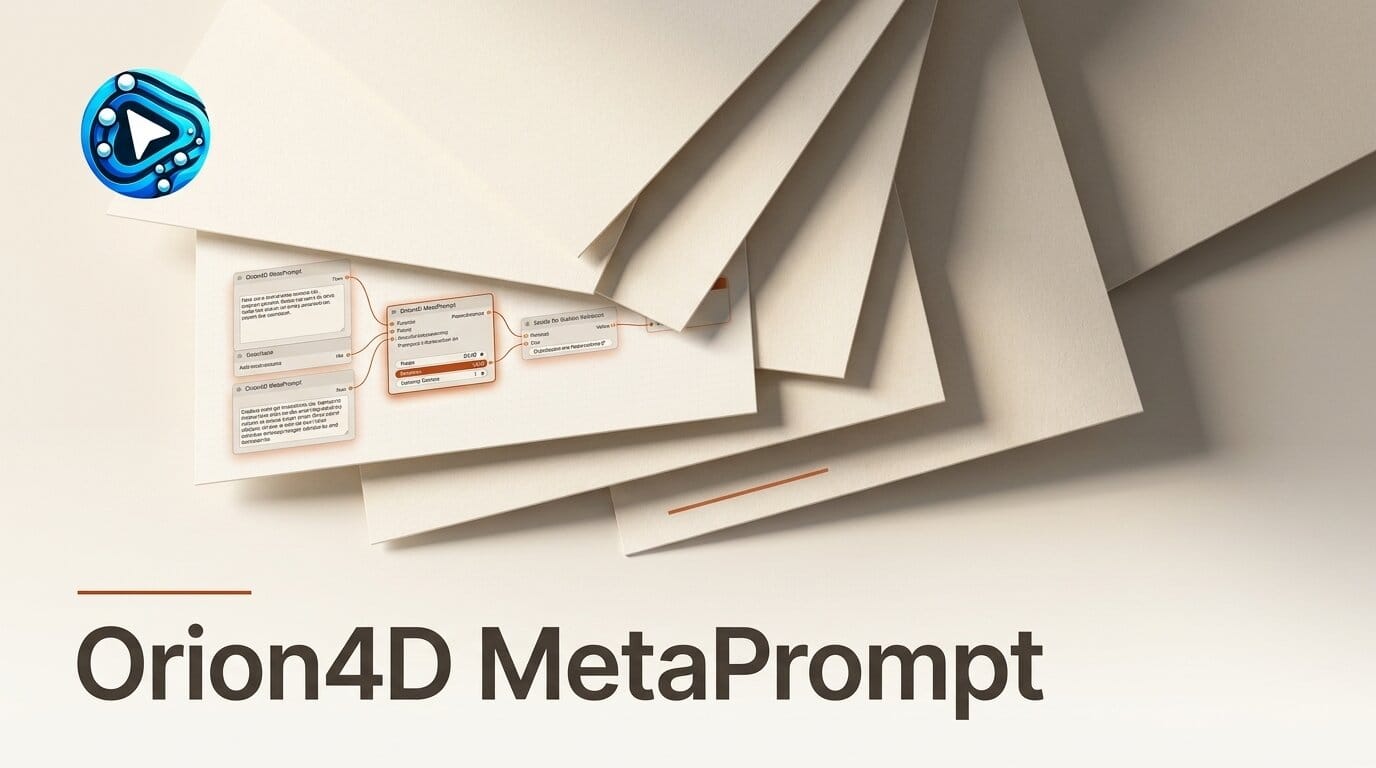
Prompt engineering inside ComfyUI usually means a tangle of string nodes, concatenations, and copy-pasted wildcards that clog the graph. Orion4D MetaPrompt, an MIT-licensed suite that landed on GitHub on July 4, 2026, takes a different route: it moves list building and prompt enhancement into modal web panels, and it runs local language models through Ollama so no text ever leaves your machine. Built by Philippe Joye (orion4d), it bundles three custom nodes plus a standalone browser-based List Constructor, giving image creators a full local pipeline from raw keyword lists to detailed, model-ready prompts.
What Orion4D MetaPrompt Does
MetaPrompt targets a specific pain point: keeping structured prompt data organized without turning your workflow into spaghetti. Instead of chaining a dozen text primitives, you load .txt or .csv lists into a single node and assemble prompts from labeled blocks, each with its own randomization seed. The suite then layers optional local intelligence on top through Ollama, expanding sparse concepts into fully described scenes and even captioning reference images, all offline.
Because the heavy interfaces live in popup modal windows rather than on the node canvas, the graph stays readable even when you are managing hundreds of prompt fragments. The project is early (5 stars, 14 commits, no tagged release yet at launch), but the feature set is unusually complete for a first public push.

The Three Nodes and the List Constructor
The suite is organized around three nodes and one external utility. The List Constructor is a web app that runs in any browser, so you can clean and organize prompt lists before you ever open ComfyUI.
| Component | Role | Local LLM |
|---|---|---|
| MetaPrompt Node | Builds prompts from .txt and .csv lists with per-separator seeds and a popup directory browser | No |
| MetaPrompt Ollama Node | Inherits the block builder, then enhances the assembled prompt at runtime via Ollama | Yes |
| ImageToPrompt Ollama Node | Vision captioning from image tensors or a batch folder scan, feeding descriptions back as prompts | Yes |
| List Constructor | Standalone browser tool to build, search, dedupe, and export lists as .txt, .csv, or .js | No |
Step-by-Step: Build a Local Prompt Pipeline
Here is a repeatable workflow that uses every piece of the suite. It assumes ComfyUI is installed and Ollama is running with at least one text model and one vision model pulled.
- Prepare your lists. Open the List Constructor in a browser. Add labeled, color-coded categories (subject, style, lighting, camera), use search and replace to normalize entries, remove duplicates, then export each category as a
.txtor.csvfile into a folder ComfyUI can reach. - Load the MetaPrompt node. Drop the MetaPrompt node onto your graph and use its embedded directory browser to point at your list folder. Assign separators and set each block to Manual, Randomize, or Increment so you control which parts vary between runs.
- Enhance with a local model. Swap in or chain the MetaPrompt Ollama node. It reads the assembled block prompt and calls your local model through the Ollama API, expanding a terse phrase like "rainy alley, neon" into a detailed cinematic description. Save the system parameters as a global preset so every project reuses the same style guidance.
- Caption a reference image (optional). Feed a reference through the ImageToPrompt Ollama node, either as a direct image tensor or by scanning a folder of
.png,.jpg,.webp, or.bmpfiles. The vision model returns a caption you can merge into the final prompt. - Wire to your sampler. Route the enhanced text into your KSampler as usual. Because seeds are per-block, you can lock the subject while randomizing lighting and style for controlled variation across a batch.

Why Local Ollama Beats Cloud Prompt Helpers
Most prompt-boosting tools send your text to a hosted API, which means latency, usage caps, and your creative ideas sitting on someone else's server. Running enhancement through Ollama flips that: the model lives on your GPU, there are no per-token fees, and you can work fully offline. It also pairs naturally with the local vision captioning trend, the same approach behind tools like Caption Creator v11, which uses Ollama and LM Studio for image captioning.
MetaPrompt adds safety touches that matter for unattended batches: configurable {COMFY} and {CUSTOM} path tokens with containment validation, automatic retries when a model returns an empty response, and fallback logic so a stalled generation does not break the run.
What This Enables
For a working image creator, the payoff is a reusable prompt system instead of ad hoc typing. You build a category library once in the List Constructor, then spin thousands of controlled variations by toggling which blocks randomize. Character sheets, product mockups, and style explorations become a matter of loading the right lists rather than rewriting prompts by hand. Pair it with Orion4D's TextMakerPro for on-image text and you have most of a local production toolkit from a single developer.
How to Install
The fastest path is ComfyUI Manager: search "Orion4D MetaPrompt" and install. For a manual setup, clone the repository into your custom_nodes/ directory with git clone https://github.com/orion4d/Orion4D_MetaPrompt.git and restart ComfyUI. The Ollama nodes require Ollama installed and running locally with your models pre-pulled before you launch the enhancement steps. The rest of Joye's tools are on his profile if you want to explore further.
Frequently Asked Questions
Is Orion4D MetaPrompt free?
Yes. It is released under the MIT license, so it is free to use, modify, and redistribute, including in commercial workflows.
Do I need an internet connection to use it?
No. The List Constructor runs in your browser and the enhancement nodes call a local Ollama instance, so the entire pipeline works offline once your models are downloaded.
What is the difference between the MetaPrompt node and the MetaPrompt Ollama node?
The base MetaPrompt node only assembles prompts from your lists and text blocks. The Ollama variant inherits that builder and then rewrites or expands the assembled prompt using a local language model at runtime.
Which Ollama models should I use?
Any chat-capable text model works for the enhancement node, and a vision-capable model is required for ImageToPrompt captioning. Pull them with Ollama first, because MetaPrompt will not download models for you.
Can I use it without Ollama at all?
Yes. The base MetaPrompt node and the List Constructor need no LLM. You only need Ollama for the two enhancement nodes.
Is it production-ready?
It is early, with no tagged release at launch, but it ships retry logic, path safety validation, and a broad feature set. Treat it as active-development software and keep backups of your list files.





