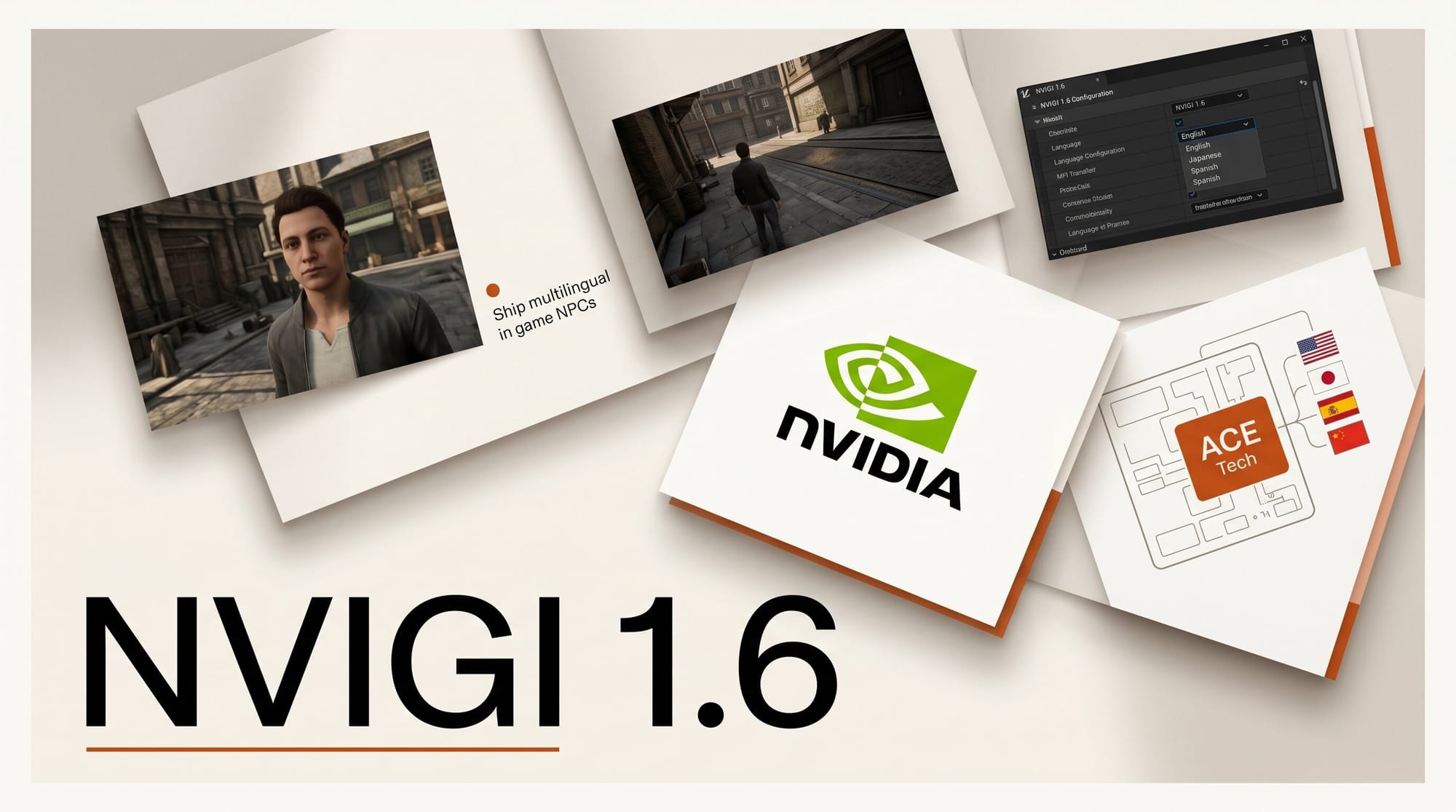
Ship a working multilingual non-player character on the player's GPU in about 30 minutes, with no cloud account, no per-token meter, and no internet dependency. You will use NVIGI SDK 1.6 from NVIDIA, paired with DLSS 4.5 for Unreal Engine 5 for frame budget, on a Windows workstation with any RTX 40 or 50 series card. Total bill of materials is one 1.6 GB SDK download and roughly 7 GB of model weights. NVIDIA shipped the bundle on May 27, 2026, and every component is free for commercial use under each model's own license.
What You Need
- Windows 11 workstation with an RTX 40 or RTX 50 series GPU (16 GB VRAM minimum, 24 GB recommended for full local stack)
- Unreal Engine 5.4, 5.5, 5.6, or 5.7 (the NvRTX 5.7.4 branch is fastest to integrate, but stock UE works)
- The NVIGI SDK 1.6 archive (1.6 GB) and the DLSS UE plugin v8.6.1 (200 MB)
- Disk space for three model checkpoints: Parakeet TDT 600M (1.2 GB), Qwen 3 4B in INT4 (2.4 GB), and Chatterbox Multilingual 500M (1.0 GB)
- A working USB or system microphone for in-engine voice testing
- Visual Studio 2022 with the Game Development with C++ workload (only for the engine build step)
The Workflow
Step 1: Install the NVIGI SDK 1.6
Download the SDK archive from the in-game inferencing developer page. Unpack to C:\NV\NVIGI\1.6. The archive contains C++ headers under include\nvigi, prebuilt DLLs under bin\x64, and three plugin subtrees: plugins\asr.riva (Parakeet), plugins\llm.qwen (Qwen 3 4B), and plugins\tts.chatterbox (Chatterbox Multilingual). Add NVIGI_SDK=C:\NV\NVIGI\1.6 as a system environment variable so the engine plugin can resolve it. The SDK runs on top of NVIDIA's Streamline 2.11.1 integration layer, which is the same plugin host DLSS 4.5 uses.
Step 2: Drop the NVIGI UE plugin into your project
Copy the NVIGI folder from %NVIGI_SDK%\samples\unreal\Plugins\ into your project's Plugins\ directory. Regenerate Visual Studio project files (right click the .uproject, then Generate Visual Studio Project Files). In your project's .Build.cs, add "NVIGI" to PublicDependencyModuleNames. Build the editor target. The plugin registers four UCLASS wrappers: UNvigiAsrComponent, UNvigiLlmComponent, UNvigiTtsComponent, and UNvigiOrchestrator. The orchestrator is the only object you need to touch from gameplay code; it owns the audio pipeline and the model lifetimes.
Step 3: Fetch the three model checkpoints
Run nvigi-fetch.exe asr.riva.parakeet llm.qwen.4b.int4 tts.chatterbox.multi from %NVIGI_SDK%\bin\x64. The tool downloads weights into %NVIGI_SDK%\models\ and verifies SHA-256 against the manifest. Parakeet TDT 600M covers 25 languages of speech recognition. Qwen 3 4B in INT4 covers 201 languages and dialects for dialogue generation. Chatterbox Multilingual 500M covers 24 languages of voice synthesis with a single shared speaker embedding. Together they fit in roughly 4.6 GB of VRAM at INT4, leaving headroom for game assets on a 16 GB card.
Step 4: Wire the orchestrator to an NPC actor
Create a BP_TalkingNPC blueprint that inherits from your existing NPC class. Add an NvigiOrchestrator component and set three properties on it: AsrModel to parakeet-tdt-600m, LlmModel to qwen3-4b-int4, TtsModel to chatterbox-multi-500m. On BeginPlay, call Orchestrator.LoadAll(). On a player InteractKey press, call Orchestrator.StartListening(). The component exposes a OnResponseReady delegate that fires with the generated audio buffer and the decoded text; wire that into your existing dialogue widget for subtitles. A baseline NPC blueprint is about 12 nodes.
Step 5: Set the LLM system prompt and language
On the orchestrator, expose two more properties: SystemPrompt and TargetLanguage. Set SystemPrompt to something narrow, like "You are Aelwen, a tavern keeper in a fantasy port city. Stay in character. Reply in two sentences." Set TargetLanguage to the BCP-47 tag for your build (en-US, ja-JP, pt-BR, ar-SA, and so on). Qwen 3 4B handles language routing internally, but pinning the tag forces Chatterbox to load the correct speaker prior on the first call, which removes a one-time 400 ms compile pause.
Step 6: Benchmark latency on your target hardware
Use the orchestrator's built-in NVIGI.Profile console command to dump per-stage timings. On an RTX 4070 with 12 GB you should see roughly 180 ms ASR, 700 ms first-token LLM, 320 ms TTS to first audio chunk. On an RTX 5090 the same workload drops to about 90 ms / 280 ms / 140 ms. Aim for under 1500 ms total time to first audio; if you exceed that on a 12 GB card, drop Qwen 3 4B to a 1.7 B sibling (also bundled in the SDK) or reduce the LLM context window to 1024 tokens.
Step 7: Add DLSS 4.5 to keep the frame budget intact
Install the DLSS UE plugin v8.6.1 in the same project, enable it under Project Settings, and turn on Super Resolution Performance plus Dynamic Multi Frame Generation. The transformer-based super resolution model in 4.5 is faster than the 3.x convolutional model and ships with a quality preset that is closer to DLAA at the same internal resolution. Multi Frame Generation 6x Mode is the new ceiling for frame interpolation; budget around 1.2 ms of GPU time for the NVIGI orchestrator and use the remaining headroom for MFG. The plugin supports UE 5.4 through 5.7 and bundles Streamline 2.11.1 and NGX 310.6.0.
Troubleshooting
Audio output is silent but the response text appears. Chatterbox failed to load the speaker prior for the target language. Re-run nvigi-fetch.exe tts.chatterbox.multi --force to repair the manifest, and confirm the BCP-47 tag is one of the 24 supported codes.
First response is slow, subsequent responses are fast. Cold-start compile. Move Orchestrator.LoadAll() to a loading screen or to the level-streaming pre-warm pass. Once compiled, the kernel cache lives in %LOCALAPPDATA%\NVIDIA\NVIGI\cache.
VRAM exceeds budget on a 16 GB card. Switch the Qwen plugin from qwen3-4b-int4 to qwen3-1.7b-int4, which trades dialogue depth for headroom. The orchestrator API is identical.
The NPC keeps breaking character. Qwen 3 4B follows system prompts well at INT4 but drifts on long contexts. Hard-cap the context window at 1024 tokens and clear conversation memory at scene transitions.
Streamline 2.11.1 conflicts with an older DLSS plugin. Remove the old DLSS plugin entirely before installing v8.6.1; the new plugin bundles its own Streamline DLL set and will refuse to load alongside a stale copy.
What to Try Next
Once the single-NPC loop works, three variations push this from prototype to ship-ready. First, give each NPC its own Chatterbox voice prior by training a 30-second reference clip; the SDK ships a nvigi-voice-train CLI for this. Second, layer the orchestrator under your existing dialogue tree so designers keep authored content for plot-critical lines and only fall through to the LLM for ambient chatter. Third, swap Qwen 3 4B for a fine-tune on your game's lore via the llm.qwen.custom plugin slot, which accepts any GGUF-format checkpoint built off the Qwen 3 base. For broader on-device model context, our best AI image generators round-up and Bonsai Image 4B coverage both cover the small-model-on-device shift that NVIGI 1.6 is bringing to game engines.
Frequently Asked Questions
Which GPU tiers can run the full Qwen 3 4B plus Chatterbox stack locally?
RTX 40 series cards with 12 GB or more, all RTX 50 series cards, and any RTX A or PRO workstation card with 16 GB or more. On 8 GB cards (RTX 4060) you can run the 1.7 B Qwen plugin and the 500 M Chatterbox plugin but expect total VRAM use to crowd out heavy scene assets.
Can NVIGI 1.6 run on AMD or Intel hardware?
Not in this release. The plugins are built against CUDA and use TensorRT under the hood. NVIDIA has not committed to a DirectML or Vulkan backend, so any cross-vendor shipping strategy has to keep a cloud fallback for non-NVIDIA players.
How does Dynamic Multi Frame Generation 6x affect input latency in competitive games?
Multi Frame Generation generates additional frames between rendered pairs, so input is sampled at the underlying render rate, not the displayed rate. For competitive titles, treat 6x Mode as a smoothness feature, not a responsiveness feature, and keep the base render rate at 60 fps or higher. For single-player narrative games, the 6x ceiling is genuinely usable.
Is the Chatterbox voice cloneable for character voices, and what are the license terms?
Yes. Chatterbox Multilingual accepts a 10 to 30 second reference clip and produces a speaker embedding you can reuse across sessions. The model is released under a permissive open license by Resemble AI; commercial use is allowed, but voice-cloning a real person without consent violates Resemble's acceptable use policy.
Does DLSS 4.5 require RTX 50 series hardware?
No. Super Resolution and Ray Reconstruction work on all RTX cards back to the 20 series. Multi Frame Generation requires Ada Lovelace (RTX 40 series) or newer. The new Dynamic MFG path and 6x Mode require Blackwell (RTX 50 series). The UE plugin lets you enable each feature selectively per build target.





