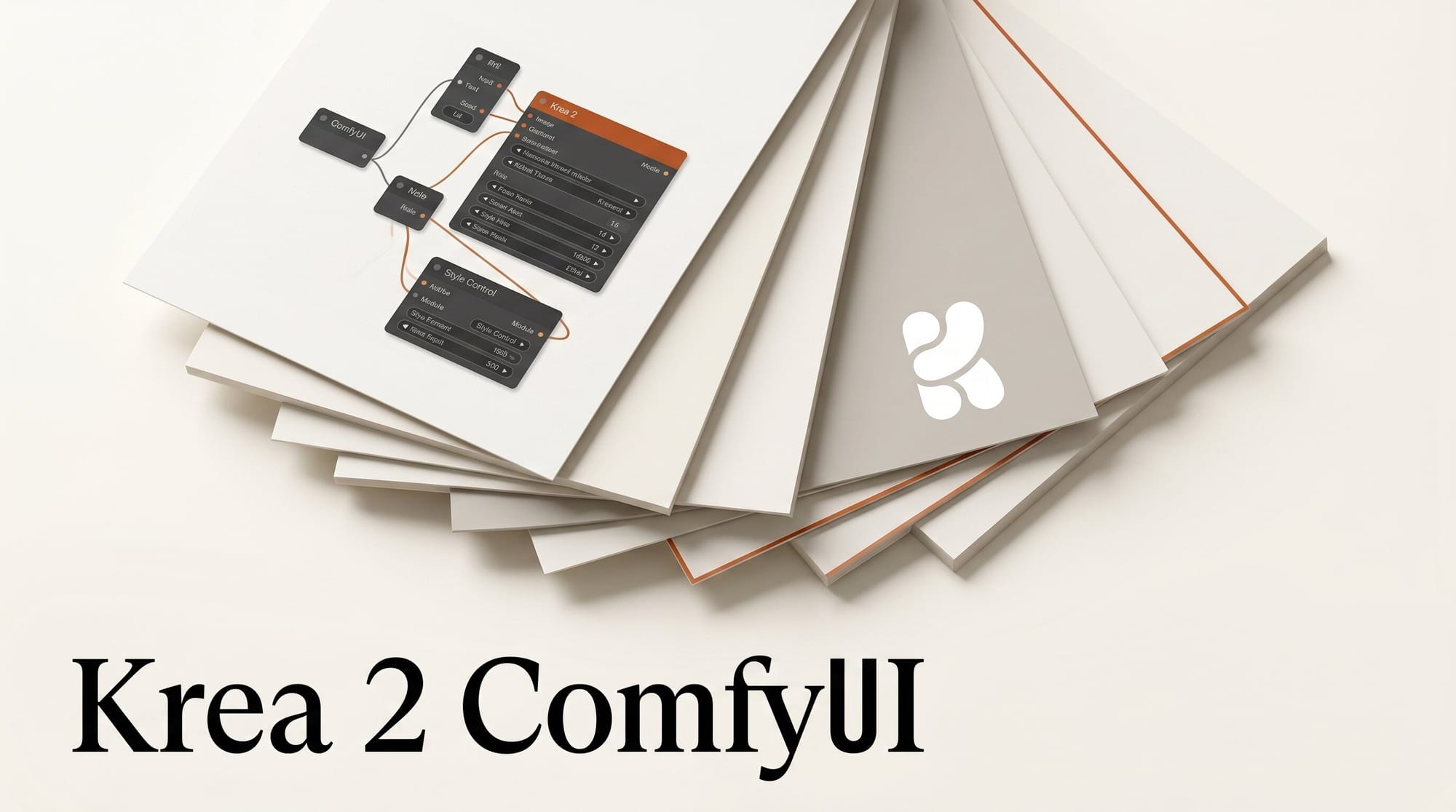
Krea's first from-scratch foundation image model, Krea 2, became available as a ComfyUI Partner Node on May 27, 2026, two weeks after the consumer launch on the Krea web app. ComfyUI users can now hit Krea 2 Large for photorealism or Krea 2 Medium for illustration and anime workflows without leaving their node graph.
How to wire it into a ComfyUI workflow
Update ComfyUI to the latest release, open the Node Library and search for Krea 2 Image. Drop the node onto your canvas, set the variant to Krea 2 Large or Krea 2 Medium, feed it your prompt, aspect ratio, and seed, and connect a style reference image or moodboard. The node supports four creativity modes (Raw, Low, Medium, High) that toggle how strictly Krea 2 follows your prompt versus how much room it has to extrapolate. From there, chain into your usual upscaler, face-fix, or LoRA stack.
Why it matters
Krea trained Krea 2 from scratch rather than fine-tuning Stable Diffusion or Flux, which is unusual for a creator-facing tool. The two-variant split is intentional. Krea 2 Large carries the heavier base and lighter post-training, so it leans toward photorealism and raw aesthetic. Krea 2 Medium got heavier post-training on illustration, anime, and painted styles, so it sits closer to Midjourney's stylized lane. Until today, the only way to call Krea 2 was the Krea web app or its API directly through partners like fal. ComfyUI integration means you can mix Krea 2 outputs with Flux, SDXL, or Wan video in the same graph.
Key details
Krea 2 ships with two variants. The Large model runs slower but holds detail at high resolution and produces more photorealistic skin, fabric, and lighting. The Medium model runs faster and cheaper, with stronger illustration and anime style handling. Both accept the same parameters: prompt, aspect ratio, seed, moodboard, and style reference image. Style transfer happens through the moodboard conditioning rather than text descriptors.
The ComfyUI integration is a Partner Node, which means Krea 2 runs on Krea's hosted API and bills per generation. Pricing on the API partner side starts from the consumer Krea plans. The same model is also available through fal and Runware for developers building outside ComfyUI.
What to do next
Run a side-by-side test in ComfyUI: same prompt, same moodboard, generate one image with Krea 2 Large, one with Krea 2 Medium, and one with Flux or your usual SDXL setup. Compare on the dimensions that matter for your work (skin detail, hands, style adherence, hair). If you build commercial campaigns, the Raw creativity mode on Krea 2 Large is the variant to bookmark for photo work. Anime and illustration creators should start with Krea 2 Medium at Medium creativity. The full Partner Node spec is on the ComfyUI blog.





