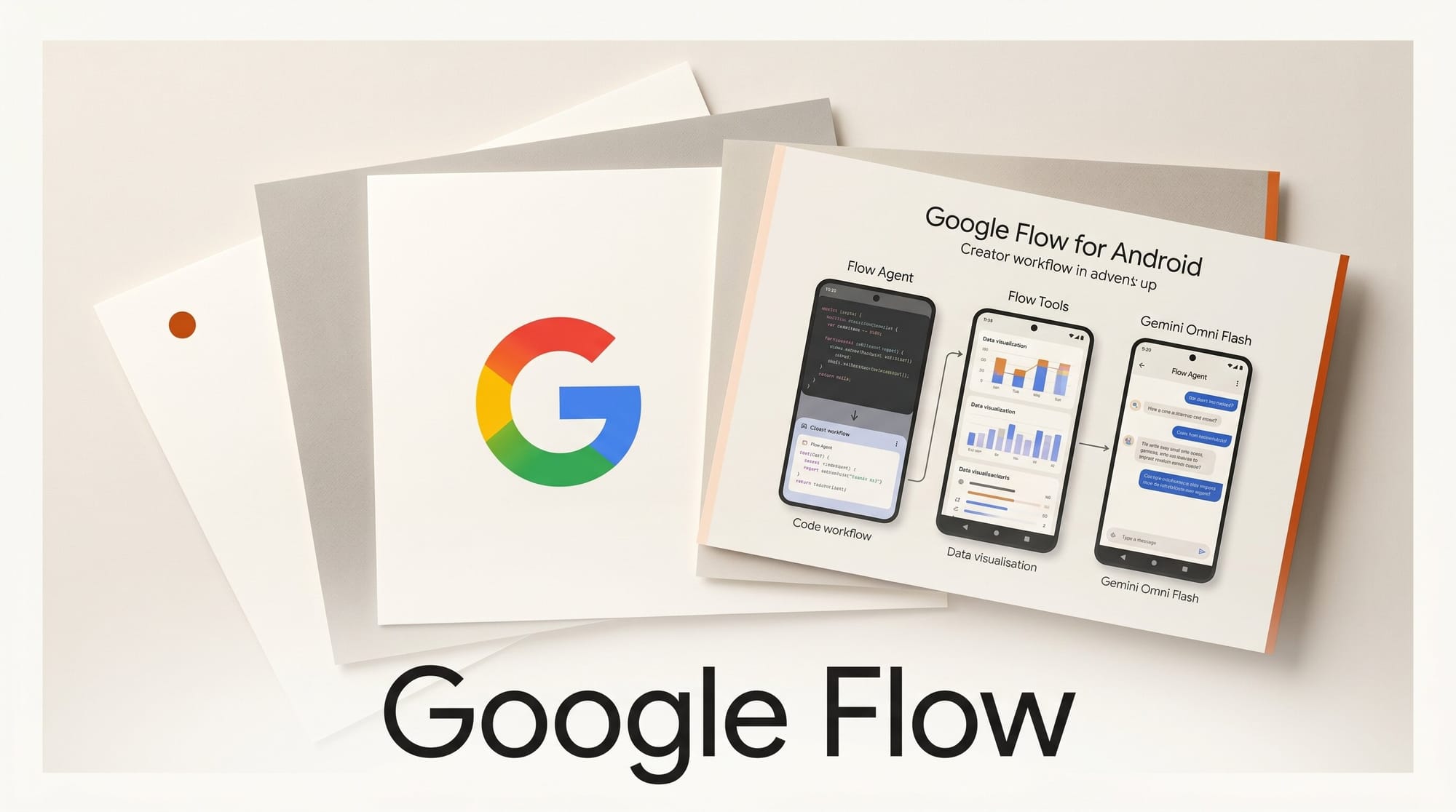
Google launched four simultaneous upgrades to its Flow creative studio at Google I/O 2026 on May 19, 2026. The headline is the first dedicated mobile app: Google Flow is now in Android beta, letting video creators shoot, generate, and edit directly from their phones. Alongside the app, Google shipped Flow Agent, Flow Tools, and Gemini Omni Flash improvements that touch every stage of a creator's production workflow.
What Happened at Google I/O 2026
Google announced the Flow updates as a package at the May 19 keynote. Flow, previously known as Whisk, is Google's generative media studio built on Veo and Imagen. The I/O 2026 release expands it from a desktop web tool into a multi-surface platform covering mobile video creation, AI-powered creative planning, and music production with granular editing controls.
Reporting from 9to5Google and Android Central confirmed all four upgrades went live simultaneously with the keynote: the Android app, Flow Agent availability globally, Flow Tools with early presets, and the Gemini Omni Flash rollout for both video and music tools.
What is New in Google Flow
Flow for Android: Mobile Video Creation
The Google Flow Android app (package: com.google.android.apps.labs.whisk) launches in beta on the Google Play Store. It connects directly to a creator's camera roll for image and video grounding, meaning you can use real footage as a reference before generating AI extensions of that footage. Projects and assets sync with the desktop version through a unified library, so a session started on a phone transfers to desktop without re-uploading files. Background generation notifications alert creators when a Veo clip finishes processing, removing the need to stay on screen during generation. An iOS version is in development. No release date has been announced.
Flow Music for iOS: AI Song Studio on Mobile
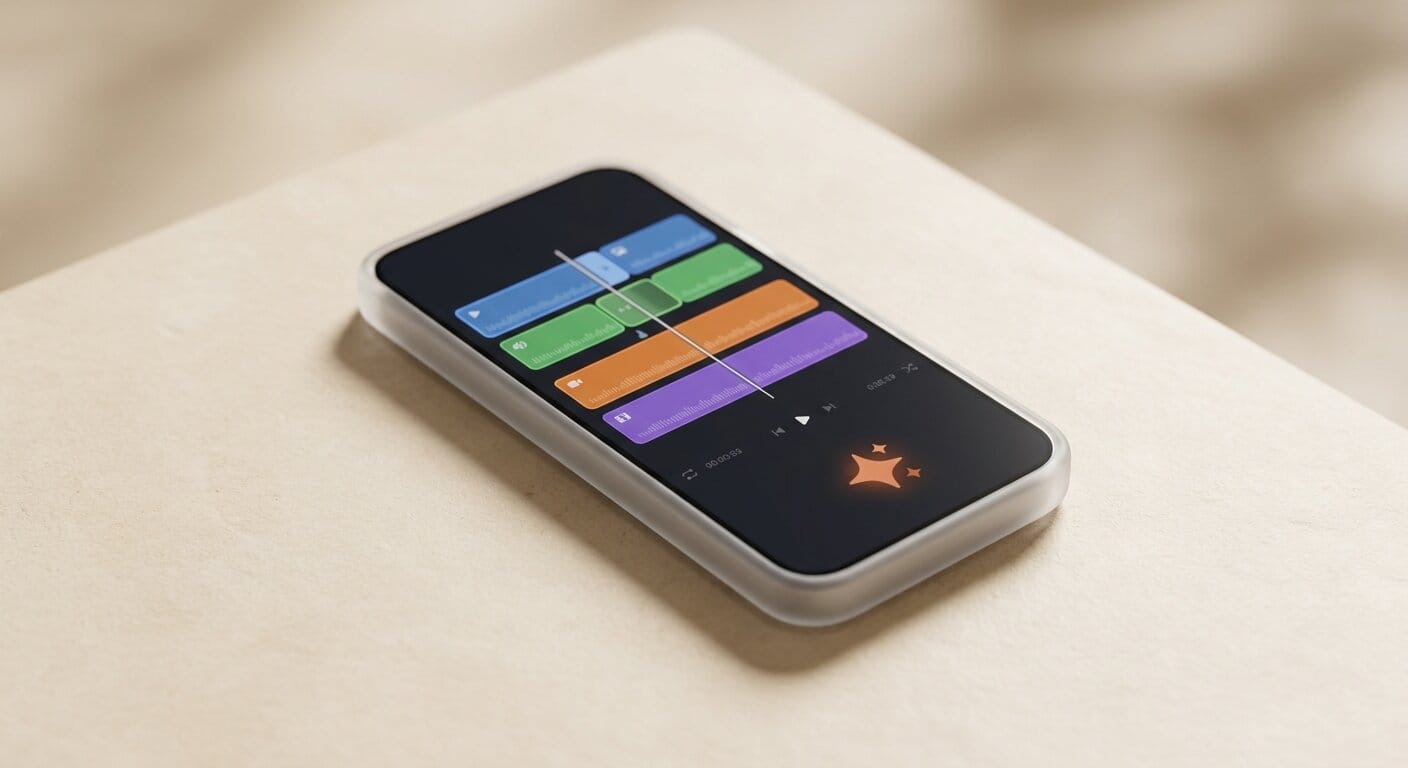
Flow Music, the Lyria 3-powered song creation tool that launched on desktop in early 2026, now has a dedicated iOS app. It arrives on iOS first, with Android coming later. The app adds granular section editing: creators can modify a verse or bridge independently while preserving the original melody and structure of the rest of the track. This is the key workflow improvement over the first desktop release, where changes applied to the entire track. If you are new to Flow Music, see our earlier coverage of the original Flow Music launch and Lyria 3.
Flow Agent: Creative Partner Built Into the Studio
Flow Agent is available globally as of May 19. It functions as an AI collaborator integrated directly into the creation interface. You describe a project concept in plain language and Flow Agent returns multiple creative directions. From there, you can ask it to write dialogue for a specific character, generate a scene outline, propose plot recommendations, or run batch edits across multiple generated scene versions.
The practical difference from a standard text prompt is that Flow Agent maintains project context. You do not need to re-establish the premise for every scene. It operates more like a development partner who remembers the brief than a one-shot prompt box.
Flow Tools: Preset-Based Editing Shortcuts
Flow Tools is a preset library for common editing operations. The first batch includes resizing clips for different platforms, applying aesthetic filters, and adding effects. Teams can save and share custom presets across projects. This addresses a consistency problem that comes up in multi-creator workflows: when five people apply aesthetics manually, the results vary. A shared preset locks in the look across the entire team without requiring each member to re-apply settings by hand.
Gemini Omni Flash: Character Consistency Across Scenes
Gemini Omni Flash now powers character consistency within Flow's video tools. For a narrative project, a character's face, voice, and appearance holds across separately generated shots without frame-by-frame correction. Google describes this as enabling creators to "blend real-world inspiration with generated content" while preserving identity across the edit. For Flow Music, Omni Flash enables music video generation where the visual content matches the song's narrative arc rather than generating disconnected imagery. Our deep dive into how Gemini Omni handles multi-modal input covers the underlying model mechanics.
Creator Workflow: Starting Your First Flow Agent Project
Access Flow at labs.google/fx/tools/flow/about with a Google account. The Android beta is available from Google Play. Here is a practical starting sequence:
- Open Flow Agent from the left panel and describe your project: genre, tone, intended platform (Reels vs. YouTube vs. long-form), and any visual references you have in mind. Flow Agent returns three to five concept directions.
- Select a concept and expand it. Ask Flow Agent to generate a scene-by-scene outline or write dialogue for a specific character. You can iterate on individual scenes without restarting the full concept prompt.
- Ground your visuals. Upload real footage or stills from your camera roll as reference images. Gemini Omni Flash uses these to establish a visual style before generating extensions of that footage. This reduces the trial-and-error cycle on prompt wording.
- Generate scenes. Run initial generations for each scene in your outline. Omni Flash maintains character consistency across shots, so you can generate scenes in any order.
- Apply Flow Tools presets. Choose or create a preset that matches your platform requirements (aspect ratio, color grading, pacing). Save it for reuse across future projects.
- Add music. Use Flow Music on desktop or iOS to generate a track, then use section editing to adjust specific parts while preserving the overall structure.
How Google Flow Compares to Other AI Video Tools

| Feature | Google Flow | Runway Gen-4 | Pika 2.1 |
|---|---|---|---|
| Mobile app | Android beta (iOS coming) | iOS + Android | iOS only |
| Creative AI agent | Flow Agent (global) | None | None |
| Integrated music creation | Flow Music (Lyria 3) | None | None |
| Character consistency | Yes (Gemini Omni Flash) | Yes (Gen-4) | Partial |
| Real footage grounding | Yes (camera roll upload) | Yes | Limited |
| Desktop-to-mobile sync | Yes (unified library) | Yes | Yes |
| Entry price | Free (Google account) | $12 per month | $8 per month |
Why This Matters for Video and Music Creators
Three things make this update significant beyond a standard product refresh.
Flow Agent removes the blank-canvas problem. Most generative video tools require a polished, detailed prompt to produce usable output. Creators who do not have prompt engineering experience spend most of their time on prompt iteration rather than production. Flow Agent shifts that work to the planning stage, where creators interact with concepts rather than parameters.
The mobile-to-desktop sync closes a real workflow gap. Creators already shoot reference footage on phones. Getting that footage into a desktop AI generation pipeline previously required file transfer steps that broke the creative momentum. The Android app collapses the distance between "I just shot this" and "now I am generating a scene based on it."
Gemini Omni Flash character consistency matters most for series work. Single-video creators can accept some visual inconsistency across shots and fix it in post. Creators producing ongoing series, episodic content, or branded campaigns cannot: inconsistent character rendering is a production failure, not a stylistic choice. Omni Flash addresses that directly at the generation layer, before any post-production work begins.
What to Do Next
Access Google Flow at labs.google/fx/tools/flow/about. Install the Android beta from Google Play if you want the mobile workflow. If you produce music alongside video, the iOS Flow Music app is available now with the new section-editing tools.
Frequently Asked Questions
Is Google Flow free to use?
Yes. Flow is currently free with a Google account for users in supported regions. Google has not announced a paid tier as of the I/O 2026 announcement, though usage limits and paid plans may follow as the platform scales out of Google Labs.
What is the difference between Google Flow and Veo?
Veo is Google's underlying video generation model. Flow is the production environment built on top of Veo and Gemini Omni Flash. It adds a creative interface, Flow Agent for project planning, Flow Tools for preset-based editing, and the Flow Music studio. Using Flow is the equivalent of using a full editing application rather than calling the model API directly.
What does Flow Agent actually do?
Flow Agent functions as a project collaborator integrated into the studio interface. You describe a concept and it returns multiple creative directions. You can then ask it to write dialogue for specific characters, generate a scene-by-scene outline, propose plot directions, or run batch edits across multiple generated versions. It maintains project context across your session so you do not need to re-establish the premise with each new request.
When will the Flow video app come to iOS?
Google confirmed iOS is coming but gave no specific release date at I/O 2026. The Android beta launched on May 19, 2026. Check the Flow about page for updates as they are announced.
Can I use my own footage in Google Flow?
Yes. The Android app supports direct camera roll uploads to ground image and video generations in real-world footage. On desktop, you can upload stills or clips as reference inputs. This lets creators establish a specific visual style, location, or subject before the AI generates extensions of that material.
Does Flow Music integrate with the Flow video editor?
Yes. Flow Music integrates with the video editor to generate music videos where the visual content matches the song's narrative arc. You can generate a full track first, then use section editing to modify a specific bridge or verse while preserving the rest of the melody and structure.





