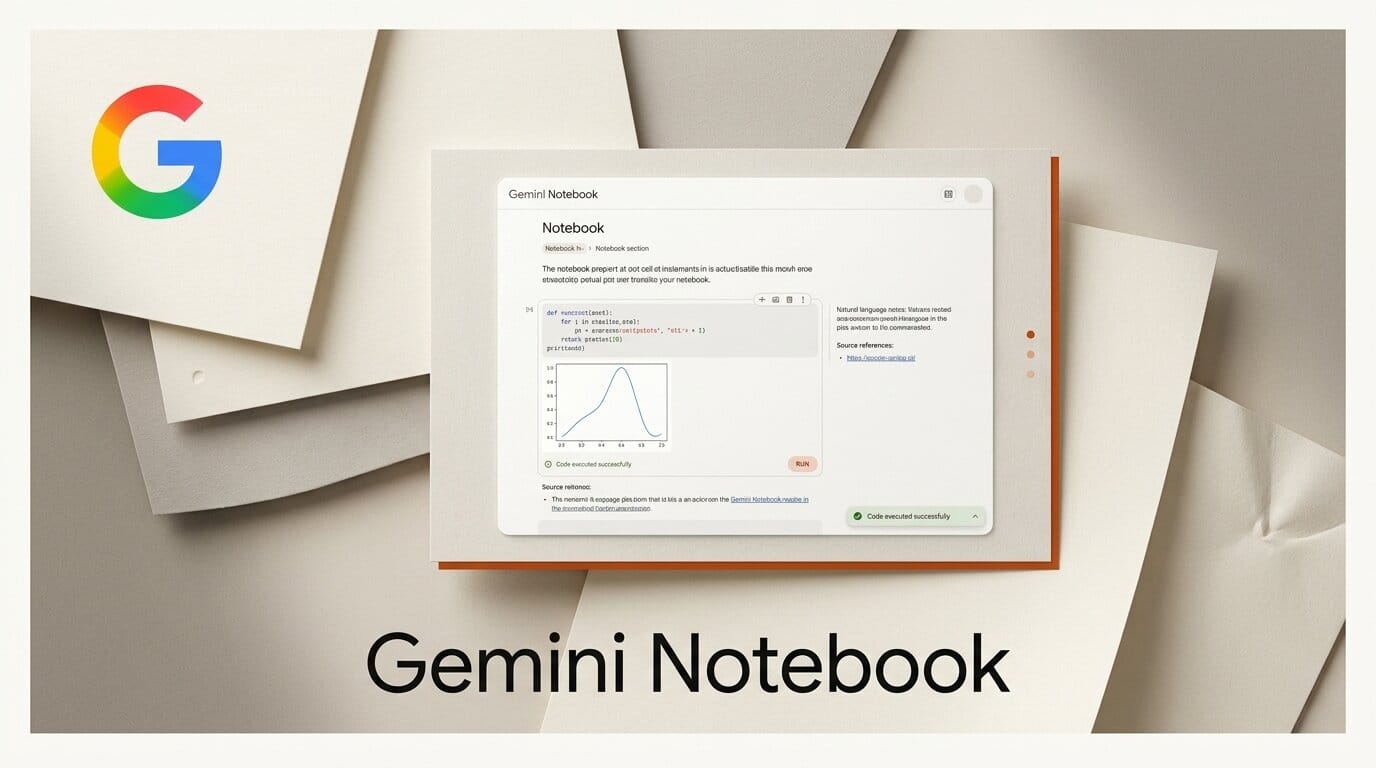
On July 16, 2026, Google renamed NotebookLM to Gemini Notebook. Google describes it as the same standalone research product, now doing more across the Google ecosystem, and adds one genuinely new capability: every notebook gets a secure cloud computer that can write and execute code natively. The product, used by 30 million people and more than 600,000 organizations, will also sync across the Gemini app and, soon, appear inside AI Mode in Search. If you have relied on NotebookLM to summarize sources and generate audio overviews, the tool has not gone away. It has a new name, a new home in the Gemini app, and the ability to run data analysis on your own documents.
What Google Actually Announced
The headline is a rename, but three things changed at once. First, the brand: NotebookLM becomes Gemini Notebook, continuing Google's pattern of folding standalone products under the Gemini name. Second, a real feature: native code execution powered by a per-notebook secure cloud computer. Third, distribution: notebooks now sync between the standalone app and the Gemini app, with Search integration on the way. Coverage from TechCrunch framed it as part of a broader renaming streak, while Engadget noted the product itself stays standalone.

What Is New Versus What Is Just Renamed
It helps to separate the branding change from the functional change, because the name is doing a lot of the talking.
| Aspect | Before (NotebookLM) | After (Gemini Notebook) |
|---|---|---|
| Product name | NotebookLM | Gemini Notebook |
| Standalone app | Yes | Yes, unchanged |
| Core research tools | Source grounding, summaries, audio overviews | Same, retained |
| Code execution | No | Yes, native, per-notebook cloud computer |
| Gemini app access | No | Create and sync notebooks in the Gemini app |
| Search presence | No | Coming to AI Mode in Search |
The practical read: nothing you already use disappears, and the one capability worth caring about is code execution. Everything else is distribution and branding. Reporting from Forbes captured the confusion many users felt about yet another Gemini rename, which is a fair reaction to a change that is mostly cosmetic on the surface.

Native Code Execution, Explained
The substantive upgrade is the secure cloud computer attached to each notebook. Instead of only summarizing and citing your sources, Gemini Notebook can now write and run code against them, grounded in the documents you uploaded. That means you can ask it to parse a spreadsheet, compute statistics across a set of reports, or build a chart from data buried in your PDFs, and it executes the code rather than guessing at the answer.
This builds directly on the per-notebook cloud computer we covered when NotebookLM first gained Gemini 3.5 and a cloud computer per notebook. The July update turns that foundation into user-facing code execution. According to Pulse 2, the native execution is the centerpiece of the rebrand, not the name itself.
Where You Will Find Your Notebooks Now
Distribution is the quiet story. Notebooks are no longer trapped in one URL.
- Standalone app. The dedicated Gemini Notebook site continues to work exactly as before.
- Gemini app. You can create and access notebooks directly inside the Gemini app, with full two-way syncing between the app and the standalone experience.
- Google Search. Notebooks will soon surface in AI Mode in Search, though this is rolling out later.
For heavy NotebookLM users, the cross-app syncing is the most useful part: a notebook you build on the web is now available wherever you already talk to Gemini. This mirrors the ecosystem push we saw when Gemini Spark added MCP, Canva, and a Mac beta.

Who Gets It and When
The rollout is staged by plan, which matters if you are waiting for code execution.
| User tier | Access to code execution |
|---|---|
| Google AI Ultra | Available today |
| Workspace business (AI Ultra Access, AI Expanded Access) | Available today |
| Google AI Pro (web) | Rolling out over the coming weeks |
| Search AI Mode | Coming soon |
Per 9to5Google, a Gemini 3.5 upgrade is also arriving for AI Pro alongside the rebrand, so Pro users get both the new model and code execution over the next few weeks rather than instantly.
What This Means for Your Research Workflow
How to integrate: If you build research notebooks, the move is to stop treating Gemini Notebook as a summary tool and start treating it as a lightweight data-analysis environment. Upload your sources as before, then ask it to compute rather than describe. Walk a spreadsheet of survey results into a notebook and ask for the median and a breakdown by segment; feed it a folder of financial PDFs and ask it to extract and total the figures. Because the code runs in a sandboxed cloud computer grounded in your sources, the answers are checkable rather than hallucinated. And because notebooks now live in the Gemini app, you can start an analysis on your laptop and continue it from your phone. The rename is noise; the code execution plus cross-app sync is the workflow change worth adopting.
Frequently Asked Questions
Is NotebookLM being discontinued?
No. It is being renamed, not shut down. Gemini Notebook is the same standalone product with the same core research features, plus native code execution. Existing notebooks carry over.
What is the biggest new feature in Gemini Notebook?
Native code execution. Each notebook gets a secure cloud computer that can write and run code against your uploaded sources for tasks like data analysis, parsing, and chart generation.
Do I need to pay to get code execution?
It is available today for Google AI Ultra users and Workspace business customers with AI Ultra Access or AI Expanded Access. It rolls out to Google AI Pro users on the web over the coming weeks.
Can I use Gemini Notebook inside the Gemini app?
Yes. You can create and access notebooks directly in the Gemini app, and they sync both ways with the standalone Gemini Notebook site.
Will my notebooks show up in Google Search?
Google says notebooks will appear in AI Mode in Search, but that integration is rolling out later rather than at launch.
Did the audio overviews and other NotebookLM features go away?
No. Google states the core research tools that made NotebookLM useful remain in place. The rename adds features rather than removing them.