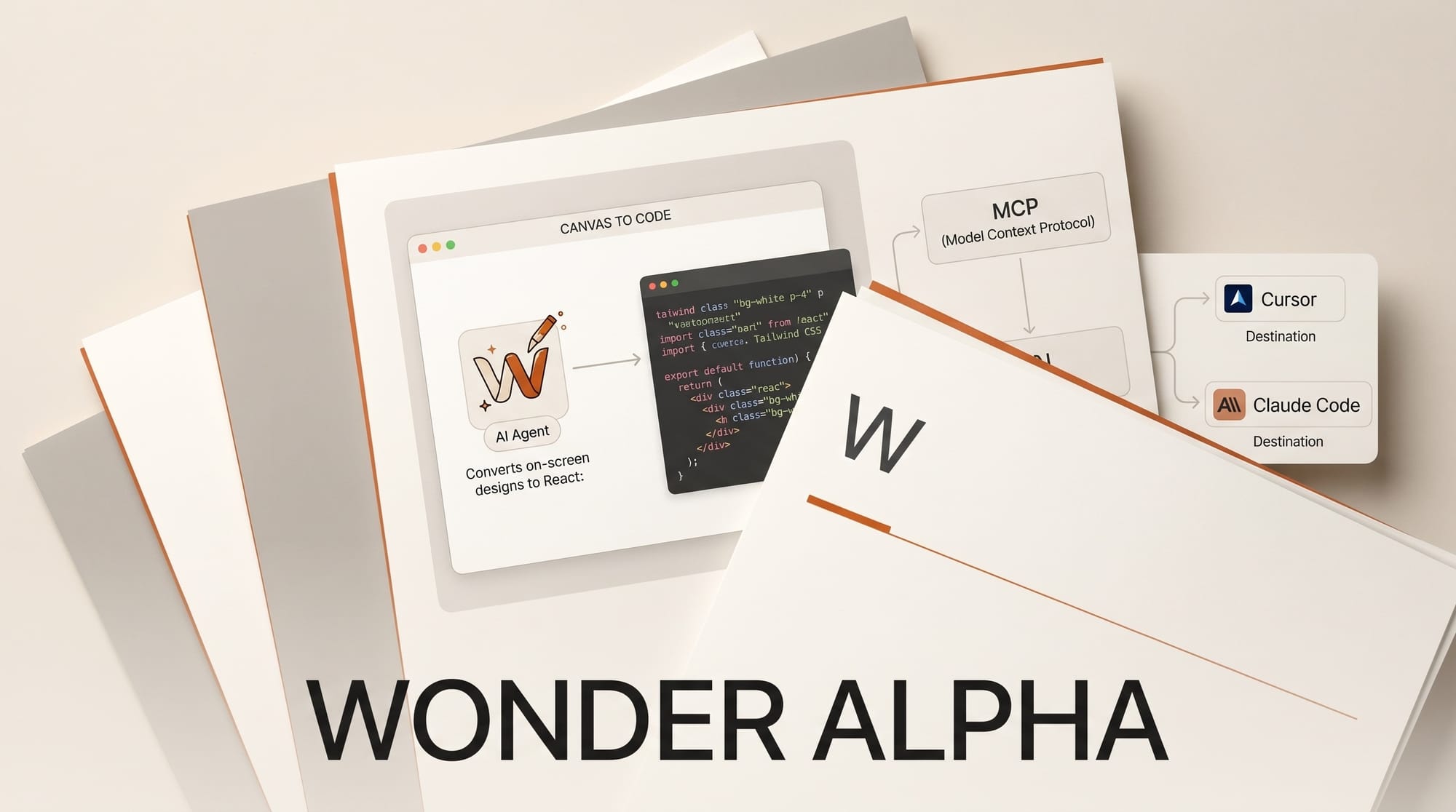
Wonder launched its public alpha on April 30, 2026, putting an AI design agent directly on a familiar canvas and producing production-ready React and Tailwind code from every layout. The tool ranked #3 on Product Hunt for the day, with 232 votes shortly after launch on its Product Hunt page.
What Happened
Wonder opened public access to its AI-native design tool, ending a months-long closed alpha. The pitch: design and code are the same artifact. You generate UI, graphics, or pitch decks on canvas, refine any element by selecting it, and ship the result as React + Tailwind without a separate handoff. The agent is powered by Claude Opus 4.6 under the hood, and a Model Context Protocol server connects it to coding tools like Cursor and Claude Code so design changes flow back to the codebase.
Why It Matters
The design-to-code category got crowded fast. Google Stitch shipped open-source brand design earlier this month, and Lovable brought vibe coding to mobile. Wonder differentiates on workflow rather than output: instead of prompt-to-app, it keeps designers in a canvas they recognize, with layers, components, and variants, while the AI handles the code translation in the background. For solo creators who need pixel-level control, that hybrid is a better fit than pure generative tools that hide structure behind chat prompts.
Key Details
- Pricing: Free tier with 300 one-time credits. Pro $20/month (3,000 credits). Pro+ $60/month (12,000 credits). Max $200/month (60,000 credits).
- Output: React + Tailwind or plain CSS, copied directly from canvas to repo.
- Integrations: Wonder MCP server connects to Cursor, Claude Code, and any agent that speaks MCP, keeping design and code in sync as either side changes.
- Use cases: UI mockups, marketing graphics, pitch decks, design systems, exploration variants.
- Status: Public alpha. Browser-based, no install needed. Sign-up at app.wonder.design.
What to Do Next
The free 300 credits are enough to test the canvas-to-code loop on a small project. If you already use Cursor or Claude Code, install the Wonder MCP server first so design iterations land in the same repo your coding agent is editing. Designers coming from Figma should expect a learning curve on components and variants, since Wonder treats them as code primitives, not visual symbols. Pricing puts it in the same range as Figma Professional ($15/month) and well below dedicated AI design tools that charge per generation, but the credit model means heavy iteration on Pro can hit the cap before the month ends.
The bigger question for the category is whether designers actually want code as the primary output. Wonder is betting they do, especially solo founders and small teams shipping product without a dedicated frontend developer. The next test will be how the agent handles complex state, animations, and accessibility, areas where generative design tools have historically produced clean-looking but shallow code.





