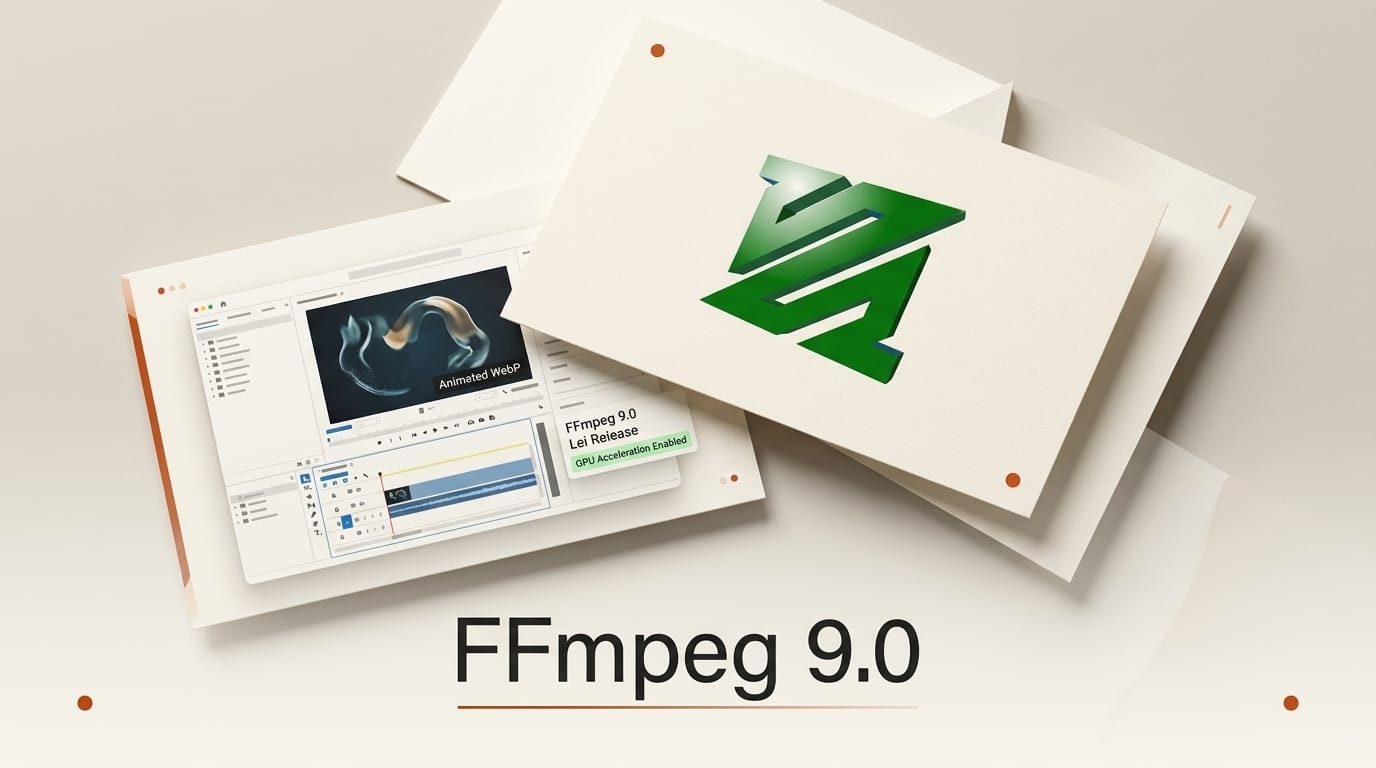
FFmpeg 9.0 "Lei" shipped on August 3, 2026, and it is the most GPU-focused release the project has put out in years. The command-line engine that quietly powers almost every video tool you use, from OBS and HandBrake to DaVinci Resolve exports and half the streaming platforms on the internet, just gained animated WebP decoding, Vulkan-accelerated 360-degree filtering, VideoToolbox ProRes RAW on Apple hardware, and a wave of AMD AMF filters aimed squarely at HDR and frame-rate work.
If you edit, encode, transcode, or stream video, this release matters even if you never open a terminal, because the tools you rely on will inherit these features over the coming weeks. Here is what actually changed, how it compares to the 8.x line, and a practical workflow you can run today. The full release notes confirm the version and codename; the details below are drawn from them and the project changelog.
What Shipped in FFmpeg 9.0 "Lei"
FFmpeg 9.0 arrived roughly four months after 8.1, continuing the project's steady cadence since it moved to time-based major releases. The headline theme is hardware acceleration: rather than adding one or two marquee codecs, "Lei" spreads GPU offload across Vulkan, NVIDIA CUDA, AMD AMF, and Apple VideoToolbox so that heavy filtering and decode work moves off the CPU on whatever silicon you happen to own.
On the format side, the standout is a native animated WebP decoder and demuxer, meaning FFmpeg can now read animated WebP directly instead of treating it as a still image. There is also HE-AAC 960 decoding for DAB+ digital radio, LCEVC track muxing into MP4, a Playdate video encoder and muxer, and an ONNX Runtime DNN backend with GPU execution for the built-in machine-learning filters.
FFmpeg 9.0 vs 8.x: What Is New at a Glance
The 8.0 "Huffman" line introduced the AV1 Vulkan encoder and VVC VA-API decoding. Version 9.0 builds on that Vulkan foundation and pushes acceleration into filtering and RAW workflows. Here is how the acceleration story has moved forward.
| Capability | FFmpeg 8.x | FFmpeg 9.0 "Lei" |
|---|---|---|
| Vulkan encode | AV1 Vulkan encoder | Adds APV Vulkan decode + v360_vulkan filter |
| Animated WebP | Still frames only | Native decoder and demuxer |
| Apple ProRes RAW | Software decode | VideoToolbox hardware decode |
| AMD AMF filters | Encode focus | Frame-rate converter, color converter, quality enhancer |
| HDR metadata | Basic HDR10 | SMPTE 2094-50 passthrough + Dolby Vision multi-layer BSF |
| NVIDIA CUDA filters | Scale, format | Adds transpose_cuda |
| DNN backend | TensorFlow, OpenVINO | Adds ONNX Runtime with GPU execution |
Hardware Acceleration: The Big Story for Creators
The reason acceleration matters is simple: filtering and RAW decode are the slowest parts of most export pipelines, and moving them to the GPU can turn a coffee-break render into a near-real-time one. FFmpeg 9.0 adds a Vulkan implementation of the v360 filter, so reprojecting and reframing 360-degree and panoramic footage no longer pins your CPU. NVIDIA users get transpose_cuda, which rotates frames on the GPU without a costly copy back to system memory.
AMD Radeon owners arguably gain the most. The AMF backend picks up a frame-rate converter filter, a color converter with expanded HDR handling, a video-quality enhancer, and hardware memory mapping. For anyone doing HDR grading or converting between frame rates for social platforms, that is a meaningful chunk of work now handled in hardware. Apple users get VideoToolbox-accelerated ProRes RAW decode, closing a long-standing gap for Final Cut and Resolve round-trips on Apple Silicon.
New Formats: Animated WebP, LCEVC, and Dolby Vision
Animated WebP has been everywhere on the web for years, yet FFmpeg could only read the first frame. Version 9.0 fixes that with a real decoder and demuxer, so you can now transcode animated WebP into MP4, GIF, or a frame sequence in one command. That single change removes a common workaround for anyone building content pipelines that ingest web assets. The WebP format is now a first-class input.
On the delivery side, FFmpeg 9.0 can mux LCEVC enhancement tracks into MP4, useful for bandwidth-constrained streaming where a base layer plus an enhancement layer beats a single high-bitrate stream. For premium HDR, there is now SMPTE 2094-50 dynamic-metadata passthrough and a Dolby Vision multi-layer HEVC bitstream filter that can split the base and enhancement layers, a real help for creators mastering to Dolby Vision. Note that CELT decoding and Ogg/CELT parsing were removed, so archival pipelines touching those should test before upgrading.
A Practical Workflow: Convert and GPU-Accelerate Today
Here is a concrete way to put 9.0 to work once you have installed it from the official downloads page.
- Confirm your build. Run
ffmpeg -versionand check it reports 9.0. Then runffmpeg -hwaccelsto see which accelerators (vulkan, cuda, videotoolbox, amf) your build exposes. - Transcode an animated WebP.
ffmpeg -i input.webp -movflags +faststart output.mp4now works directly, no frame-extraction hack required. - Reframe 360 footage on the GPU. Use the
v360_vulkanfilter to convert equirectangular to a flat perspective without saturating the CPU, then encode. - Rotate on NVIDIA without a CPU copy. Chain
transpose_cudainto a CUDA decode-encode graph to keep frames resident on the GPU end to end. - Batch HDR frame-rate conversion on AMD. Pipe footage through the AMF frame-rate converter and color converter to retime and tone-map in hardware.
What This Enables
For creators, FFmpeg 9.0 turns several previously fiddly tasks into one-liners. Web-asset ingestion stops needing frame-extraction hacks. 360 and HDR work that used to redline the CPU now runs on the GPU, which means faster iteration and less thermal throttling on laptops. And because FFmpeg sits underneath so many editors, streamers, and automation scripts, these gains show up in your favorite tools without you changing anything, usually within a release cycle or two of the app catching up. If you maintain your own encode scripts, upgrading is the fastest way to claim the speedups now rather than waiting.
What to Do Next
Grab the 9.0 build for your platform from the FFmpeg releases archive, verify with ffmpeg -version, and test your existing scripts against it before swapping it into production. Pay attention to the removed CELT decoding if any of your pipelines touch it. If you run a batch farm or CI encoder, benchmark the new Vulkan and AMF filters against your current CPU path; the difference on filtering-heavy jobs is where the wins concentrate.
Frequently Asked Questions
When was FFmpeg 9.0 released?
FFmpeg 9.0, codenamed "Lei," was released on August 3, 2026, roughly four months after FFmpeg 8.1.
What is the biggest new feature in FFmpeg 9.0?
There is no single marquee codec. The theme is broad hardware acceleration across Vulkan, NVIDIA CUDA, AMD AMF, and Apple VideoToolbox, plus a native animated WebP decoder and demuxer.
Can FFmpeg 9.0 read animated WebP files now?
Yes. Version 9.0 adds a real animated WebP decoder and demuxer, so you can transcode animated WebP directly to MP4, GIF, or a frame sequence without extracting frames manually first.
Does FFmpeg 9.0 help Apple Silicon users?
Yes. It adds VideoToolbox-accelerated ProRes RAW decoding and APV hardware acceleration, which improves RAW round-trips for Final Cut and DaVinci Resolve workflows on Apple hardware.
What was removed in FFmpeg 9.0?
CELT decoding support and Ogg/CELT parsing were removed, and some deprecated NVENC options plus pre-11.1 SDK support were dropped. Test archival or legacy pipelines before upgrading.
Do I need to use the command line to benefit?
No. FFmpeg underpins many editors, streamers, and automation tools, so most creators inherit these features automatically as their apps update to the 9.0 libraries. Running the CLI directly just lets you claim the gains sooner.





