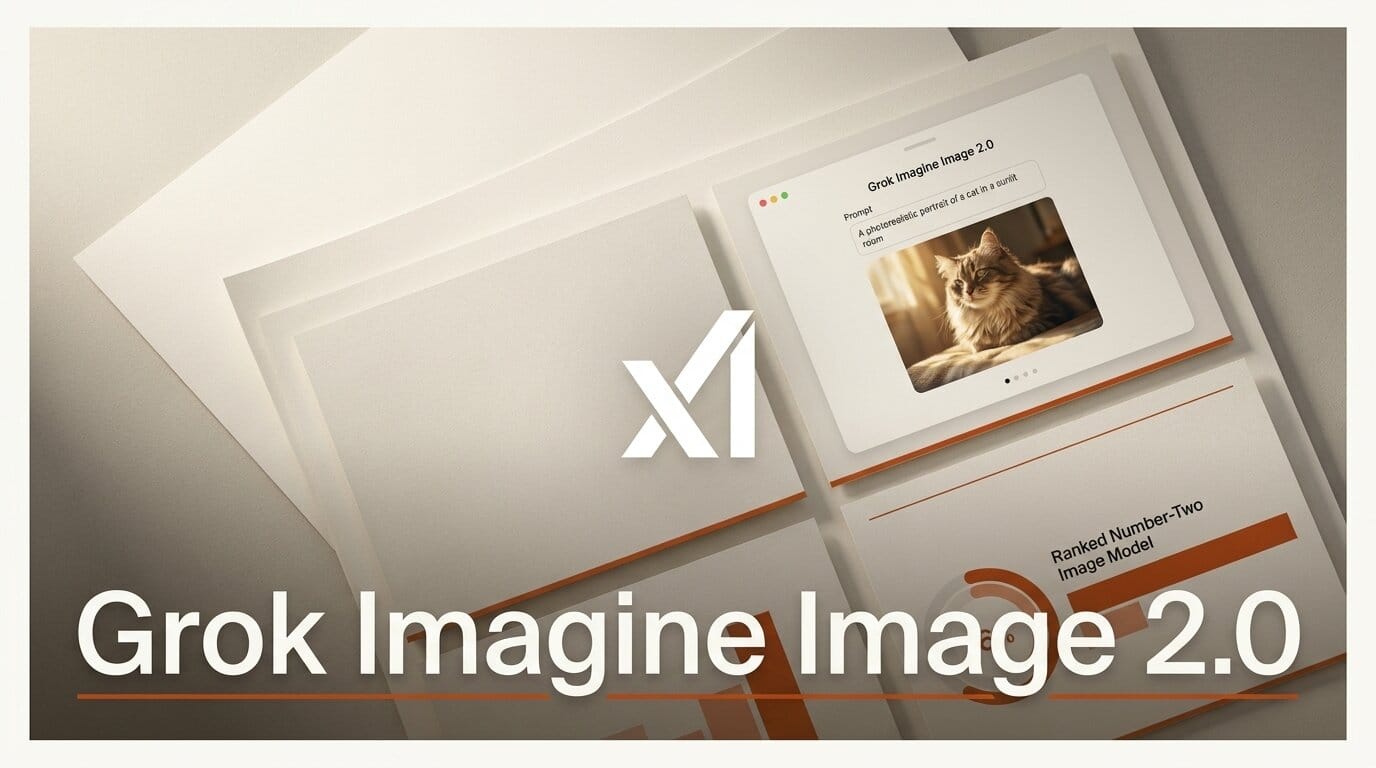
xAI shipped Grok Imagine Image 2.0 on August 7, 2026, making its next generation image model generally available as the new Quality Mode on grok.com/imagine and inside the Grok iOS and Android apps. The headline claim is a leaderboard one: Image 2.0 now ranks second in the world on both the text to image and image editing Arena boards, sitting directly behind OpenAI's gpt-image-2. For creators, the more useful story is what xAI built around editing, because Image 2.0 treats region level edits, multi reference compositing, and background removal as first class features rather than afterthoughts.
What xAI Shipped
Image 2.0 is a full model generation jump from the previous Grok Imagine image engine, trained with an emphasis on fidelity across photography, design, and illustration. According to reporting on the launch, the model plans typography and layout the way a designer would, so dense multi part visuals hold together and small text stays legible, a persistent weak spot for image generators.
The release ships in three parts: the base text to image model, a dedicated editing toolkit, and a library of ready made templates for recurring jobs. All three are live today in Quality Mode. API access is the one gap, xAI lists it as coming soon with no firm date, so this is a product you use inside Grok for now, not something you can wire into a pipeline yet.
How It Ranks Against gpt-image-2
The Arena leaderboards are the cleanest way to place Image 2.0 in the current field. As of August 7, xAI's model holds the number two position on both boards, with OpenAI's gpt-image-2 still first. The jump from the previous Grok image model is the part creators should note, since it moves xAI from mid pack into direct contention at the top.
| Model | Text to Image | Image Editing | Access |
|---|---|---|---|
| OpenAI gpt-image-2 | ~1,380 (#1) | ~1,463 (#1) | App plus API |
| Grok Imagine Image 2.0 | ~1,320 (#2) | ~1,439 (#2) | Quality Mode, API soon |
| Grok Imagine (previous) | ~1,228 | ~1,390 | Superseded |
The gap to first place is real but narrow, and as one analysis put it, the release pushes xAI deeper into territory OpenAI and Midjourney have owned. A second place model with a strong editing story is more useful to a working creator than a first place model that only does one shot generation well.
Arena scores are worth reading with care. They measure blind human preference on head to head prompts, so they capture general aesthetic quality and instruction following, not the specific things a production job needs, like exact brand color reproduction or clean text at small sizes. The signal to take from these numbers is direction rather than a verdict: xAI moved a full tier in one generation, which tells you the model is now worth testing on your own prompts, not that it will win every task against gpt-image-2.
The Editing Tools That Matter
Editing is where Image 2.0 tries to separate itself. Per a hands on breakdown, the toolkit has three core pieces. A magic wand changes only the region you point at while preserving everything around it. Segmentation lets you select precise areas to modify. Background removal exports any subject with transparency, ready to drop onto another layout.
On top of that, Image 2.0 accepts up to five reference images in a single generation, so you can combine a character, a location, and a product into one composition without manual stitching in a separate editor. A Smart Resize feature re targets a single image across aspect ratios from 1:2 and 9:16 through square, landscape, and 2:1, which matters when one asset has to run as a story, a post, and a banner.
What This Means for Creators
The practical shift is that a single tool now covers generate, edit, and re format in one place. If you already juggle a generator plus a separate editor for masking and background cleanup, Image 2.0 collapses part of that loop. The multi reference input is the standout for anyone building consistent characters or product shots, because it keeps a subject stable across variations instead of rerolling until the face or logo matches.
A concrete example: a solo brand designer building a product launch kit can generate a hero shot from a text prompt, feed the product photo plus a brand color swatch plus a location reference as three of the five allowed inputs to keep the look consistent, mask and recolor a single element with the magic wand, strip the background for a transparent PNG, and then Smart Resize the same composition into a square post, a 9:16 story, and a 2:1 banner. That entire sequence used to span a generator and a separate editor. Image 2.0 keeps it in one surface.
The one real constraint is the missing API. Because access is coming soon rather than live, you cannot yet batch these steps or call the model from a script, so it fits interactive design work today but not an automated content pipeline. Anyone planning to build on it should test the quality now inside Grok and hold pipeline integration until the endpoint ships.
It also sharpens the competitive picture in image generation, which has moved fast this year. Microsoft recently swapped DALL-E for its own engine in Office with MAI-Image, and open speed focused models like Qwen-Image Flash keep pushing on cost and latency. Image 2.0 is xAI's bid to compete on quality and control at the top of that stack.
How to Try Grok Imagine Image 2.0 Today
Open Grok Imagine on the web or in the mobile apps and select Quality Mode to route requests to Image 2.0. For a fast first test, start from a template: the launch ships ready made presets for product photography, e commerce shots, professional headshots, icons, character sprites, emojis, and merchandise, so you supply the inputs and the template handles the layout. Then try one edit, point the magic wand at a single region, and one background removal to export a subject with transparency. That three step pass, template, edit, export, covers the features that actually change a workflow.
Frequently asked questions
Is Grok Imagine Image 2.0 free to use?
It is available in Quality Mode on grok.com/imagine and the Grok mobile apps. xAI has not published separate pricing for the model at launch, and access follows the Grok plan you are on.
Does Image 2.0 have an API?
Not yet. xAI lists API access as coming soon with no announced timeline, so at launch Image 2.0 is usable inside Grok but cannot be called programmatically in a build pipeline.
How does it compare to OpenAI's gpt-image-2?
On the Arena leaderboards as of August 7, gpt-image-2 ranks first in both text to image and image editing, with Image 2.0 second on both. The scores are close, and Image 2.0's editing toolkit and five image references are its main differentiators.
How many reference images can it use at once?
Up to five reference images in a single generation, which lets you composite a character, a location, and a product into one image without stitching them together manually.
What editing tools does it include?
A magic wand for region specific edits, segmentation for precise area selection, background removal with transparent export, and Smart Resize to re target one image across multiple aspect ratios.