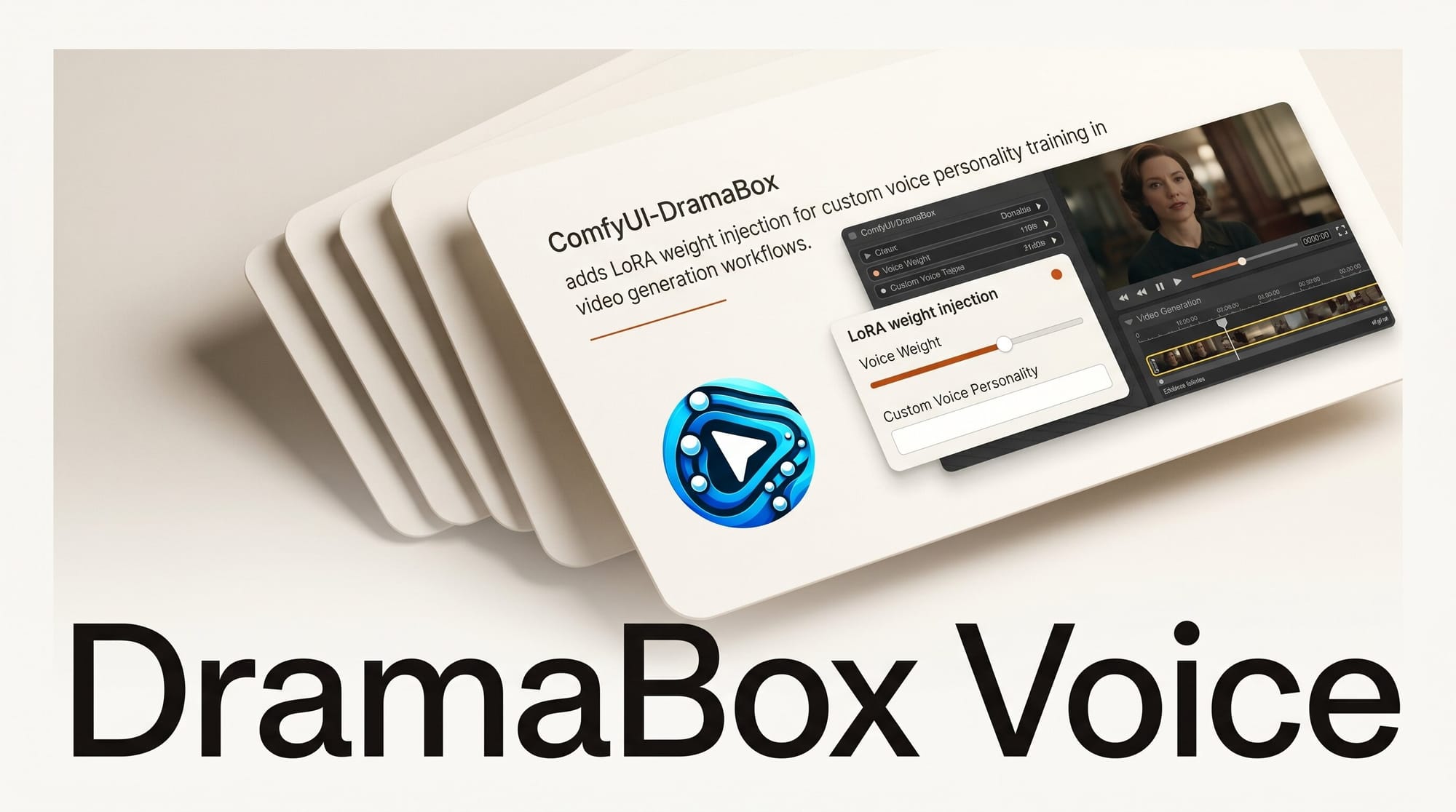
ComfyUI-DramaBox added LoRA weight injection on May 16, 2026, letting creators load custom voice personalities into DramaBox TTS workflows without triggering a model reload between runs. A companion tool, Voice-Clone-Studio-DramaBox, handles dataset preparation and training, automating transcription and audio splitting from any voice recording into a production-ready LoRA file.
What is DramaBox

DramaBox is an open-source text-to-speech model from Resemble AI built as a fine-tune of the LTX 2.3 audio diffusion transformer. Unlike conventional TTS systems controlled with numerical parameters, DramaBox interprets prose-style stage directions embedded directly in the text prompt. A character can "laugh bitterly before composing themselves" or "whisper the final line with mounting dread," and the model responds to those instructions rather than ignoring them.
Voice cloning is built in from the start. Providing a 10-second reference audio clip is enough for DramaBox to adopt that voice identity for the entire generation. The ComfyUI custom node port by FranckyB makes DramaBox usable inside visual AI pipelines alongside image and video nodes, which is where most creator automation workflows already live.
The model weights are available for free on Hugging Face, and the full local stack installs in one click via the Pinokio launcher at roughly 23.5 GB. Creators can also experiment without installation via the Resemble AI Hugging Face Space, though LoRA loading requires the local ComfyUI node.
What LoRA Support Changes
Before May 16, DramaBox could clone any voice using a reference clip, but that clip had to be provided on every single run. A reference clip captures a snapshot; if the recording conditions of the original clip varied across takes, the output voice varied too. Persistent characters with consistent vocal identity across a long-form project required careful clip management.
LoRA support encodes a voice personality into a compact delta file instead. Creators pass a trained LoRA to the DramaBox node via a lora_stack input. The weights are applied directly into the already-loaded model at inference time and removed immediately after generation, so different LoRAs can be hot-swapped between runs without the slow model reload that would otherwise interrupt an automated pipeline.
The practical result is that a recurring character in a video series, game, or podcast now has a single reusable voice asset. Once the LoRA is trained, every generation session picks up exactly where the last one left off in terms of vocal identity, regardless of how many other voices or models ran in between.
ComfyUI Voice Cloning Methods Compared
| Method | Training Required | Hot-Swap | Emotional Direction | Voice Consistency |
|---|---|---|---|---|
| DramaBox (reference clip) | No | Yes (swap clip) | Prose prompts | Clip-dependent |
| DramaBox LoRA (new) | Yes, via Voice-Clone-Studio | Yes (swap .safetensors) | Prose prompts | High, session-independent |
| ComfyUI-VoxCPM2 | Optional LoRA pipeline | Yes | Limited | Good with LoRA |
| CosyVoice-ComfyUI | No (zero-shot) | Yes (swap clip) | Limited | Clip-dependent |
The standout advantage DramaBox LoRA has over reference clip methods is the combination of emotional direction and session-independent consistency. Zero-shot cloners like CosyVoice match a voice from a clip, but they do not interpret prose directions. DramaBox LoRA keeps both capabilities while removing the clip dependency.
How to Train a Voice LoRA with Voice-Clone-Studio-DramaBox
- Install ComfyUI-DramaBox. Clone the repo into your ComfyUI
custom_nodes/directory. Model weights download automatically on the first generate call. Budget around 23.5 GB of disk space for the base model. - Gather audio data. Collect at least 15 minutes of clean, single-speaker recordings. Studio recordings or broadcast audio work best. Background noise, music, or room reverb degrades LoRA accuracy. Break long recordings into 5-30 second clips before importing.
- Open Voice-Clone-Studio-DramaBox. The companion tool runs automated Whisper transcription on your clips and splits audio segments into training pairs. Review transcription output for errors before proceeding; mismatched text-audio pairs hurt fidelity.
- Configure training. Set rank, learning rate, and step count. Rank 16 works well for most voice personalities. A 15-minute dataset trained at rank 16 takes roughly 20-40 minutes on an RTX 3090. Higher rank captures more nuance but increases file size and overfitting risk.
- Export and place the LoRA file. The output is a
.safetensorsfile. Place it in your ComfyUI models directory in the folder designated for DramaBox LoRAs. - Load in your workflow. Add a LoRA loader node connected to the DramaBox node's
lora_stackinput. Select your exported file. Write your prompt with stage directions as normal, and the voice identity is applied at generation time.
A step-by-step video walkthrough of the base DramaBox setup in ComfyUI is available on YouTube from the TTS-focused channel covering the 2026 open-source audio pipeline. The LoRA workflow extends the same setup shown there.
Production Workflow Integration
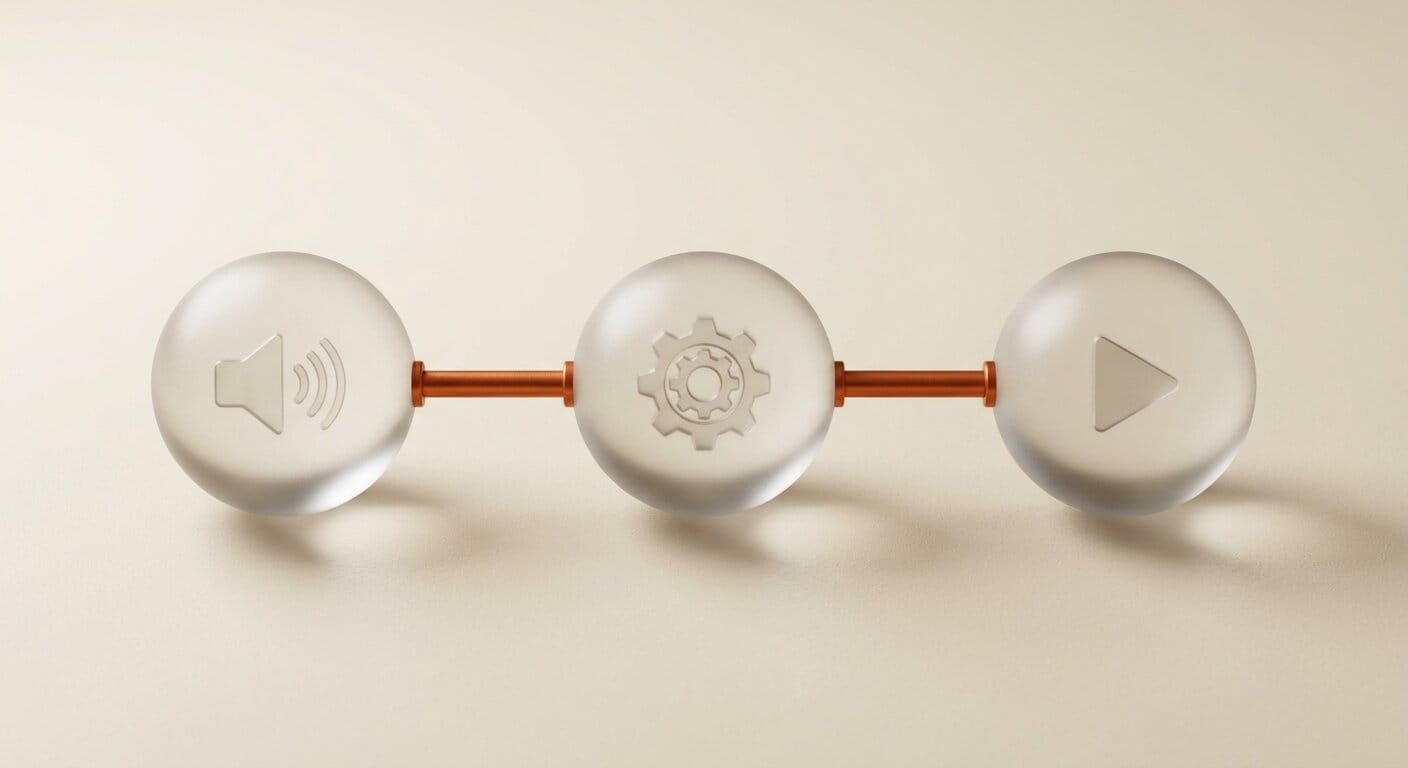
The most common production pattern pairs DramaBox with an LTX video node in a single ComfyUI graph. DramaBox generates character audio, a video generation node produces matching visuals, and a merge node combines them with optional lip sync. With voice LoRAs in place for each character, the only variable left per session is the script text and direction notes.
For podcast production or long-form narration, the efficiency gain compounds over time. A LoRA-loaded narrator voice requires zero clip management, zero consistency checking between episodes, and zero re-setup when returning to a project after weeks away. The voice cloning capabilities reviewed by Stork AI note that all DramaBox outputs carry an embedded watermark by default as an ethical safeguard, and this applies equally to LoRA-based generations.
For audio drama or game dialogue pipelines, multiple character LoRAs can be queued in a batch node. Each character slot loads its own LoRA, generates its lines, and releases the weights before the next character runs. The full cast processes in a single automated session without any manual intervention.
Creator Outcome
DramaBox LoRA closes the last significant manual step in fully automated AI voice pipelines for recurring content. Combined with ComfyUI's existing image and video generation nodes, a creator building a weekly web series can now define all character voices once via LoRA training and then generate new episode audio from a script file alone. The session-to-session consistency that previously required careful reference clip management is now handled by the model weights themselves.
Creators building on the LTX 2.3 audio ecosystem already have most of this pipeline in place. Adding DramaBox LoRA support is an extension, not a rebuild.
Frequently Asked Questions
Do I need a GPU to train a DramaBox voice LoRA?
Yes. Training requires a CUDA-capable GPU. An RTX 3090 with 24 GB VRAM handles most training runs comfortably. Inference with a loaded LoRA runs on the same GPU used for standard ComfyUI workflows, with no additional VRAM overhead beyond the base DramaBox model itself.
How many minutes of audio are needed for a good voice LoRA?
The practical minimum is around 15 minutes of clean, single-speaker audio. More data produces better fidelity, particularly for capturing unique vocal characteristics and speech patterns. Professional voice actors recording in treated rooms can produce usable LoRAs from as little as 10 minutes. Noisy recordings significantly increase the required amount.
Can I train a LoRA from a public figure's voice?
Voice cloning carries significant ethical and legal risk when applied to real individuals without consent. DramaBox watermarks all generated audio as a safeguard, but that watermark does not eliminate legal exposure. Use LoRA training only for voices where you have explicit permission: your own voice, professional voice actors who have consented, or purpose-built synthetic voice datasets.
Will DramaBox LoRA files work outside ComfyUI?
The output files use standard safetensors format. Compatibility with other runtimes depends on whether they implement the same delta application and removal logic that the ComfyUI node uses. The node applies weights at inference time and removes them immediately after; other runtimes would need to replicate this behavior to use the files.
How does a trained LoRA compare to just providing a longer reference clip?
Reference clips capture a sample of a voice; trained LoRA weights capture underlying vocal characteristics. A longer reference clip can improve consistency but adds encoding overhead every run. A LoRA is applied as a delta at near-zero cost per run once the model is loaded. For workflows generating hundreds of audio files in batch, the efficiency difference is significant. More importantly, a trained LoRA handles edge cases and varied emotional delivery better than even a well-chosen reference clip.
Is the DramaBox model licensed for commercial use?
Licensing terms are specified in the Resemble AI DramaBox repository. Check the license file directly before building production commercial systems. The watermarking requirement applies regardless of commercial status.