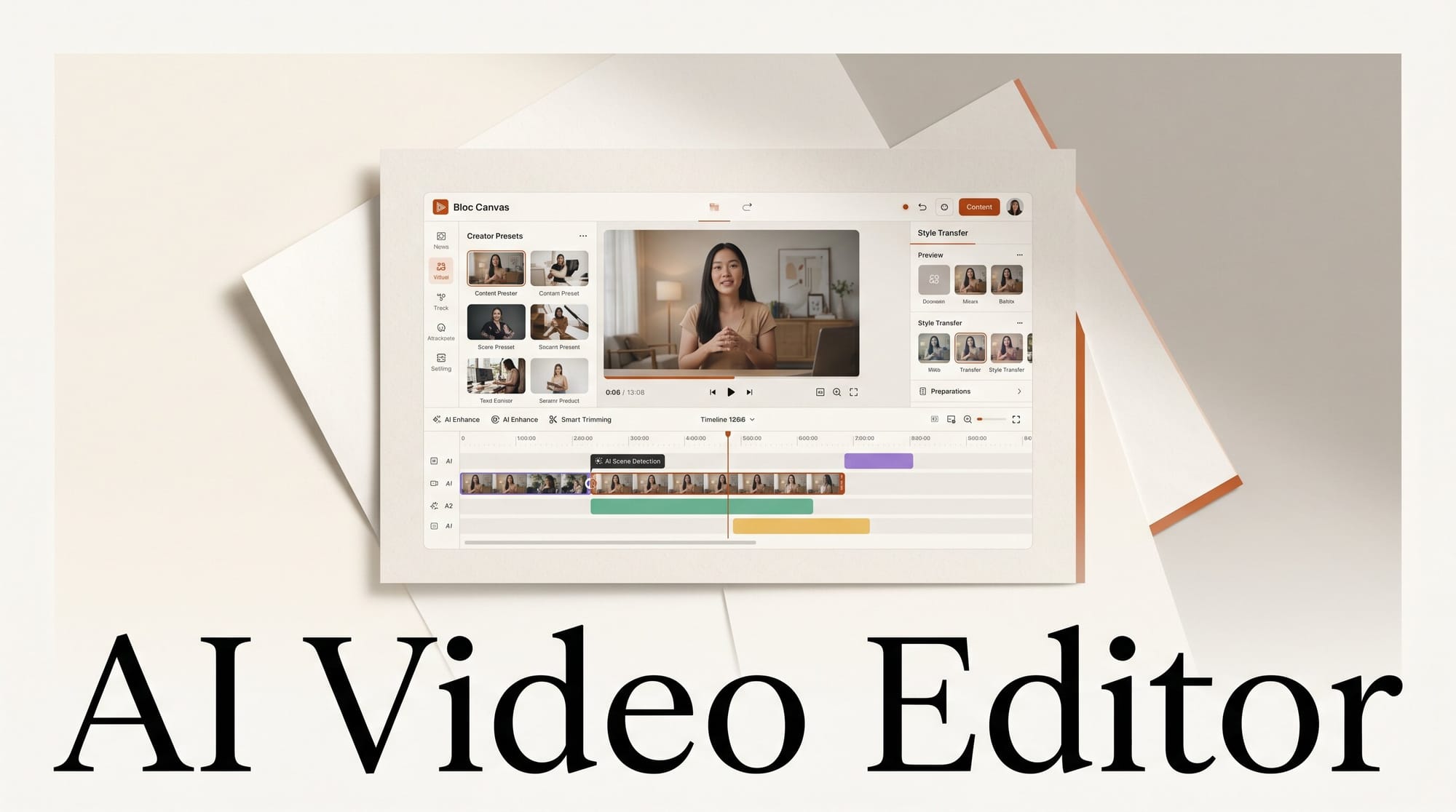
Bloc is a canvas-first AI video editor for macOS, Windows, and web that launched on Hacker News on June 2, 2026 to immediate interest from the creative AI community. Instead of dragging clips on a timeline, creators draw rectangular scene boxes on a spatial canvas, write a text description for each box, and let AI generate the video clips. New accounts get 250 free credits with no credit card required. At roughly $0.06 per 5-second clip at 720p, that is about 4 free clips to start.
What Is Bloc?
The product describes itself as "Cursor for AI video, a canvas IDE, not a timeline." The framing is deliberate. Cursor reimagined coding by putting AI generation at the center of the workflow rather than bolting it onto a traditional editor. Bloc takes the same approach to video: the canvas is the primary interface, not an afterthought.
Timeline editors like Runway and Pika are built around the assumption that you already have footage. Bloc assumes you have nothing and generates everything. You sketch a story structure on the canvas, describe each scene, and the AI fills in the clips. The result is closer to a storyboarding tool than a traditional non-linear editor.
Bloc is cross-platform: macOS, Windows, and a web app are all available at launch. The free tier gives every new account 250 credits with no payment method required, making it one of the more accessible entry points in the AI video space compared to subscription-only tools.
How the Canvas Workflow Works
The workflow is spatial rather than sequential. Here is the step-by-step process:
- Open a new canvas. Bloc loads a blank canvas similar to a whiteboard tool like FigJam or Miro. There is no timeline bar at the bottom.
- Draw scene boxes. You click and drag to create rectangular areas on the canvas. Each box represents one video scene. You can arrange them horizontally to imply a sequence, or spatially to plan a multi-angle shoot.
- Write scene descriptions. Each box gets a text prompt. For example: "Woman walking through a rainy Tokyo street, cinematic, golden hour." You can also attach a reference image to anchor the visual style.
- Select your generation model. Per scene, you choose from Seedance 2.0 (text-to-video or image-to-video), Wan 2.6 R2V (reference-to-video for character consistency), or VACE (for scenes requiring inpainting or outpainting). Image generation uses GPT Image 2 or Seedream 4.0.
- Generate and iterate. Bloc renders each scene clip. You can regenerate individual scenes without affecting others. Once satisfied, you arrange clips for final export.
The canvas layout also helps with long-form planning. You can see an entire short film structure at once rather than scrolling a timeline, which makes it easier to spot pacing issues before committing credits to generation.
The AI Model Lineup
Bloc bundles five generative models across video and image categories:
Video generation:
- Seedance 2.0 (ByteDance) handles text-to-video and image-to-video. It generates 720p and 1080p clips with strong prompt adherence and cinematic motion quality.
- Wan 2.6 R2V (Wan-Video) is the reference-to-video model. Upload a reference image or clip and Wan maintains character consistency across multiple scenes, solving one of the hardest problems in AI video production.
- VACE (ali-vilab on GitHub) handles inpainting and outpainting. If a generated clip has a bad foreground element or needs to be extended beyond its original frame, VACE fills in the gaps without regenerating the full scene.
Image generation:
- GPT Image 2 (OpenAI) produces reference images for the canvas. Strong at photorealistic subjects with accurate text rendering.
- Seedream 4.0 (ByteDance) is the complementary image model, optimized for stylized and cinematic stills.
- Nano Banana rounds out the image models for faster, lighter generation tasks.
Having all three video models available per scene is a meaningful differentiator. Most AI video tools force you to pick one model platform and stay there. Bloc lets you use Seedance 2.0 for establishing shots, Wan R2V for character-consistent close-ups, and VACE for patching problem frames, all within a single canvas project.
Pricing and Credit Costs
Bloc uses a credit system with one-time purchase packs rather than a monthly subscription:
| Pack | Price | Credits | 5-sec clips at 720p |
|---|---|---|---|
| Free trial | $0 | 250 | ~4 |
| Starter | $10 | 1,000 | ~16 |
| Standard | $25 | 2,750 | ~45 |
| Pro | $50 | 6,000 | ~100 |
At $0.06 per 5-second 720p clip via Seedance 2.0, the Pro pack works out to roughly 100 clips. Longer clips, higher resolution, or more complex models will consume credits faster. The credit-based model means you only pay for what you generate, with no idle subscription cost between projects.
Bloc vs. Runway vs. Pika

The major AI video platforms all take a timeline-first approach. Here is how Bloc compares on the key axes creators care about:
| Feature | Bloc | Runway | Pika |
|---|---|---|---|
| Interface | Canvas (spatial) | Timeline | Timeline |
| Pricing model | Credit packs (one-time) | Subscription ($12-$76/mo) | Subscription |
| Model choice per scene | Seedance, Wan R2V, VACE | Gen-4 only | Pika 2.2 only |
| Reference-to-video | Yes (Wan 2.6 R2V) | Limited | Limited |
| Inpainting/outpainting | Yes (VACE) | Yes | Partial |
| Free trial | 250 credits, no card | Limited, card required | Limited |
| Platform | Mac, Windows, Web | Web | Web |
Bloc is also positioned differently from browser-only tools. For creators already exploring multi-tool AI video workflows, see the 28-tool breakdown in Snipforge for how browser-based video tools compare, and Runway MCP integration for pipelines that call Runway from agent workflows.
Who Should Use Bloc
Bloc fits creators who think in stories rather than clips. If your process starts with a shot list or storyboard, the canvas matches how you already plan. If you are more comfortable cutting pre-existing footage, the canvas will feel unfamiliar at first.
The multi-model flexibility makes Bloc a strong option for anyone building character-consistent short films or ad sequences. The ability to anchor characters with Wan R2V reference-to-video while using Seedance 2.0 for establishing shots in the same project is not available in the single-model platforms.
The credit pack pricing works well for project-based work: pay for a specific project, stop when done. It is less cost-effective than a subscription if you generate video daily, where Runway Standard at $28/month could be cheaper at scale.
Creator Outcome: Start Your First Bloc Project
Here is a practical workflow to get a 30-second short clip from Bloc without spending a dollar:
- Sign up at vidbloc.com, no credit card required. You get 250 credits on signup.
- Create a new project and open a blank canvas.
- Draw 4-5 scene boxes. A 30-second clip at 5 seconds per scene needs 6 clips, so start with fewer and add.
- Write a description for each box. Be specific: character, action, setting, lighting, camera movement.
- For scene 1 (establishing shot), use Seedance 2.0 text-to-video. For scenes where your character reappears, switch to Wan 2.6 R2V and upload the first generated frame as the reference image.
- Generate all scenes. Your 250 free credits cover roughly 4 full 5-second clips at 720p, enough for a test run before purchasing a credit pack.
Frequently Asked Questions
What is Bloc?
Bloc is a canvas-first AI video editor where you draw scene boxes on a spatial canvas, write text descriptions, and generate video clips using AI models including Seedance 2.0, Wan 2.6 R2V, and VACE inpainting. It is available on macOS, Windows, and web.
How is Bloc different from Runway or Pika?
Runway and Pika use a timeline interface and a single proprietary model. Bloc uses a spatial canvas and lets you choose from three different video generation models per scene, including Wan R2V for character consistency across scenes, which neither Runway nor Pika offers natively.
How much does Bloc cost?
Bloc uses one-time credit packs: $10 for 1,000 credits, $25 for 2,750, and $50 for 6,000. A 5-second Seedance 2.0 clip at 720p costs roughly $0.06, so 1,000 credits covers about 16 clips. New accounts start with 250 free credits, no payment required.
What is Wan 2.6 R2V and why does it matter?
Wan 2.6 R2V (reference-to-video) generates video clips that stay visually consistent with a reference image you provide. This solves character consistency in AI video: rather than generating a new "version" of your character in every scene, Wan R2V anchors the appearance across clips. It is the same model family as the open-source Wan 2.1 on GitHub.
Is Bloc better than using ComfyUI for AI video?
ComfyUI offers more technical control and is free for open-source models, but requires setting up pipelines manually. Bloc is a managed product: pay-per-credit, no local GPU required, and all models are pre-integrated. ComfyUI is the right choice if you want full control and already run a local GPU setup; Bloc is faster to start and better for project-based non-technical workflows.





