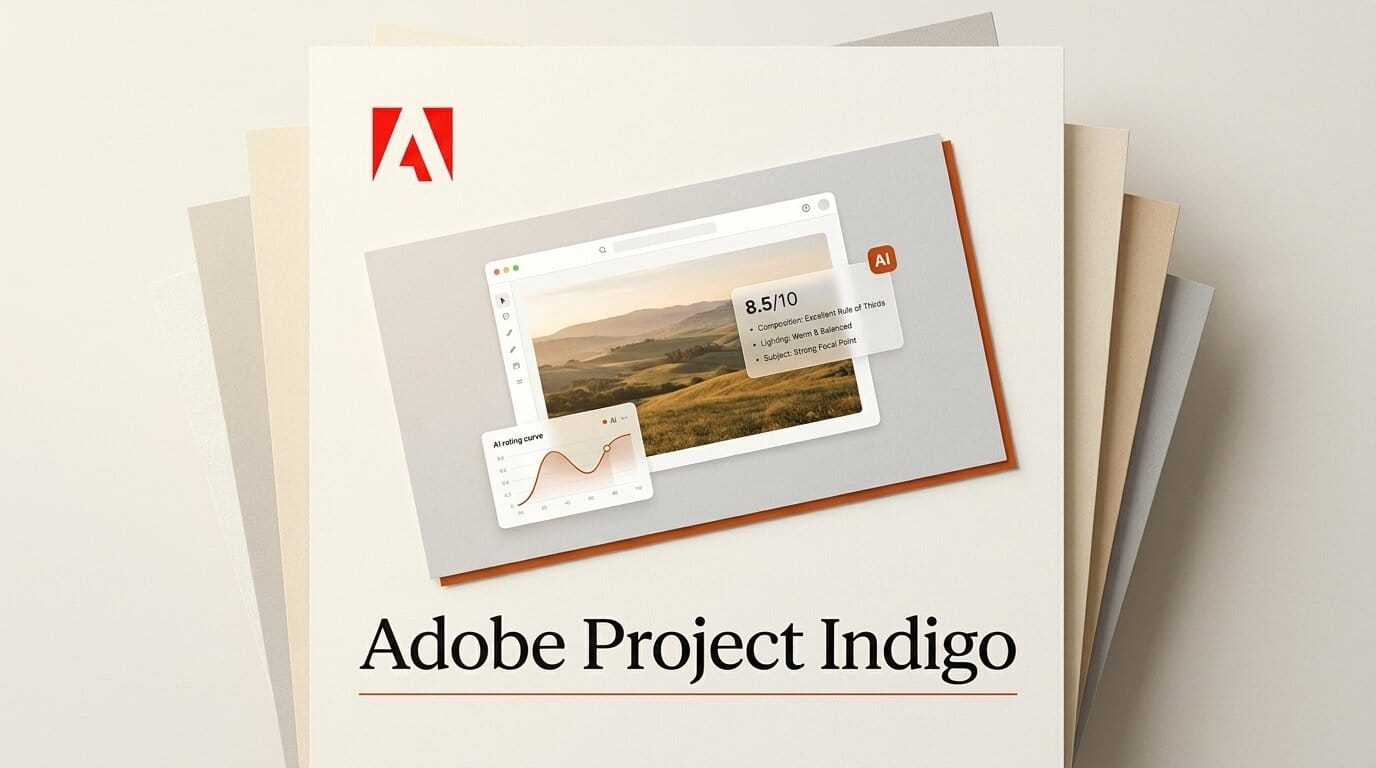
Adobe is turning its experimental iOS camera app into an AI coach. On July 20, 2026, Adobe pushed Project Indigo version 1.1 with a new AI Playground that critiques your photos, suggests reshoots, removes objects, generates depth of field, and applies style transfers. According to TechCrunch, the Photo Critique tool delivers a professional-style opinion on framing, lighting, colors, and emotional impact, then tells you how to fix the shot. The features are free for now, but only a small percentage of Indigo users get access in this build, and only for a few weeks.
Project Indigo started life as a computational photography app from a team that includes Marc Levoy, the engineer behind Google's Pixel camera pipeline. Version 1.1 is the moment that app stops being a better shutter and starts being an opinionated collaborator. Here is exactly what shipped, how the critique works, and how to build it into a mobile editing workflow.
What Adobe shipped in Project Indigo 1.1
The update centers on a new "AI Playground" tab inside the app. As 9to5Mac reported, the Playground is split into four sections, each exposing AI assistance through toggles and buttons rather than a single generate button. The tools run on Google's Nano Banana model in the cloud, so they require an active internet connection.

| AI Playground section | What it does | Best for |
|---|---|---|
| Photo Guidance (Critique) | Rates framing, lighting, color, and emotional impact; suggests reshoot and edit fixes | Learning composition, salvaging a shot on location |
| Object Editing | Advanced removal with toggles for people, trash, wires, vehicles, and more | Cleaning distractions from street and travel photos |
| Styles | Style transfer that restyles a photo into different looks | Fast mood and aesthetic exploration |
| Custom Edit | Free-form prompt edits, including depth of field generation | Simulating shallow-depth portraits from a phone |
How the AI photo critique actually works
The critique feature is the headline. Instead of adjusting pixels, it uses a large language model to read the image and write feedback. Engadget notes the tool reviews a shot and offers suggestions on improving it, either by reshooting on the spot or editing afterward. The output reads like a mentor looking over your shoulder rather than a slider panel.
A typical loop looks like this:
- Capture or open a photo in Project Indigo.
- Open the AI Playground tab and choose Photo Guidance.
- Read the critique of framing, lighting, color balance, and emotional impact.
- Follow the reshoot suggestion (move the subject, change the angle, wait for light) or apply the edit suggestion.
- Re-run the critique on the new version to confirm it improved.
Because the critique is generated by a language model, it explains the why behind each note, which is the part a histogram or exposure warning cannot give you.

Powered by Nano Banana, not Firefly (for now)
The most notable technical choice is the model. Indigo's new generative tools run on Google's Gemini-based Nano Banana rather than Adobe's own Firefly. Adobe says it remains open to swapping in other models, including Firefly, later. That is a pragmatic move: Nano Banana is strong at photorealistic edits and object removal, and shipping on it now lets Adobe test the experience without waiting on an in-house model. Indigo's foundation is still Adobe's own computational photography pipeline, documented on Adobe Research, which handles multi-frame capture and raw processing before any generative step runs.
What this enables for creators
The practical payoff is a full capture-to-critique-to-edit loop that never leaves your phone. For a mobile photographer, that collapses three tools (camera, a critique from a peer, and an editor like Lightroom Mobile) into one app. Here is a weekend workflow to try it:
- Shoot a scene three ways: wide, mid, and tight. Do not edit yet.
- Run Photo Guidance on each frame and read the critique side by side.
- Keep the frame with the best composition feedback, then use Object Editing to remove any distracting wires, trash, or bystanders.
- Apply a Style to set the mood, or use Custom Edit to add depth of field for a portrait look.
- Run the critique one final time as a quality check before exporting.
The result is a repeatable habit that trains your eye. Over a few sessions, you start pre-empting the critique's notes while you shoot, which is the real skill transfer.

Availability, cost, and the catch
The rollout is deliberately narrow. Adobe says the AI Playground is free while it is being tested, but only a small percentage of Project Indigo users will see it in version 1.1, and only for a few weeks. The app remains iOS-only and experimental. The Nano Banana tools are cloud-based, so they will not work offline, and Adobe has not committed to pricing once testing ends. Details on the app and its limits live in Adobe's Project Indigo FAQ. If you already have Indigo installed, update to 1.1 and check whether the AI Playground tab appears; if it does not, you are outside the current test group.
Frequently asked questions
What is Adobe Project Indigo?
Project Indigo is a free, experimental iOS camera app from Adobe focused on computational photography. Version 1.1 adds an AI Playground with photo critique, object removal, style transfer, and depth of field generation.
What does the AI photo critique do?
It uses a language model to evaluate a photo's framing, lighting, colors, and emotional impact, then suggests how to improve the shot by reshooting or editing.
Which AI model powers the new features?
The generative tools run on Google's Gemini-based Nano Banana model in the cloud. Adobe says it may swap in other models, including its own Firefly, in the future.
Is the AI Playground free?
Yes, it is free during testing. However, only a small percentage of Indigo users get access in version 1.1, and only for a few weeks.
Does it work on Android or offline?
No. Project Indigo is iOS-only, and the new AI features are cloud-based, so they require an active internet connection.
Do I need a Creative Cloud subscription?
Project Indigo is a standalone free app. The AI Playground is free during the test period, and Adobe has not announced pricing for after testing ends.





