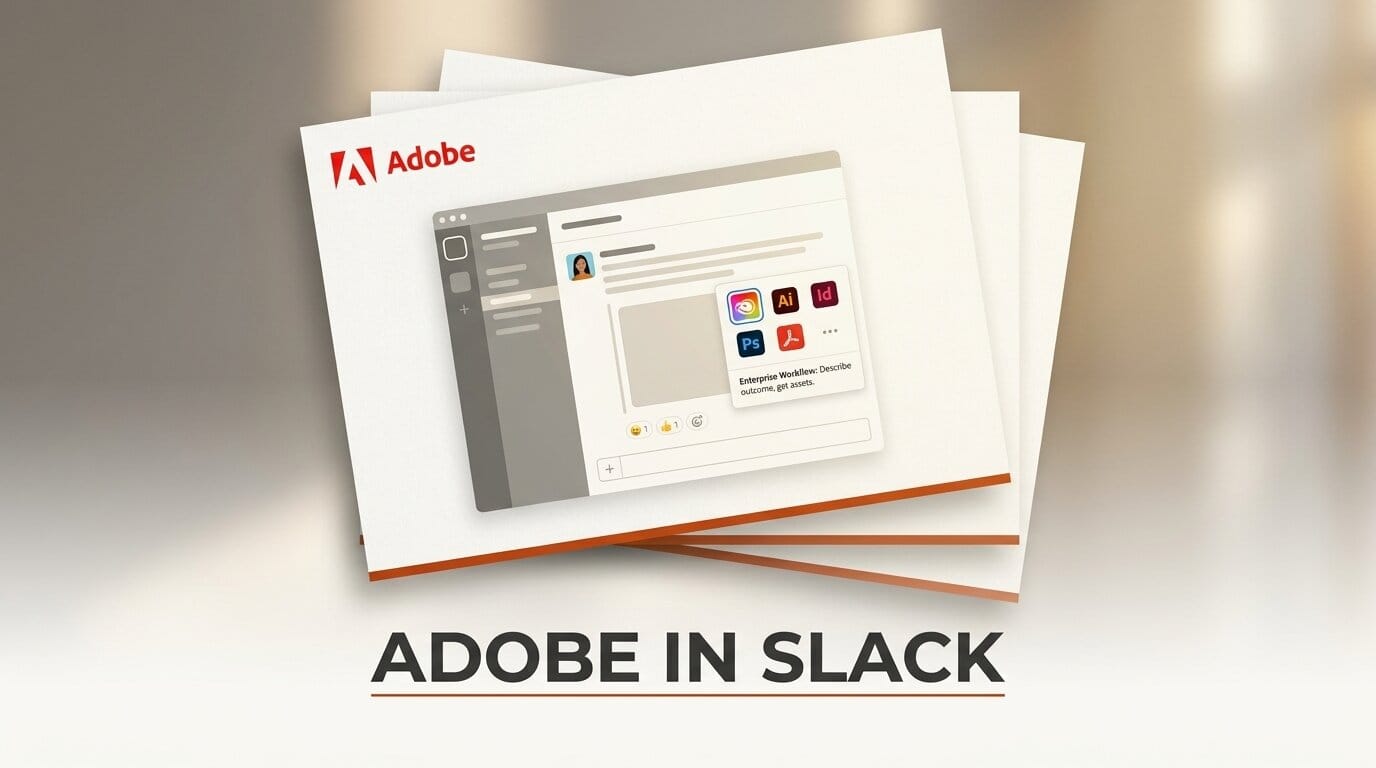
Creative work has always started as a conversation. Someone pastes a brief in a channel, someone else asks for a first draft, and then the actual making happens somewhere else. With Adobe for Slack, that second step no longer means leaving the chat. It is the clearest sign yet that describe-outcome-get-asset creative work is migrating into the workplace messaging surface.
Background
On September 2, 2026, Adobe launched Adobe for Slack, connecting more than 70 of its creative and productivity tools directly to Slack conversations. Detailed in Adobe's launch announcement, the integration lets you describe an outcome in plain language and have Slackbot call the right Adobe apps to produce images, video, and documents without leaving the channel. The lineup spans Firefly, Adobe Express, Photoshop, Premiere, Acrobat, InDesign, Illustrator, Stock, and Lightroom, and it is listed on the Slack Marketplace globally across desktop, web, and mobile.
The mechanic is deliberately conversational. You paste a campaign description into a thread, ask Slackbot for a first draft, then request variations, crops, or copy edits through follow-up messages. Because Slackbot can read files, channels, and Canvases, it pulls the surrounding context, product names, dates, and tone, into the generation, so the first output lands closer to what the discussion actually needed. The pitch is not a new model or a new canvas. It is the removal of the copy-paste gap between where a brief is written and where it becomes an asset.
This is also not Adobe's first move into a chat surface. The same roughly 70-tool catalog previously showed up inside ChatGPT, which we covered when Adobe put its 70 creative tools into a ChatGPT plugin. The Slack version keeps the tools and changes the room they live in, from a consumer assistant to the collaboration tool where teams already coordinate work. That shift of venue, more than the tool count, is what makes this launch worth analyzing.
Deep Analysis
The chat surface becomes the creative canvas
For most of the last decade, generative tools lived behind their own front doors. You opened a dedicated app, a web canvas, or a prompt box, produced an asset, and carried it back to wherever the work was being discussed. Adobe for Slack inverts that flow. The canvas is now the channel, and the prompt is just another message in a thread other people can see, react to, and build on. Creative production becomes a shared, in-line activity rather than a solo detour.
The consequence is that generation inherits the context of the conversation for free. When Slackbot can read the thread, the attached files, and the linked Canvas, the "describe the outcome" step gets shorter because half the brief is already on screen. A request like "make a launch graphic for this" resolves against the product name, the date, and the tone the team was already using, instead of a blank prompt that forces you to restate everything. That is the real efficiency claim: not faster rendering, but fewer round trips to get the first draft close.
It also changes who touches creative tools. A project manager, a marketer, or a support lead who would never open a Creative Cloud app can now trigger Adobe generation by typing a sentence. The skill barrier drops from "knows the software" to "can describe what they want," which is exactly the barrier chat surfaces are built to lower. The creative canvas stops being a place you go and becomes a capability that lives where the team already talks.
Adobe-in-Slack vs the other in-context creation plays
Adobe is not alone in pushing generation into the surfaces where work already happens. Google has been embedding Gemini generation directly inside Workspace apps, so an image or a draft appears in the document or slide you are already editing. Canva has folded an assistant into its own editor so users describe changes and get design edits in place. And Slack itself has been building a native code and agent story, which we covered in our look at Slack code channels and AI agents, where the messaging tool hosts its own automation rather than routing to an outside vendor. Each of these is a version of the same bet: creation belongs in context, not in a separate destination.
What separates them is the surface each one owns and the tools each one reaches. The comparison below maps where the generation lives and what powers it.
| Play | Surface where creation happens | Engine behind it | Who it reaches |
|---|---|---|---|
| Adobe for Slack | Slack channels and threads | 70+ Adobe tools (Firefly, Express, Photoshop, and more) | Slack Business+ and Enterprise+ teams |
| Google Workspace with Gemini | Docs, Slides, and other Workspace apps | Google Gemini models | Workspace users and organizations |
| Canva assistant | The Canva editor itself | Canva's own design engine | Canva's broad self-serve base |
| Slack native agents and code | Slack channels | Slack's own agent and automation layer | Slack workspaces adopting agents |
The pattern that emerges is a split between owning the surface and owning the tools. Google and Canva bring generation into a surface they already control, so the model and the canvas ship together. Slack's native agent story is the platform building its own engine into its own rooms. Adobe for Slack is the outlier: Adobe owns the deepest creative toolset in the comparison but rents the surface from Slack. That makes distribution its strategic prize. Adobe reaches teams inside a tool millions open daily without asking any of them to install Creative Cloud, while accepting that the room, and the rules of that room, belong to someone else.

The enterprise-tier bet
The most revealing detail is who Adobe left out. Adobe for Slack targets Slack Business+ and Enterprise+ customers. Teams on lower Slack tiers, and solo creators on free plans, do not get access. Adobe skipped the individual creator entirely and aimed the launch at organizations, which is a deliberate choice given that Firefly and Express both have large self-serve consumer followings Adobe could have tapped.
Gating at the top tiers signals what Adobe thinks this integration is for. It is positioned as a team productivity layer, not a hobbyist toy. The value proposition, that generation inherits the context of a shared channel, only really pays off when multiple people work in that channel, so the tiering matches the use case: the more collaborators in a thread, the more the context-pulling saves. It also aligns Adobe's reach with Slack's paying enterprise base, where budgets for creative software already exist and where an admin, not an individual, controls what apps get installed.
There is a distribution logic underneath it too. Enterprise seats are where Adobe's revenue concentrates, and meeting those buyers inside their existing collaboration tool is a way to expand usage without a separate sales motion. The risk is that gating cuts Adobe off from the exact grassroots adoption that made tools like Express spread. By betting on organizations first, Adobe is trading viral reach for revenue-qualified reach, and wagering that the workplace, not the solo creator, is where in-chat creation becomes a habit.
Impact on Creators
For creators who already live inside a qualifying Slack workspace, the immediate effect is fewer app switches. A social image drafted from a channel brief, a quick crop, a document turned into a shareable asset, all can happen without opening a separate Adobe app and carrying the result back. The context-pulling is the part worth testing honestly: paste a real brief, ask Slackbot for a first draft, and compare it against your usual Firefly or Express workflow to judge whether reading the thread actually saved you a round trip or just moved the same steps into a new window.
For creators who define quality by fine control, this is an assist, not a replacement. Conversational generation is strongest at the first draft and the fast variation, and weakest at the pixel-level decisions that still belong in the full application. The likely workflow is hybrid: use the channel to get to a good enough draft in front of the whole team quickly, then take the winning direction into Photoshop, Premiere, or InDesign for the finish. The skill that grows in value is writing a precise description, because the better you brief Slackbot, the less rework the draft needs.
For solo creators and small teams on lower Slack tiers, the practical impact today is zero, and that is the point worth sitting with. This launch is a signal, not a tool you can use. The pattern of creative work moving into chat is arriving in the workplace first, and independent creators will feel it as a shift in expectations, clients and collaborators who assume a draft can appear in a thread, before they feel it as access.
Key Takeaways
- The channel is the new canvas. Adobe for Slack routes conversational requests to more than 70 tools, so creative production happens inside the thread where the brief already lives.
- Context is the real feature. Slackbot reading files, channels, and Canvases means the first draft lands closer to intent, cutting round trips rather than speeding up rendering.
- Everyone is chasing in-context creation. Google Workspace with Gemini, Canva's assistant, and Slack's own native agents are all versions of the same bet, but Adobe uniquely owns the deepest toolset while renting the surface.
- Adobe chose organizations over individuals. Gating to Slack Business+ and Enterprise+ skips solo creators and aims squarely at teams, trading viral reach for revenue-qualified reach.
- It stays a first-draft tool. The likely workflow is hybrid: draft fast in chat, then finish in Photoshop, Premiere, or InDesign.
What to Watch
The first thing to watch is whether the tiering holds. If in-chat creation proves sticky inside enterprises, the pressure to extend access to lower Slack tiers, and to the large self-serve Firefly and Express audiences Adobe skipped, will be hard to resist, and how Adobe responds will show whether this was a permanent enterprise strategy or a staged rollout. Watch too for how the other surface owners answer. If Slack's native agents grow strong enough to generate assets without an outside vendor, Adobe's rented-surface position gets more precarious, and the same logic applies to any platform that decides the creative layer is too valuable to leave to a partner. The deeper question is behavioral: whether teams actually change how they work, briefing in the channel and expecting an asset back, or whether the novelty fades and creation drifts back to the dedicated apps. The launch has moved describe-outcome-get-asset creation into the workplace chat surface. What is still unsettled is whether the workplace decides to keep it there.





