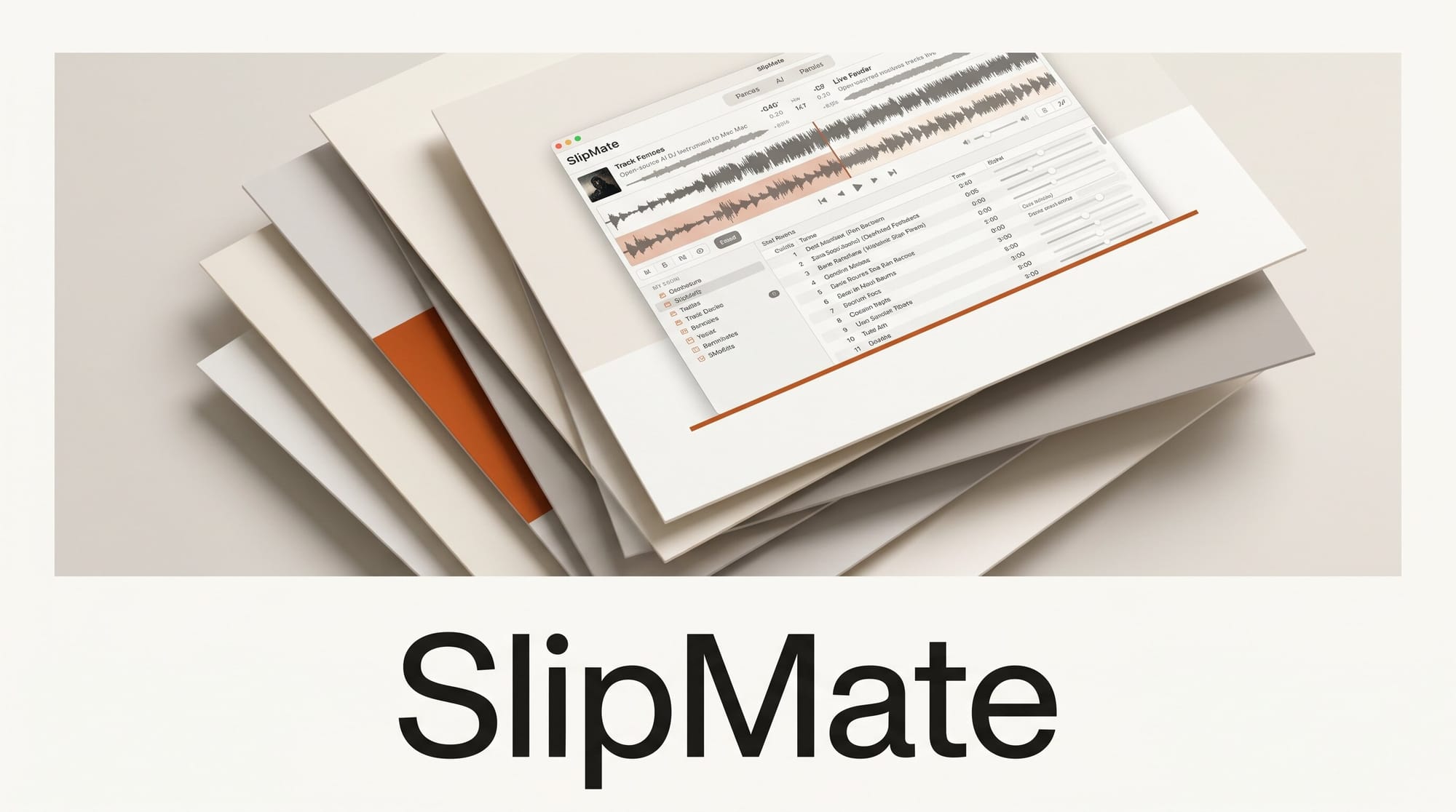
A developer who goes by brxs has released SlipMate, a free, open-source "generative DJ instrument" that runs two AI music models locally and lets you mix their output in real time like vinyl. It is one of the first hobbyist tools to wire generative audio models into a familiar DJ workflow, complete with hardware controller support.
What Happened
SlipMate pairs two locally running model "decks" that you steer with text prompts, then blends them with a three-band EQ, a one-knob Color FX, a crossfader, and a headphone cue. The live decks run on Google's Magenta RealTime model, while generated pads and finished tracks come from Stability AI's Stable Audio 3. The whole rig maps onto a Pioneer DDJ-FLX4 controller, so faders, EQ knobs, cue buttons, and the browse rotary drive the AI directly instead of a mouse.
Why It Matters
Most AI music tools generate a finished track and stop there. SlipMate treats generation as a live instrument: you add style targets to a deck, blend between them by dragging a cursor, and ride the crossfader between two evolving streams. That turns models like Stable Audio 3, which Stability AI released in May with open weights, into performance tools rather than one-shot generators. For producers and DJs experimenting with AI sets, it is an early look at what a generative club night could sound like.
Key Details
SlipMate is Apple Silicon only, using the MLX backend, and needs about 13 GB of disk for model weights downloaded on first setup (roughly 4.5 GB for the two Magenta decks and 8 GB for Stable Audio 3). It installs through uv and a justfile, and the app opens in a Chromium browser because it leans on Web Audio worklets and Web MIDI. Standout features include freeze loops that hold a moment on air while you re-steer the model underneath, deck-to-deck style sampling that grabs "the sound of the other deck right now," beat detection behind an honesty gate that shows a dash rather than a wrong BPM, and a Record button that captures the master bus to a WAV. Saved presets, called crates, export and import as JSON for sharing.
What to Do Next
If you have an Apple Silicon Mac and a spare 13 GB, setup is a single just setup command followed by just run, with the full instructions in the SlipMate repository. A Pioneer DDJ-FLX4 is optional but unlocks the hands-on control the tool was built around. To understand the models powering it, see our breakdowns of Magenta RealTime 2 on Mac and the Stable Audio 3 producer workflow.





