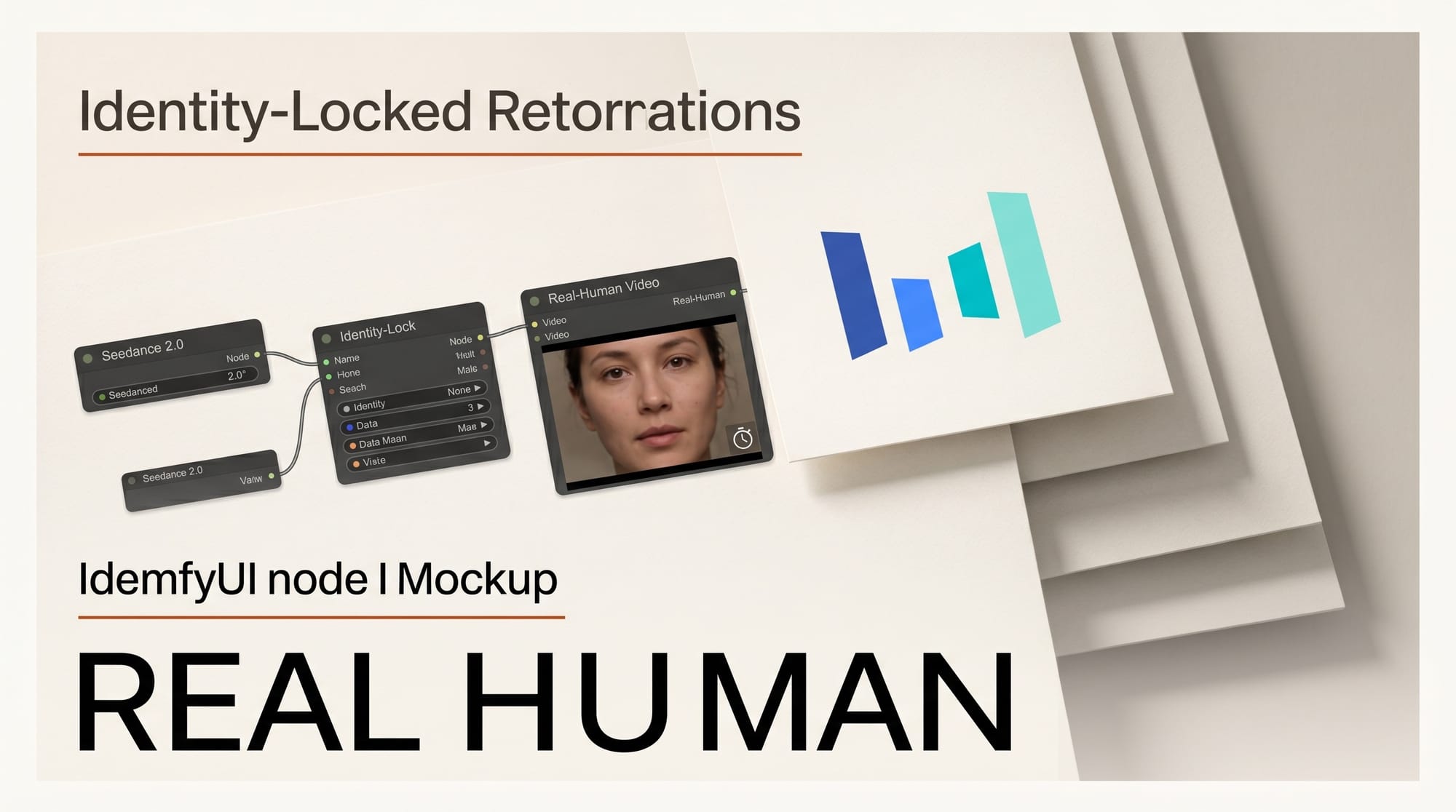
ByteDance's Seedance 2.0 video model now supports identity-locked real-human video generation inside ComfyUI, gated behind a 30-second liveness check. The workflow launched today on Comfy Cloud and the latest self-hosted ComfyUI release, closing the consent gap that has kept most creators away from photo-to-video pipelines for actual people.
For the broader landscape, see our definitive ComfyUI workflow guide for 2026.
What Happened
Comfy Org published the new Seedance 2.0 real-human workflow on April 24, 2026. The pipeline runs against ByteDance's R2V (reference-to-video) endpoint and adds a verification step that ties any generated clip to a liveness-checked human. Once a person passes the check, the workflow returns a Group ID for the verified subject and an Asset ID for the specific image, both reusable across future generations.
The integration ships in two places: as a template in Comfy Cloud and as a workflow JSON in the Comfy-Org workflow_templates repo for self-hosted users on the latest ComfyUI build.
Why It Matters
Real-person video has been the third rail of consumer-grade AI video. Most platforms either block face references entirely or rely on after-the-fact takedowns. Seedance 2.0's combination of identity stability across motion, native audio sync, and a pre-generation liveness gate gives small studios, creator agencies, and personal-brand video producers a workflow that actually clears the consent bar without forcing them to leave the ComfyUI graph.
For ComfyUI's existing image-to-video user base, this is the first time the platform's standard graph-based interface can produce stable real-human clips with subject-identity preservation. We covered the broader Seedance 2.0 model when it landed in ComfyUI in our deep dive on what Seedance 2.0 means for video creators; this update adds the missing real-person workflow that the initial integration deferred.
Key Details
- Inputs per prompt: up to 9 images, 3 videos, and 3 audio clips alongside text, supporting multi-reference shots and combined subject-plus-motion references.
- Liveness check: the workflow generates a verification link the subject opens on a phone or browser; the check runs in under 30 seconds and produces a reusable Group ID.
- Identity stability: Seedance 2.0's R2V mode is the leading scorer on ByteDance's reference-alignment benchmark for subject identity, motion, and style preservation.
- Audio-video sync: the model generates video and audio in the same pass, including lip-sync across 8+ languages, instead of bolting TTS on after generation.
- Distribution: available on Comfy Cloud as a one-click template and via the GitHub workflow JSON for self-hosted nodes; consumer users can also access the model through ByteDance's Dreamina app inside CapCut.
What to Do Next
If you already run ComfyUI, update to the latest version and pull the new R2V real-human template from the workflow_templates repo. If you have not set up Comfy Cloud, the template is the fastest way to test the liveness flow without configuring API keys locally. Plan a real shoot subject on hand for the verification step before testing, since the Group ID is tied to a successful liveness check rather than a stock portrait. Creators building agency workflows should map the Group ID and Asset ID lifecycle into their consent paperwork now, because these IDs are the audit artifact tying any generated clip back to the verified person.
For comparison with the other Seedance 2.0 access paths, see our coverage of Seedance 2.0 on the Runway API and the parallel GPT Image 2 integration in ComfyUI from earlier this week.





