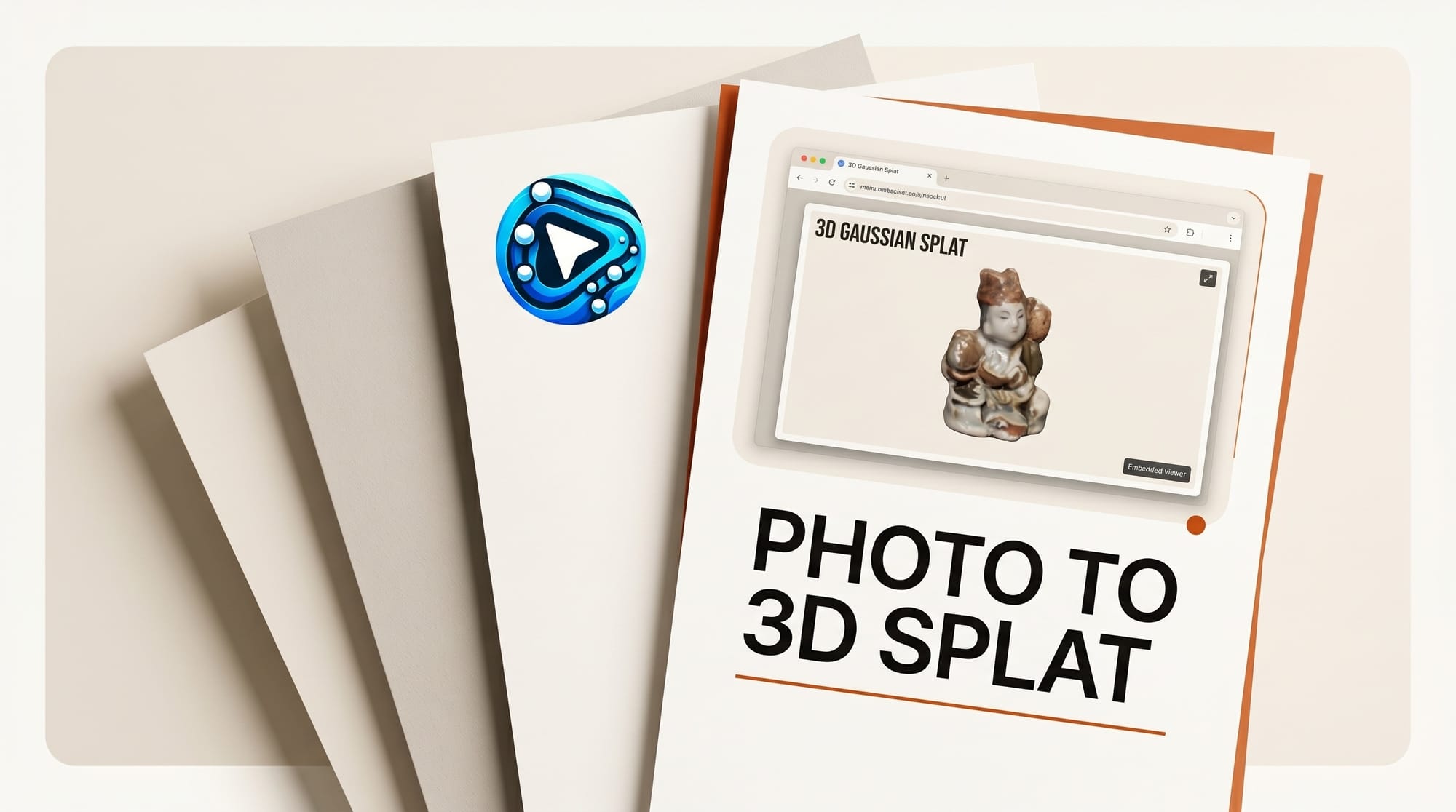
This tutorial turns a single photo into a 3D Gaussian splat you can spin, light, and embed on a live web page. You will use TripoSplat to generate the splat from one image, clean it in a browser editor, and ship it with a web renderer. Total time is about 30 to 45 minutes on a consumer GPU, and every tool in the stack is free and open source. The result is a lightweight interactive 3D asset, not a heavy mesh, that loads in any modern browser.
What You Need
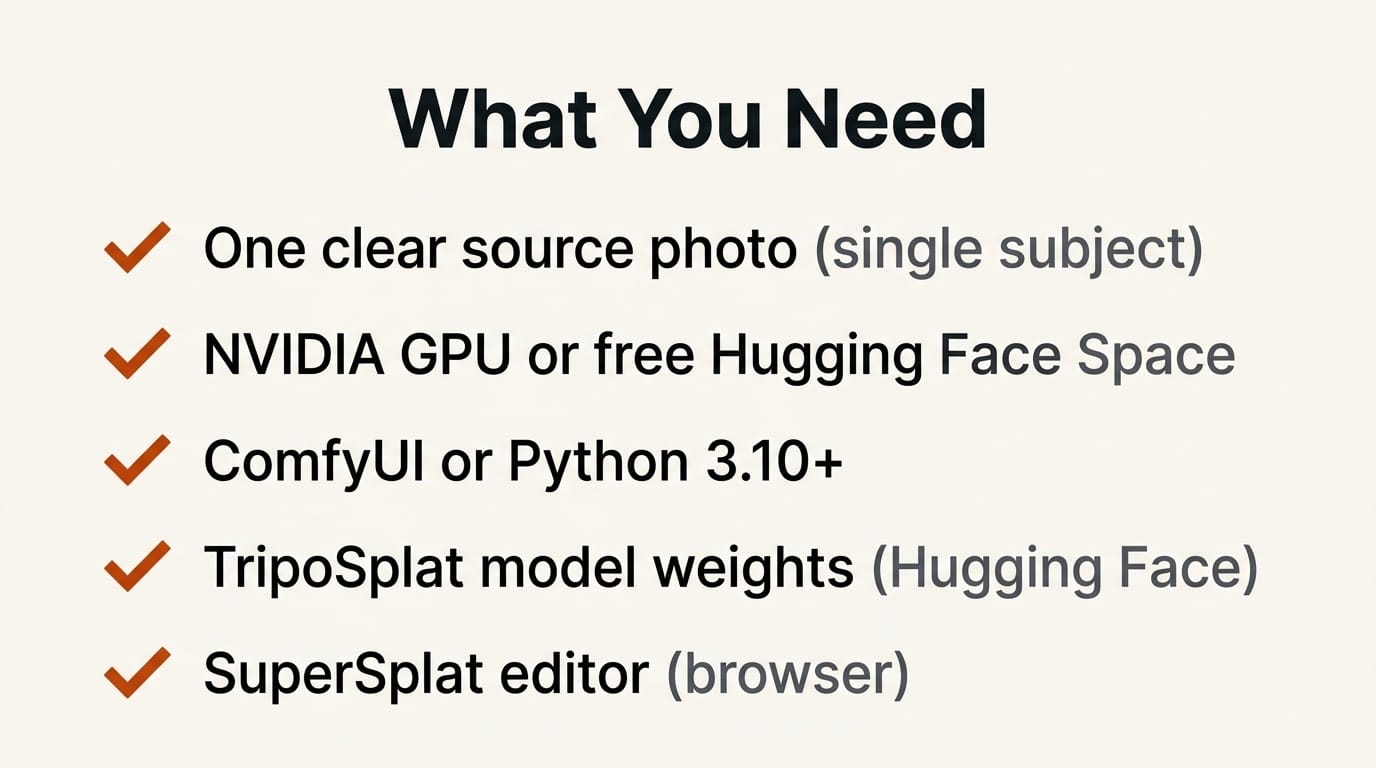
- One clear source photo of a single subject (product, object, or character), ideally on a clean background
- A machine with an NVIDIA GPU, or a free Hugging Face Space to run the demo without local setup
- ComfyUI installed, or Python 3.10+ for the standalone TripoSplat script
- The TripoSplat model weights from Hugging Face
- A free browser splat editor (SuperSplat) for cleanup
- A static web page or framework where the final viewer will live
The Workflow
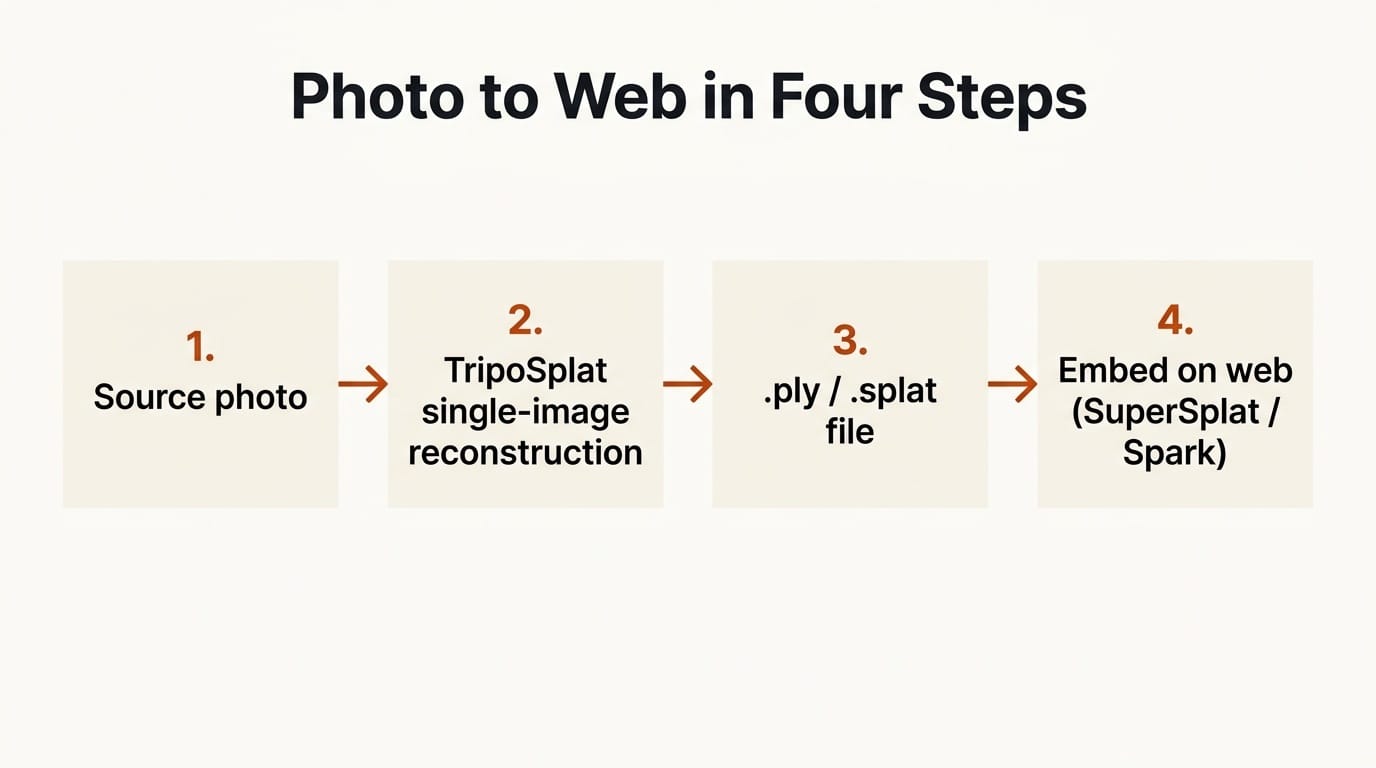
Step 1: Prepare the source photo
Pick a photo where the subject is well lit and clearly separated from the background. TripoSplat reconstructs from a single 2D image, so the cleaner the subject isolation, the cleaner the 3D result. Square or near-square crops around 1024 by 1024 pixels work well. Remove busy backgrounds first if you can, since stray detail becomes floating noise in the splat. Expected output: one prepared image file ready to feed the model.
Step 2: Install TripoSplat or open the demo
For local generation, clone the TripoSplat repository, install the dependencies (torch, torchvision, numpy, safetensors, pillow, tqdm), and download the weights from Hugging Face into the ckpts/ folder. Run run_gradio.py to launch a local web interface, or run_example.py for command-line inference. The codebase is intentionally small, around 2,000 lines, with minimal dependencies, so setup is fast. If you do not have a GPU, run the hosted demo from the model card instead. Expected output: a working TripoSplat interface where you can upload your image.
Step 3: Generate the Gaussian splat
Upload your prepared photo and generate. TripoSplat converts the single image into a variable number of 3D Gaussians, and it supports an arbitrary Gaussian count up to 262,144. Fewer Gaussians render faster and load lighter on the web; more Gaussians capture finer detail. Start in the middle of the range, preview, then push higher only if the subject needs it. Export the result as a .ply or .splat file, both of which open in standard splat viewers. Expected output: a .ply or .splat file of your subject.
Step 4: Clean up in SuperSplat
Open your file in SuperSplat, a free browser-based splat editor. Use it to delete floating artifacts ("floaters"), crop away background noise, recenter and reorient the subject so it sits at the world origin, and reduce the Gaussian count if the file is heavier than you need. Then export a compressed .ply. This cleanup pass is what separates a rough generation from an asset that looks intentional on a page. Expected output: a trimmed, centered, web-ready splat file.
Step 5: Embed the splat on the web
Use a web splat renderer to display the file. SparkJS is a Three.js-based renderer built for Gaussian splats: you import a SplatMesh, point it at your file URL, add it to a scene, and you have an interactive 3D object with orbit controls in a few lines. The core of an embed looks like this:
import { SplatMesh } from "@sparkjsdev/spark";

const splat = new SplatMesh({ url: "/assets/subject.ply" });
splat.quaternion.set(1, 0, 0, 0);
scene.add(splat);
Drop that into a standard Three.js scene with a camera and orbit controls, and the splat renders interactively. If you prefer a full editor-to-publish path instead of writing code, the PlayCanvas SuperSplat project and its viewer cover hosting and sharing directly from the editor. Host the file on any static server or CDN, keep it same-origin or CORS-enabled, and load it on your page. Expected output: a live web page where visitors can rotate your subject in 3D.
Doing It Inside ComfyUI
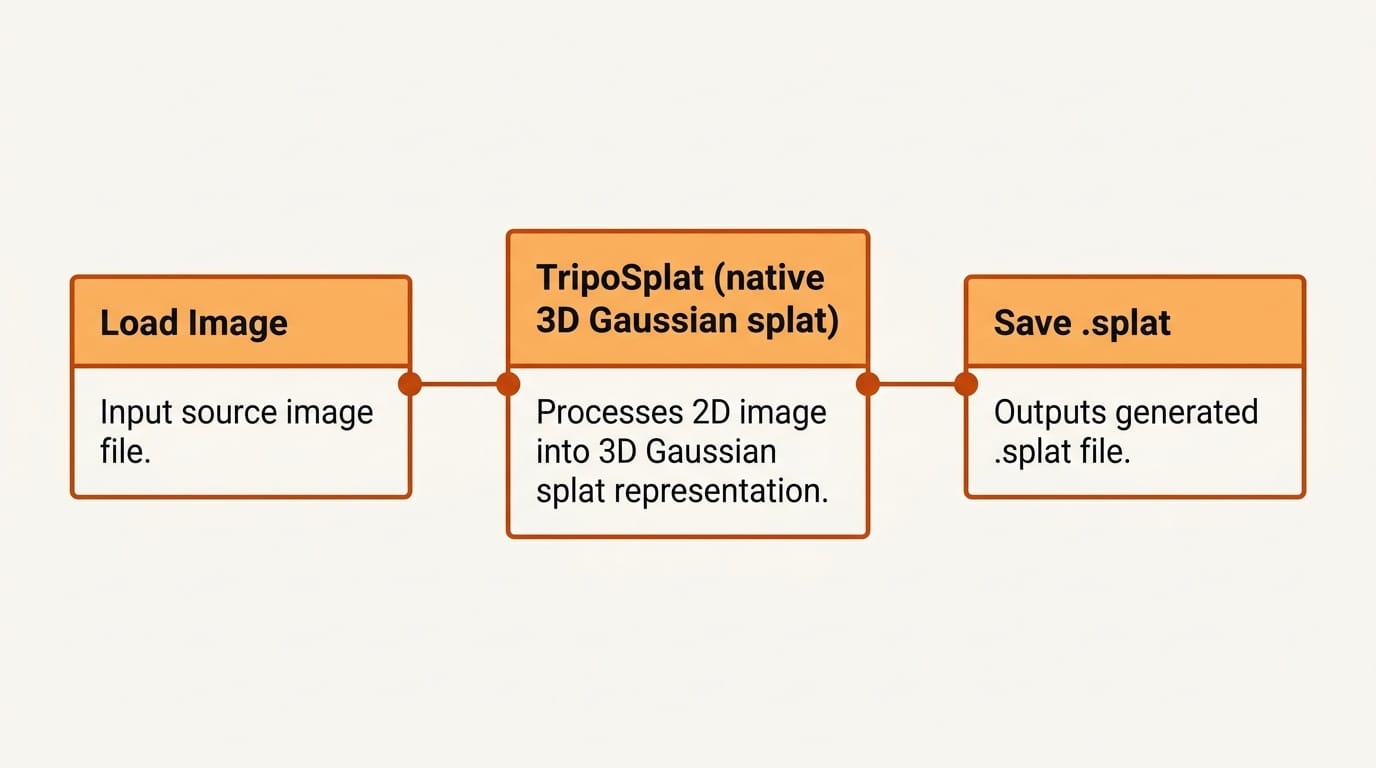
If you already work in ComfyUI, you can skip the standalone script. ComfyUI added native support for 3D Gaussian splats, and TripoSplat ships an official workflow template. Load the template from the ComfyUI workflow templates repository, drop in your image node, and run the graph to produce the same .ply or .splat output inside your existing node pipeline. The ComfyUI announcement on native Gaussian splats covers the supported nodes and formats.
Troubleshooting
Floating blobs around the subject. These come from background detail in the source photo. Re-crop or mask the background before generating, or delete the floaters in SuperSplat.
The splat looks hollow from behind. A single photo only sees one side. Accept a fixed hero angle for the web embed, limit orbit range so visitors do not rotate into the unseen back, or use a subject that reads well from the front.
The web page loads slowly. Your Gaussian count is too high. Reduce it in SuperSplat and export a compressed .ply. Aim for the lowest count that still looks right.
Out-of-memory during generation. Lower the target Gaussian count, or run the hosted demo on a Hugging Face Space instead of locally.
What to Try Next
Once the single-photo pipeline works, try a turntable set of photos for fuller coverage, animate the camera path for a hero section, or auto-rig the splat for motion. Our guide to auto-rigging 3D Gaussian splats shows how to add movement, and the deep dive on native Gaussian splats in ComfyUI covers the node workflow in more detail.
FAQ
Do I need more than one photo to make a splat?
No. TripoSplat reconstructs a 3D Gaussian splat from a single 2D image. More views give fuller coverage, especially behind the subject, but one clean photo is enough to produce a usable web asset.
What file format does a Gaussian splat use?
TripoSplat exports .ply and .splat files, which open in standard splat viewers like SuperSplat and web renderers like SparkJS. For the web, export a compressed .ply to keep load times low.
Can I run this without a GPU?
Yes. Use the hosted demo on Hugging Face instead of installing locally. Local runs are faster and private, but the Space lets you generate a splat from any machine.
How do I make the splat load fast on a website?
Keep the Gaussian count as low as the subject allows, clean floaters and crop the background in SuperSplat, export a compressed file, and serve it from a CDN. Lower counts load and render faster in the browser.
Is TripoSplat free to use commercially?
TripoSplat is released under the MIT License for both its code and model weights, which permits commercial use. Always confirm the current license terms on the project repository before shipping a commercial product.