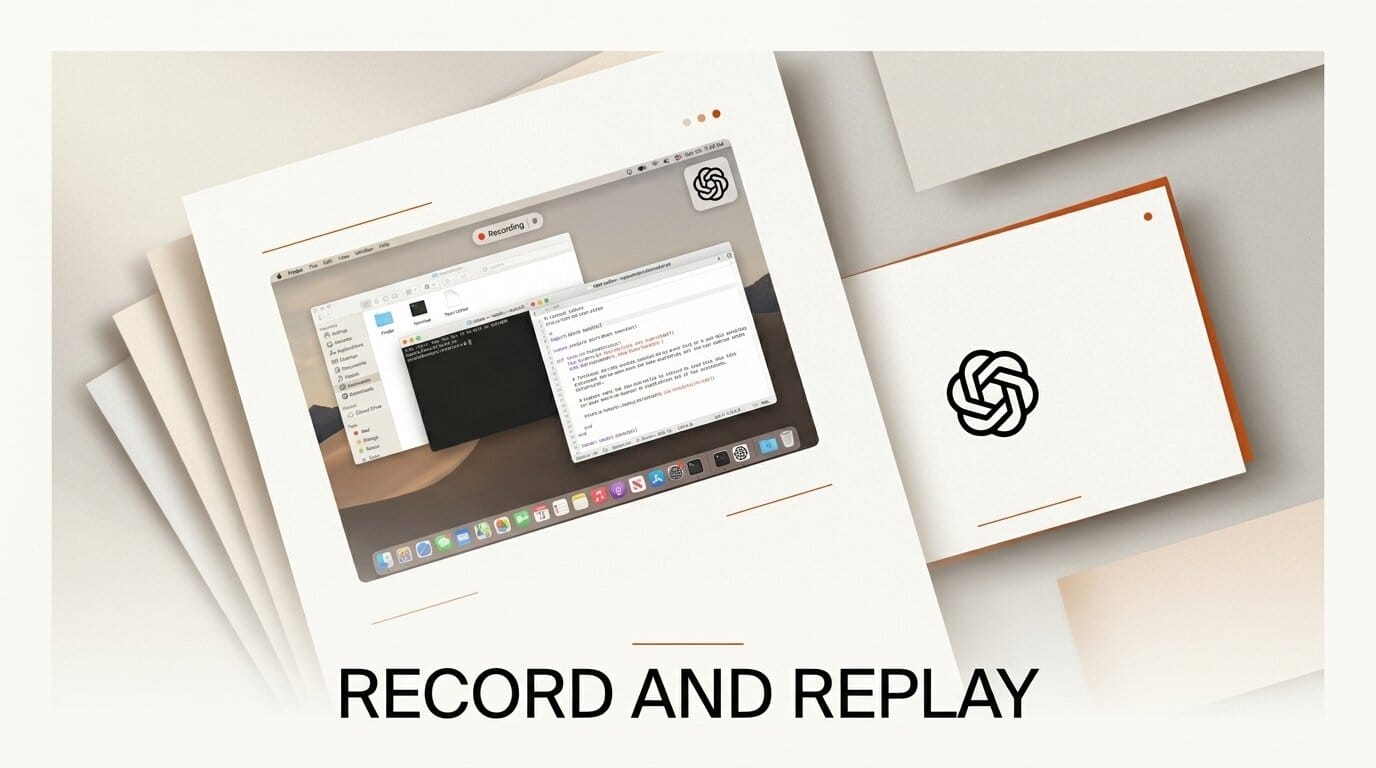
OpenAI has added Record and Replay to Codex, a macOS feature that watches you complete a task once and turns it into a reusable skill the agent can run again later with new inputs. It shipped on June 18 and aims squarely at the repetitive, click-heavy chores that coding agents normally cannot see.
What Happened
With Record and Replay, you demonstrate a workflow on your Mac while Codex observes your actions and the on-screen window content. It then generates a skill that captures the steps, which you can edit and replay by supplying variable inputs. The feature builds on Codex's Computer Use capability, so a recorded skill can drive the browser, the desktop, and connected plugins, not just the code editor.
OpenAI frames the output as a standard, inspectable skill rather than an opaque macro. Example tasks include publishing a video, filing an expense, booking a slot, opening a correctly configured issue, or pulling a recurring report.
Try It: Automate One Upload
If Computer Use is enabled, record yourself doing a routine publish step once, for example uploading a video with a title, description, thumbnail, and privacy setting. Codex saves it as a skill you can open and tweak, then rerun for the next file by changing the inputs. Keep the demonstration short and focused, use realistic inputs, and avoid entering secrets while recording.
Why It Matters for Creators
Most creator busywork lives outside the terminal: uploading, tagging, exporting, and filing. A code agent that can be taught a GUI workflow by demonstration closes that gap, and because skills are shareable, a small team can pass around a tested process instead of rebuilding it. It is the clearest sign yet that agent automation is moving from code generation into end-to-end task execution.
Key Details
Platform: macOS only, requires Computer Use enabled.
Output: an editable, replayable skill that accepts variable inputs.
Availability: rolling out initially outside the EEA, the UK, and Switzerland, per the Codex changelog.
Released: June 18, 2026.
What to Do Next
Pick the single most repetitive manual task in your week and record it first, then review the generated steps before trusting it on real work. Treat early skills as drafts and refine them over a few runs.





