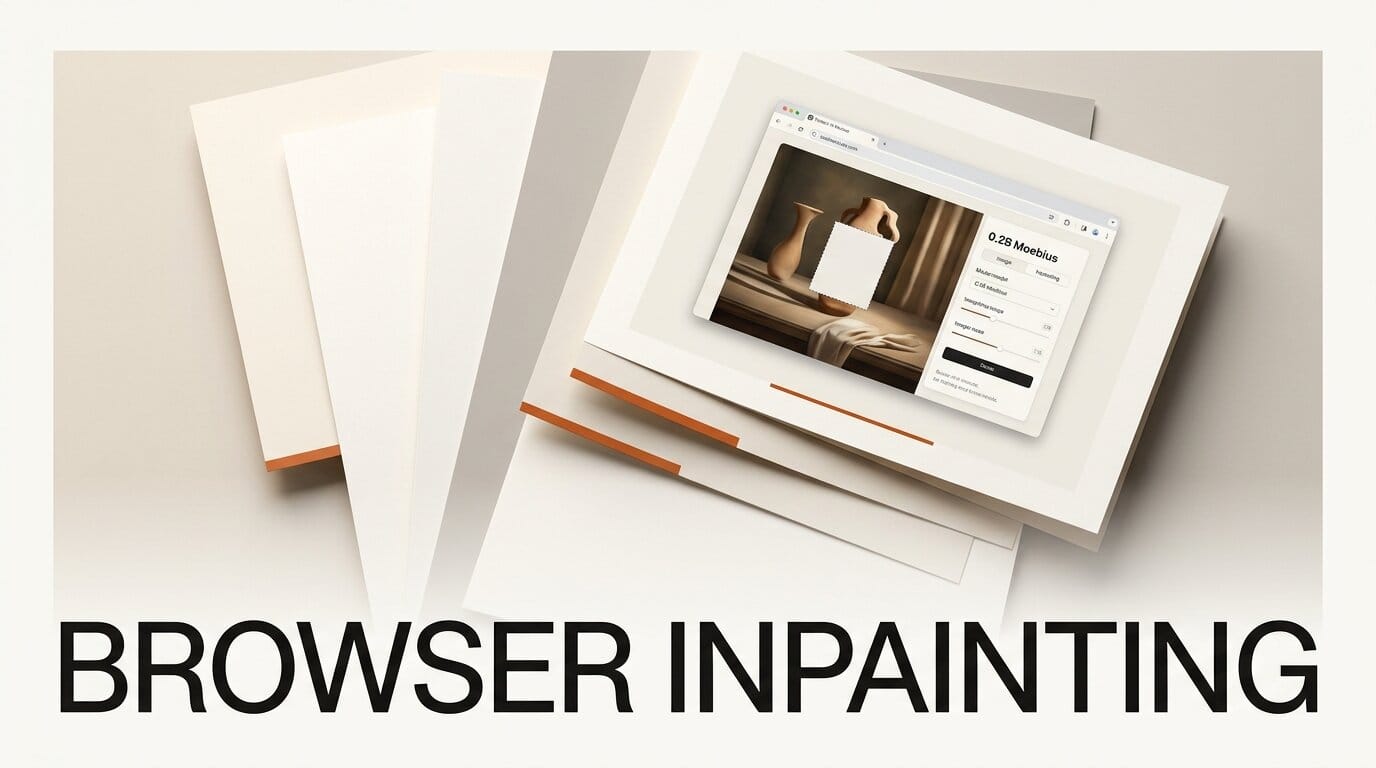
An open-source image inpainting model small enough to run entirely inside a web browser landed this week, and a working demo built with Claude Code already lets you erase objects from a photo with nothing but a tab open. The model is Moebius, a 0.2B-parameter inpainting framework from Huazhong University of Science and Technology and VIVO AI Lab that claims to match models nearly 60 times its size.
Try It: Erase Objects in Your Browser, No Uploads
Developer Simon Willison ported Moebius to a WebGPU browser app on June 22, directing Claude Code to convert the PyTorch model to ONNX, build the interface, and ship it. Open the demo in Chrome, Firefox, or Safari, load an image, brush over the thing you want gone, and the model fills the gap. The roughly 1.3GB model downloads once and caches locally, so every edit after that runs client-only. Nothing leaves your machine, which makes it a genuinely private alternative to cloud inpainting tools for quick object removal and cleanup.
Why It Matters for Creators
Inpainting quality has historically meant heavyweight models. Moebius reports rivaling or surpassing the 11.9B-parameter FLUX.1-Fill-Dev across six benchmarks while carrying less than 2% of the parameters and running more than 15 times faster. For creators, a model this light is the difference between an editing step that needs a rented GPU and one that runs on the laptop you already own, or even a phone browser. It also gives ComfyUI node authors and app builders a fast, permissively shared base to wire into local pipelines.
Key Details
Model: Moebius, 0.22B parameters, image inpainting and object removal.
Claimed performance: On par with or beating FLUX.1-Fill-Dev (11.9B) on six benchmarks, 26ms per step, over 15x faster total inference.
Research: Detailed in an arXiv paper submitted June 17, with code and the architecture published on the project page.
Browser build: ONNX weights and source are public for anyone who wants to fork the demo.
What to Do Next
Open the browser demo and run a few object-removal edits to judge the quality against whatever you use now. If you build local tools, grab the ONNX weights and the demo source to adapt the WebGPU approach into your own workflow.





