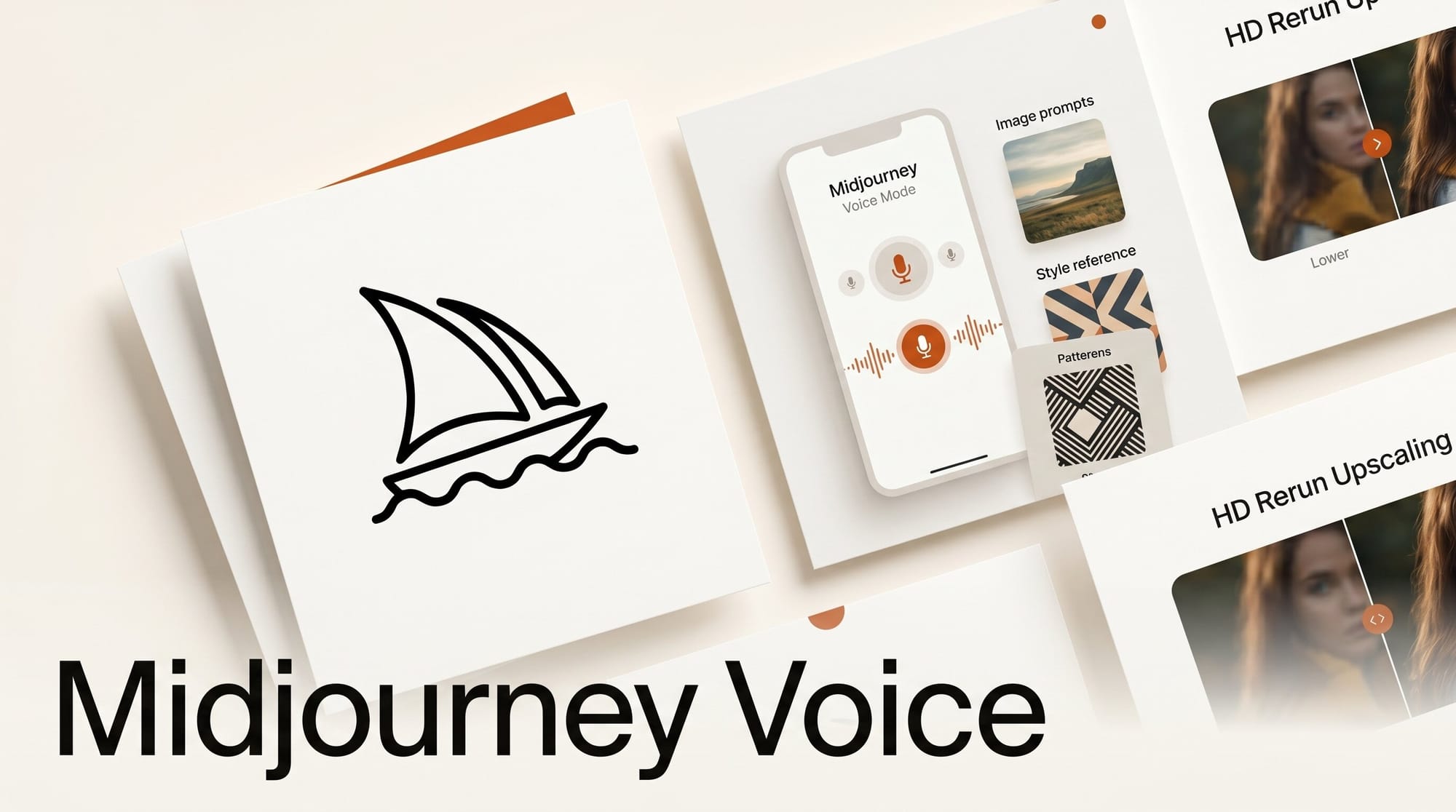
Midjourney shipped a web update on May 27, 2026 that pulls image prompts and style references into voice sessions and adds a Rerun as HD button for upgrading V8.1 Standard Definition images. The release is incremental on paper, but it closes a long-standing gap between conversational mode and the rest of the Midjourney workflow.
Try it: Voice prompt with style refs in three steps
If you have a paid plan and access to conversational mode, the new flow takes about two minutes. Open the Create page on midjourney.com and start a voice session from the microphone icon. Drag any moodboard image or style reference into the tray on the right; it now persists across voice submissions until you remove it. Speak the prompt and the reference stays attached. You no longer need to drop out of voice mode to swap in an SREF or a moodboard URL.
For older renders, hit the new Rerun as HD button in the image detail view to re-render a V8.1 Standard Definition image at HD without rewriting the prompt or hunting through history.
Why it matters
Voice prompting has been the weak link in the Midjourney UX since the conversational mode beta launched. Without access to style references and moodboards, voice was only useful for first-pass exploration, not iteration. With image prompts now functional from the tray and sidebar during voice, the mode finally fits into a real creator loop: speak the brief, attach the reference, refine. The HD rerun fixes a separate annoyance, where users had to re-prompt entire jobs just to upgrade resolution.
Key details
The update extends voice access to Image Prompts, Style References, sidebar settings, and recent jobs in one shipment. Tray images now persist across voice submissions, so a single moodboard can drive an entire session. Folder views on the Create and Organize pages now display hidden-item counts, and the filter reset button moved to the top of the filter bar. Mobile users get a grouped settings menu for Profiles, Moodboards, and Liked Styles, plus a More Options panel inside the lightbox.
The patch also closes several bugs that had been visible to free and subscribed users: search now works for signed-in members without subscriptions, upload error messages show the correct 20 MB limit, failed jobs no longer offer broken Vary or Upscale buttons, and rate-limit notifications fire when uploads get throttled. Niji 6 and V6 personalization profile selection was also corrected.
What to do next
If you run iterative campaigns in Midjourney, swap your moodboard workflow into voice mode this week and see whether the persistence reduces session time. For backlog cleanup, batch your best V8.1 Standard Definition images and run them through Rerun as HD before the next client deliverable. Watch the official release notes for the next conversational mode iteration; voice with refs is the first half of a workflow Midjourney has been building toward since V8 launched.





