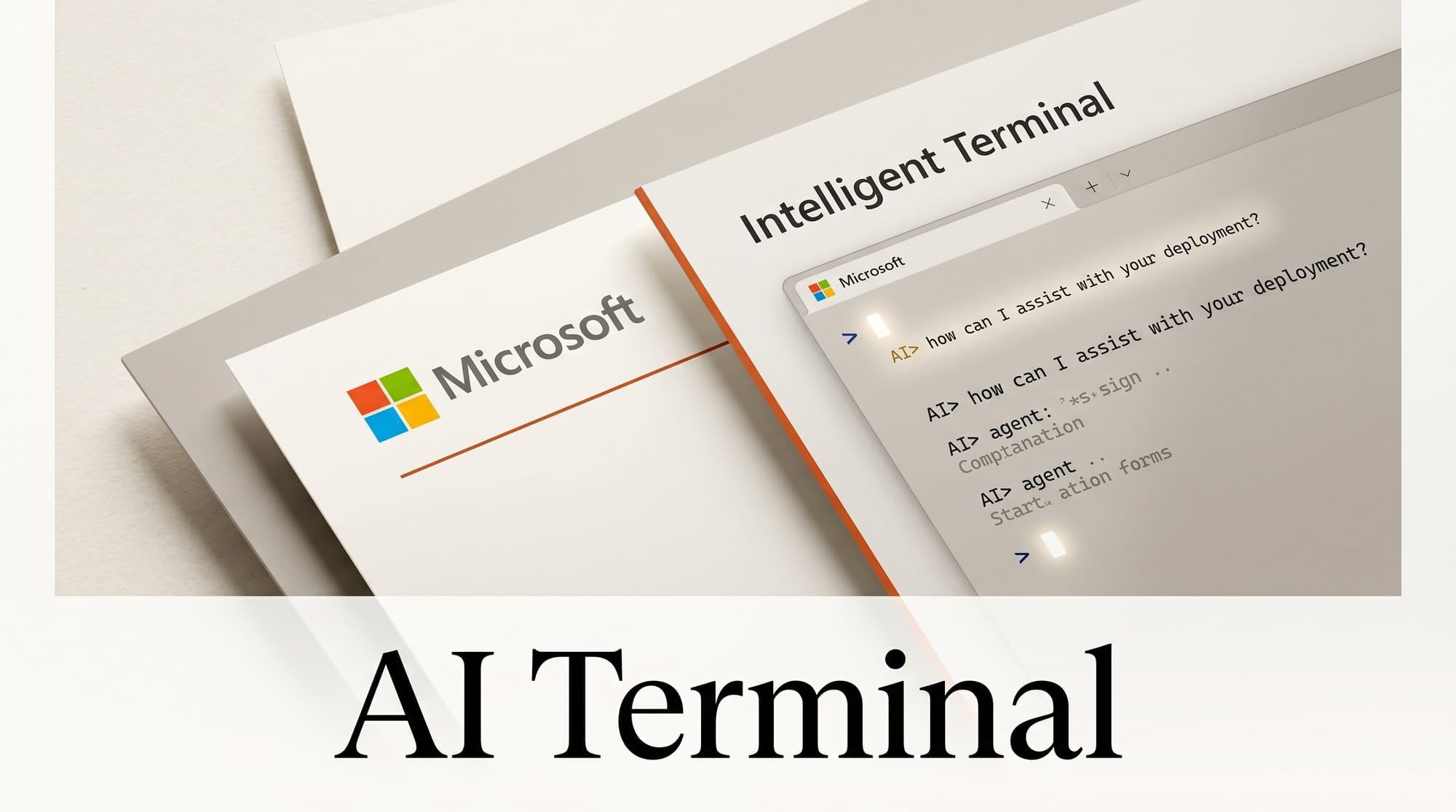
Microsoft launched Intelligent Terminal at Build 2026: an open-source experimental fork of Windows Terminal with native AI agent integration built directly into the shell. It ships under the MIT license and is available today from the Microsoft Store.
What Happened
Announced on June 2, 2026, Intelligent Terminal v0.1 installs as a separate app alongside the original Windows Terminal without replacing it. The fork adds three agent-specific features: a docked agent pane, a persistent status bar, and an agent management panel. Source code is at github.com/microsoft/intelligent-terminal.
The timing is significant. This is part of Microsoft Build 2026, where the company is doubling down on AI tooling for Windows developers across the board.
Why It Matters
AI-assisted development has historically required switching between your terminal and a chat window. Intelligent Terminal collapses that into a single workspace. The docked agent pane always has access to your current shell output, so an agent can read your last command and its result without you pasting anything.
The error detection feature is where this gets immediately useful. When a command fails, Terminal surfaces the error in the status bar automatically. One click opens the agent pane with the error already loaded. The agent explains what happened and can suggest or run a fix. For developers debugging build pipelines or infrastructure scripts, that workflow removes significant context-switching friction.
Key Details
- Agent pane: A context-aware docked pane with persistent access to shell output across all your shells and tabs.
- Status bar: Quick access to agent controls and error detection, persistent at the bottom of the window.
- Agent management: Tracks active agents and past sessions across tabs.
- Supported agents: Works with any ACP (Agent Client Protocol)-compatible CLI. Supports GitHub Copilot, Claude, Codex, and Gemini. Auto-detects what you have installed.
- Windows-only for now: This is a Windows-exclusive fork. The original Windows Terminal continues unchanged.
Microsoft laid out the broader developer roadmap in the Windows Developer Build 2026 post, with Intelligent Terminal as one of several AI development investments announced this week.
If you already use GitHub Copilot, which recently moved to usage-based billing, Intelligent Terminal makes Copilot CLI a first-class part of your shell workflow without extra configuration.
What to Do Next
Intelligent Terminal is available from the Microsoft Store now. The New Stack has a solid breakdown of how the agent pane integrates across different workflows. If you are on Windows and actively use AI coding assistants, this is worth installing alongside your existing setup. The two terminals coexist: use whichever fits the task.





