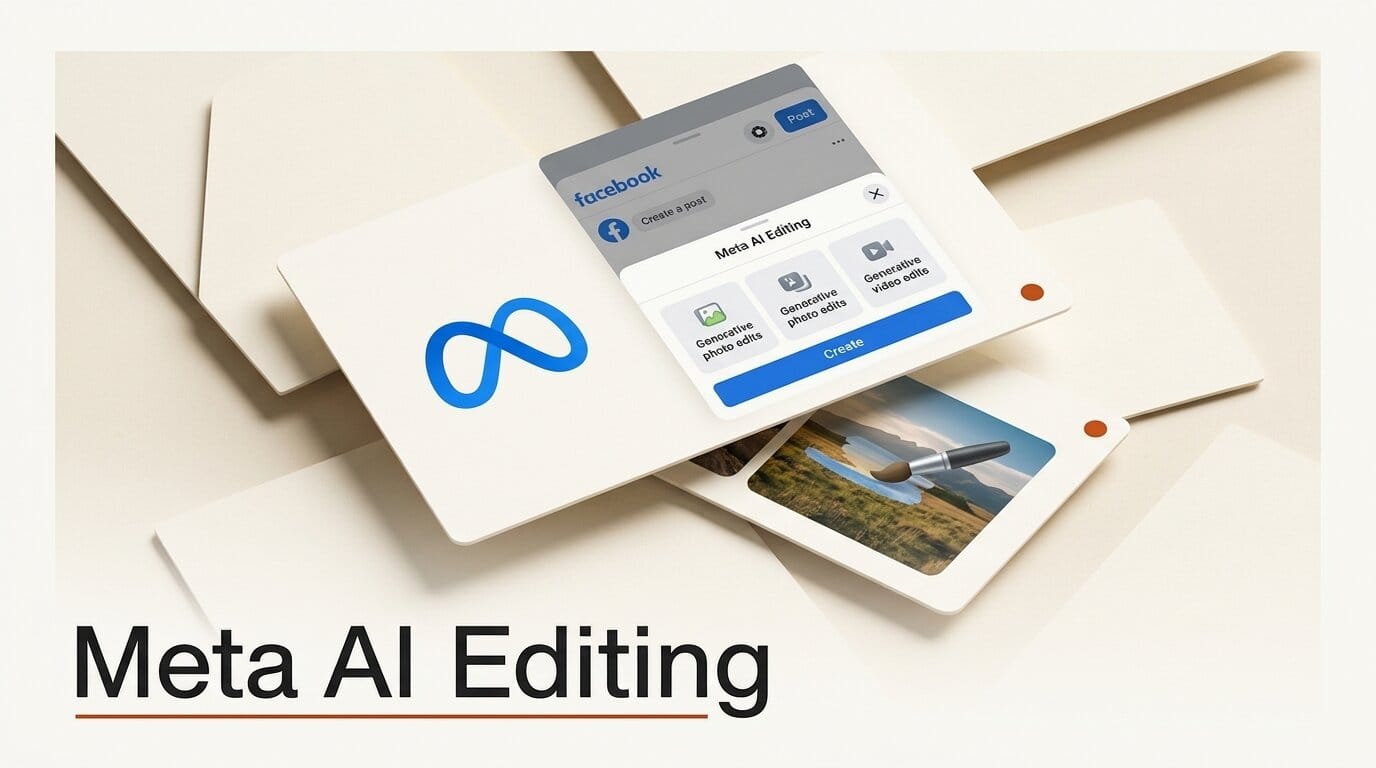
Meta is rolling out a set of generative photo and video editing tools inside the Facebook app, letting you swap clothing, hair, and accessories on a photo and auto-assemble montages with new AI transitions. The features began rolling out on June 15 and are powered by Meta's Muse Spark model.
Try It: Restyle a Shot Without a Reshoot
Open the AI Edit icon in Stories or the Restyle option on your profile picture, then use the new Wear It feature and its virtual Wardrobe to change outfits, hair, or accessories on an existing photo. Sports fans can drop on a team jersey to celebrate a win. For video, new collage cutout templates and transition effects assemble camera-roll clips into a polished montage that is ready to post, no editing app required.
Why It Matters
For creators who post lifestyle, event, or fashion content, the cost is usually time: another shoot, another round in an editor. These tools collapse that into a few taps inside the app where the audience already is. The transition and montage features in particular target the format that performs best on social, the short stylized recap, and remove the friction of stitching it together manually. Camera-roll sharing suggestions stay opt-in and can be switched off at any time.
The trade-off is platform lock-in. Editing inside Facebook is fast, but the output lives in Meta's ecosystem rather than as a clean file you can repurpose across other channels. For a quick social post that is fine; for hero content you plan to reuse, a dedicated editor still gives you more control over the final export.
Key Details
Wear It and Wardrobe: Generative photo presets that change clothing, hair, and accessories, including virtual team jerseys.
Video tools: Collage cutout templates and new transition effects for shareable montages, reached through the Meta newsroom announcement.
Model and rollout: Built on Muse Spark, introduced in Meta's April Superintelligence Labs post, rolling out on Android and iOS first.
What to Do Next
Update the Facebook app, open the AI Edit icon in Stories, and try restyling one recent photo before building a montage from your camera roll. For Meta's broader creator toolset, see our AI Creator Assistant coverage.





