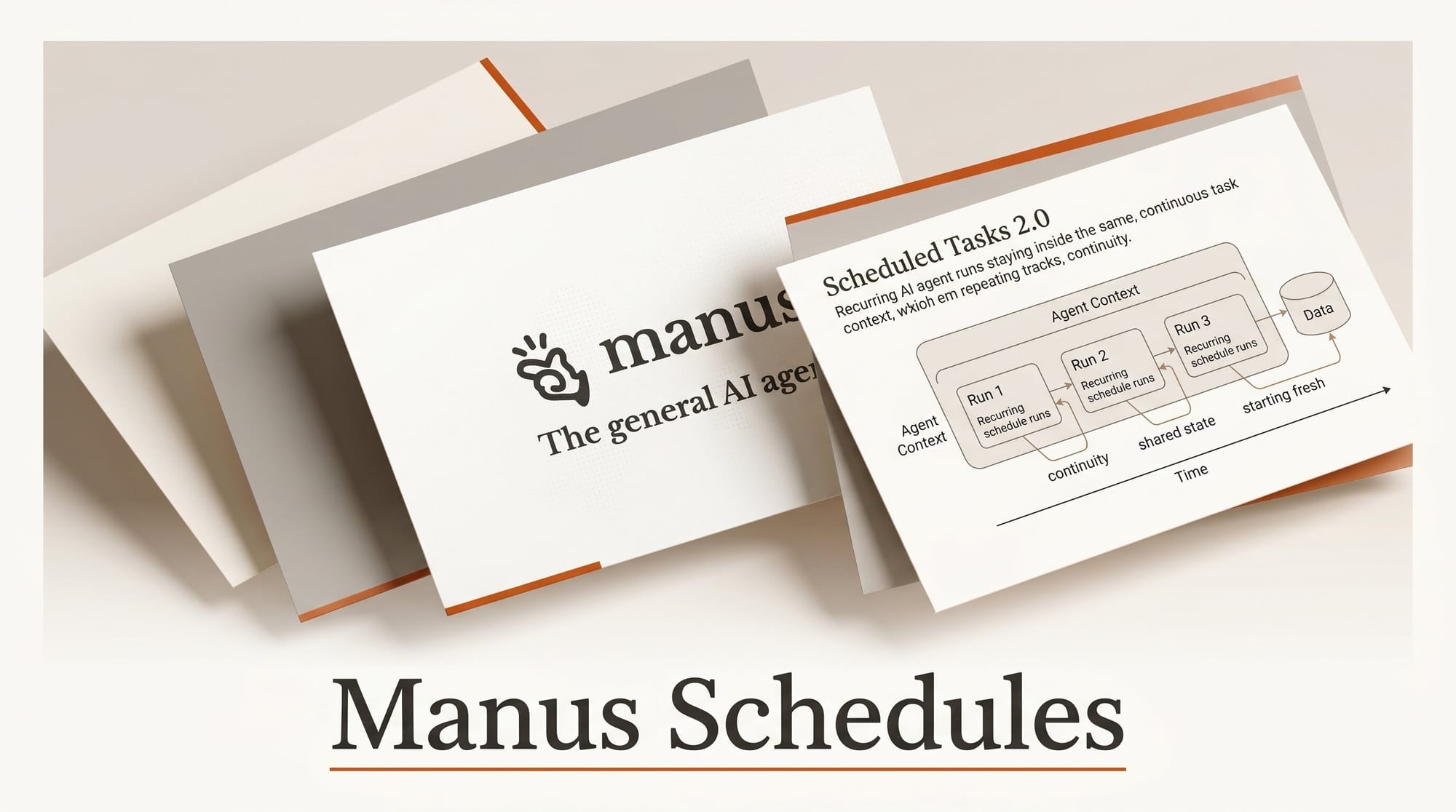
Manus released Scheduled Tasks 2.0 on May 18, 2026, and the headline change is small in description but large in practice: recurring runs can now continue inside the same task context instead of spinning up a fresh task each time. The update also lets web apps built with Manus schedule their own actions, so a creator-built dashboard can refresh itself overnight without a human kicking it off.
Try It: Set Up a Recurring Workflow in 5 Minutes
Open any existing Manus task that you re-run regularly, like a weekly competitor scan or a daily image-generation batch. Click the new scheduled-work panel and pick "Continue in same task" rather than "Start as separate task." That single toggle is what changes the behavior. The agent now picks up the conversation history, files, and connector state from the previous run instead of starting cold. Add a Project to share setup across multiple scheduled tasks, then enable skip confirmations for trusted workflows so the agent does not pause to ask permission mid-run.
Why It Matters
Until now, every recurring Manus task started from scratch. That meant losing prompt nuance, re-uploading reference files, and re-explaining context the agent already learned. TestingCatalog noted that the same-task-context behavior is what professional users have been asking for since the original Schedules launch. For creators running content pipelines on Manus, the difference is the gap between "AI assistant you re-train weekly" and "AI assistant that gets sharper with every run."
Key Details
The release ships four practical changes: same-task continuation, web-app scheduled actions (a Manus-built app can now refresh data on its own), a side panel that shows scheduled work plus its connected runs, and a calendar view for timing. Projects let scheduled tasks reuse a shared setup of files, connectors, and instructions across many recurring runs, which matters if you run the same workflow against five different clients or product lines.
Manus operates as a general AI agent that runs asynchronously in the cloud across multiple foundation models. Scheduled Tasks 2.0 keeps that posture: close the browser tab, the schedule still fires.
What to Do Next
If you already use Manus for repeatable creator work, audit your scheduled tasks this week and flip any that should preserve memory over to "Continue in same task." If you have not tried agent-scheduled workflows yet, this release is the cleanest on-ramp yet: pick one weekly job you currently do by hand, like a Monday image-pack render or a weekly research digest, and let Manus run it on a recurring schedule with a Project providing shared files. For a deeper look at AI workstream automation patterns, our holaOS workstream coverage breaks down where scheduled agents fit in a multi-tool creator stack.





