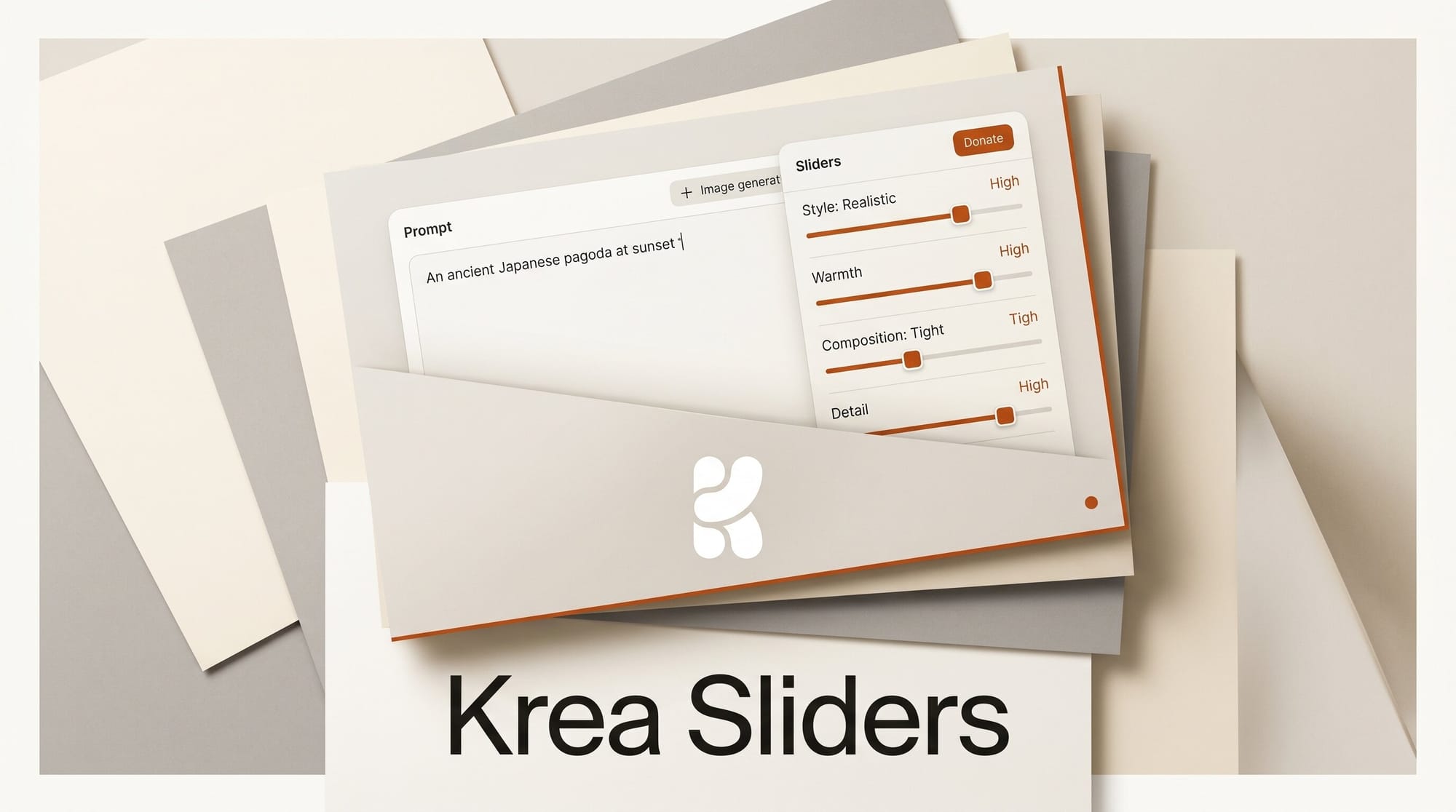
Krea has added Generative Sliders, a set of four live controls that let you shape intensity, complexity, movement, and prompt creativity before an image renders. Announced June 11, 2026, the sliders sit on top of the Krea 2 image stack and turn prompt tuning into a dial-based workflow instead of a trial-and-error rewrite loop.
Try It: Dial In a Look Before You Generate
Open the Krea image generator, type a prompt, then adjust the four sliders before you hit generate. Push complexity down for clean, minimal compositions or up for dense, detailed scenes. Raise movement to bias toward dynamic poses and motion-blur energy, or lower it for static product-style shots. The prompt creativity slider controls how far Krea drifts from your literal words, so you can lock a precise brief or let the model improvise. Because the controls apply at generation time, you can lock a seed and sweep one slider to build a consistent variation set in a single sitting, paired with Krea's faster Krea 2 Turbo mode for rapid iteration.
Why It Matters for Creators
Most image tools force you to bury style intent inside the prompt, then regenerate from scratch when the result misses. Sliders externalize four of the variables creators tweak most, which means fewer wasted generations and a tighter feedback loop. For anyone producing batches of on-brand visuals, the ability to hold a prompt fixed and move one axis at a time is the difference between guessing and steering. It also makes hand-off easier: a slider position is a reproducible setting you can document and share with a teammate, where a vague phrase like "make it more dynamic" is not.
Key Details
Controls: Intensity, complexity, movement, and prompt creativity.
Stack: Built on Krea 2, applied at generation time inside the image generator.
Announced: June 11, 2026.
Context: Follows our earlier Krea 2 ComfyUI node coverage, extending the same model with native style controls.
What to Do Next
Run the same prompt three times with only the movement slider changed to see how much range the control gives you, then save the settings that match your brand look as a starting point for future batches.





