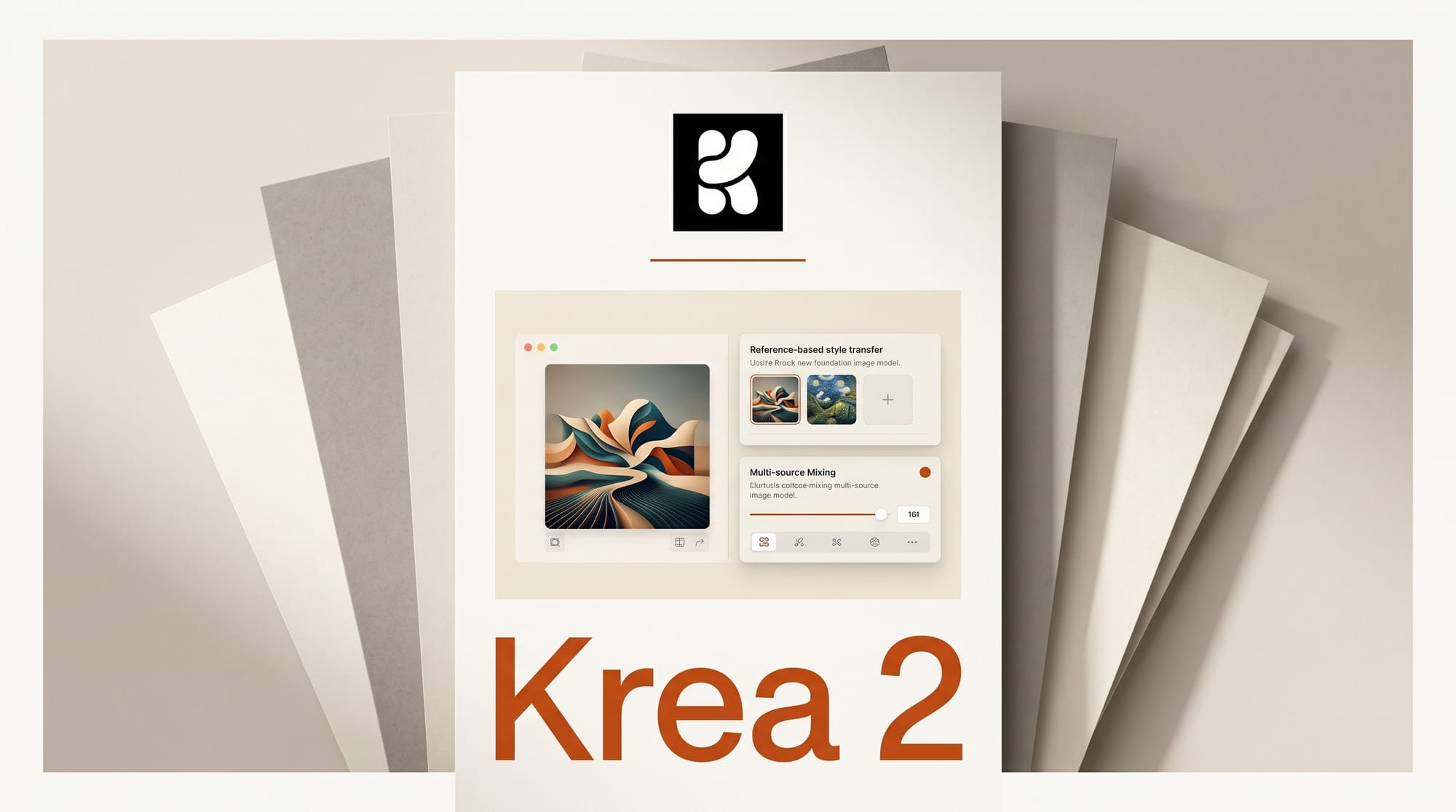
Krea launched Krea 2 on May 12, 2026, its first image model built entirely from scratch rather than fine-tuned from an existing base. The launch marks a significant shift for the company: Krea has been a creative tooling layer on top of other models for years, but Krea 2 is a proprietary foundation model the team owns end to end. The focus is aesthetics and style control, not raw prompt adherence. Try it now at krea.ai/image/k2 with a free account.
What Krea Built and Why It Matters
Most image generation models optimize for accurate prompt response: you describe a scene, the model renders it. Krea 2 takes a different path. The team calls the core problem the "AI look," a cluster of visual artifacts common across image generators: over-smoothed skin, blurry backgrounds with artificial bokeh, compositions that feel assembled rather than seen. Krea 2 was trained specifically to avoid these patterns.
Krea's previous foundation model work was FLUX.1 Krea, released in July 2025 as a fine-tune of Black Forest Labs' FLUX.1-dev. That model was a post-training layer, not a new architecture. Krea 2 is the full build, trained from the ground up on data Krea curated for aesthetic quality, giving the team control over every layer of the model's visual tendencies.
The Style Transfer System: How It Works
The headline capability in Krea 2 is a reference-based style transfer system. The workflow operates in three steps:
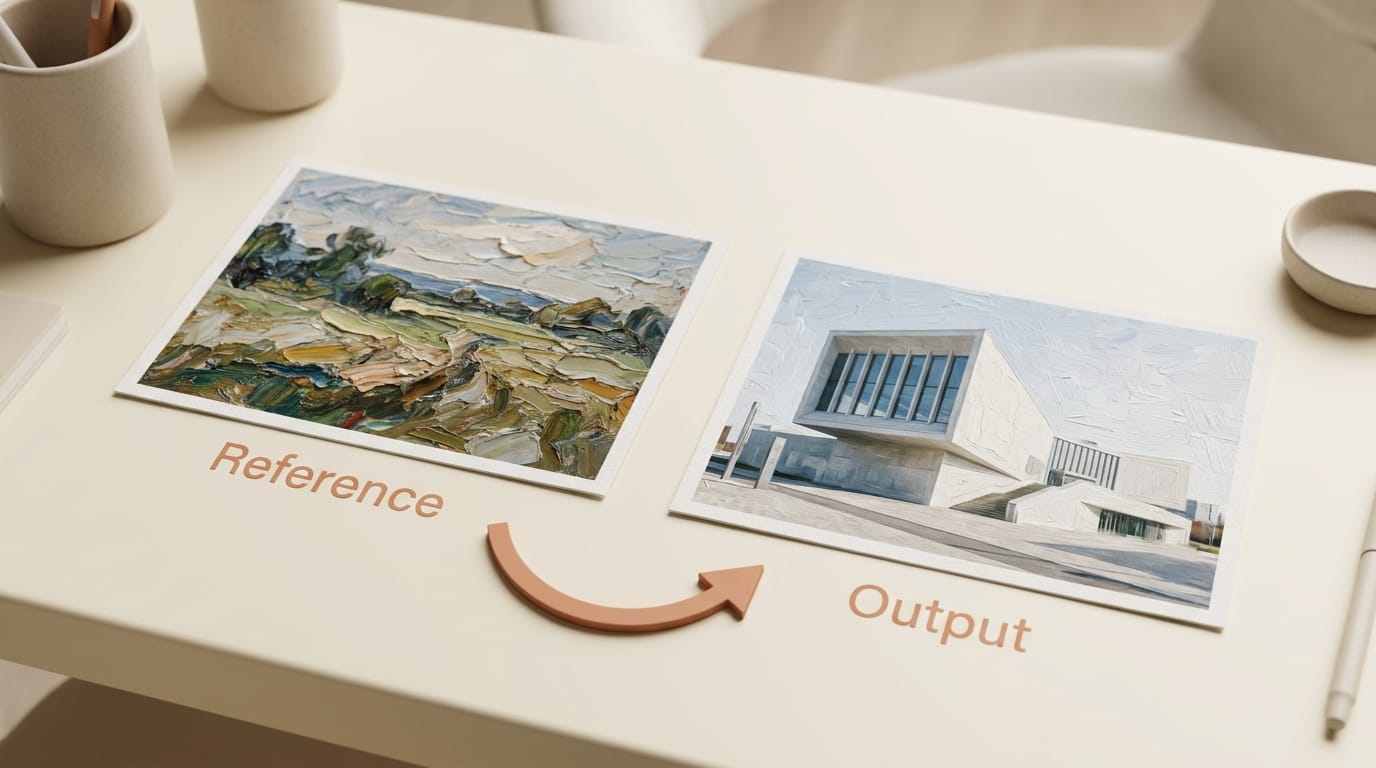
- Upload one or more reference images. These can be photographs, illustrations, paintings, film stills, or any visual work that carries the look you want to replicate. Krea extracts the stylistic components, including color temperature, grain, line weight, and composition logic, without copying the content.
- Write a prompt for your new image. The model generates against the prompt while anchoring its visual output to the extracted style. The two inputs are processed separately: the prompt determines what appears, the reference determines how it looks.
- Adjust influence strength per reference. If you pass multiple style references, each can be weighted independently. A food photographer might blend a vintage Kodachrome reference at 70% strength with a contemporary editorial look at 30% to get a hybrid that does not exist as a single reference anywhere.
The system also includes batch variation controls. Set the variation dial toward cohesive to get a tight cluster of outputs that share color palette and tone. Push it toward diverse to explore a broader range of interpretations of the same prompt and style combination. For brand work, cohesive mode is the relevant setting. For concept exploration, diverse mode produces a wider spread to choose from.
Krea 2 vs Midjourney, FLUX.1, and HiDream
Most creators will want to know where Krea 2 fits relative to the tools they already use. The comparison is genuinely about different problems, not quality rankings.
| Model | Primary strength | Style control | Access | Open weights |
|---|---|---|---|---|
| Krea 2 | Aesthetics + style transfer | Reference-based, multi-source | Free tier + paid plans | No (proprietary) |
| Midjourney v7 | Polished editorial output | Style reference plus --stylize flag | Paid only (from $10/mo) | No (proprietary) |
| FLUX.1-dev | Prompt adherence, raw fidelity | Fine-tune via LoRA | Free via HuggingFace, API pricing | Yes (weights public) |
| HiDream O1 | High-res open-source generation | Limited style control | Free via HuggingFace | Yes (8B weights public) |
The core difference: Midjourney's style reference system and Krea 2's style transfer are solving similar problems but at different workflow stages. Midjourney's style reference flag applies style at inference time with limited granularity. Krea 2 extracts style components as a separate processing step, then merges them with the generation. The result is more precise control over which aesthetic elements transfer and which do not. For creators who have been running separate LoRA fine-tunes to capture a photographer's look, Krea 2's reference upload could replace that workflow without any training overhead. See our HiDream O1 analysis for context on the open-source image model landscape.
Creator Workflow: Where Krea 2 Fits
Three specific use cases benefit most from Krea 2's design:
Brand visual consistency. A brand with an established photography style can upload existing on-brand images as references and generate new visuals that match the house aesthetic without a manual retouching pass. The style components, including lighting angle, color grading, and depth of field treatment, carry forward automatically.
Film and editorial color reference. Cinematographers and editorial photographers often work from specific film periods or camera systems. Krea 2 can extract the color science from a reference still, the cyan shadows of 1970s Technicolor or the flat muted tones of 2010s indie film, and apply it to a freshly generated scene.
Illustration style matching. Krea's training handles non-photographic inputs. An illustrator can upload a reference from their own portfolio and use Krea 2 to generate new content in their style for client review or concept exploration, without training a custom model.
Krea 2 also fits into the broader Krea platform, which already includes real-time generation, Krea Realtime 14B video generation, 3D tools, and LoRA training. The image model integrates with those tools rather than replacing the workflow that already exists. See how Luma's image model compares as an API-first option in our Luma Uni-1.1 deep dive.
Pricing and Access
Krea 2 is live now. The free tier provides 100 compute units per day, which covers light personal use. Paid plans:
- Basic ($9/month): 5,000 compute units per month, commercial license, full image and 3D access, LoRA training up to 50 images, 4K upscaling.
- Pro ($35/month): 20,000 units, all video models, workflow automation via Nodes, AI Nodes Agent, 8K upscaling.
- Max ($70/month): 60,000 units, unlimited LoRA training up to 2,000 files, unlimited concurrent generations, 22K upscaling, relaxed generation after quota exhaustion.
The compute unit model means Krea 2 usage is metered against the same pool as video and 3D generation. Creators who run heavy video workloads may want to account for that in plan selection.
What to Watch
Krea 2 is a first release, which means the roadmap will matter as much as the launch. Three things are worth tracking: whether Krea releases open weights (they did with FLUX.1 Krea, making this a realistic possibility), whether the style transfer system expands to video generation through integration with Krea Realtime 14B, and whether a public API becomes available for developers building creative tools on top. Krea's platform architecture suggests API access is planned, as the Nodes workflow system already exposes model calls programmatically.
Frequently Asked Questions
Does Krea 2 require any training to use style transfer?
No. Style transfer in Krea 2 works through reference image uploads at inference time. You do not need to fine-tune the model or prepare a training dataset. Upload a reference image, write a prompt, and the model handles extraction and application of the style during generation.
Can Krea 2 be used commercially?
Yes, on paid plans. The Basic tier and above include a commercial license. The free tier (100 compute units per day) is for personal use only.
How does Krea 2 compare to using a LoRA fine-tune for style matching?
LoRA fine-tuning requires collecting a training dataset, typically 20 to 50 images at minimum, running a training job, and managing the trained weights for each style. Krea 2's reference upload replaces that workflow at inference time, at the cost of less extreme style adherence. For general style direction, the reference system is faster and requires no technical setup. For very precise style replication, LoRA fine-tunes still have an advantage.
Is Krea 2 available via API?
Krea has not announced a public API for Krea 2 at launch. The model is currently accessible through the Krea web platform and through the Nodes workflow system for Pro and Max subscribers.
What happened to FLUX.1 Krea?
FLUX.1 Krea, released in July 2025, was a fine-tune of Black Forest Labs' FLUX.1-dev with open weights published to HuggingFace. It remains available and continues to work within FLUX-compatible workflows. Krea 2 is a separate, proprietary foundation model and does not replace FLUX.1 Krea in open-source pipelines.
Will Krea release Krea 2 weights publicly?
Krea has not announced open weights for Krea 2. Their previous open release was a fine-tune of an already-public base model, which has a different IP profile than releasing a fully proprietary foundation model. Watch the Krea blog for any open weights announcement.
What style ranges does Krea 2 handle?
Per the launch post, Krea 2 is trained to handle output ranging from the grainiest film photography to the cleanest studio shot, cinematic stills, illustrations, digital paintings, and experimental visual directions. The model is intentionally flexible across photographic and non-photographic aesthetics.