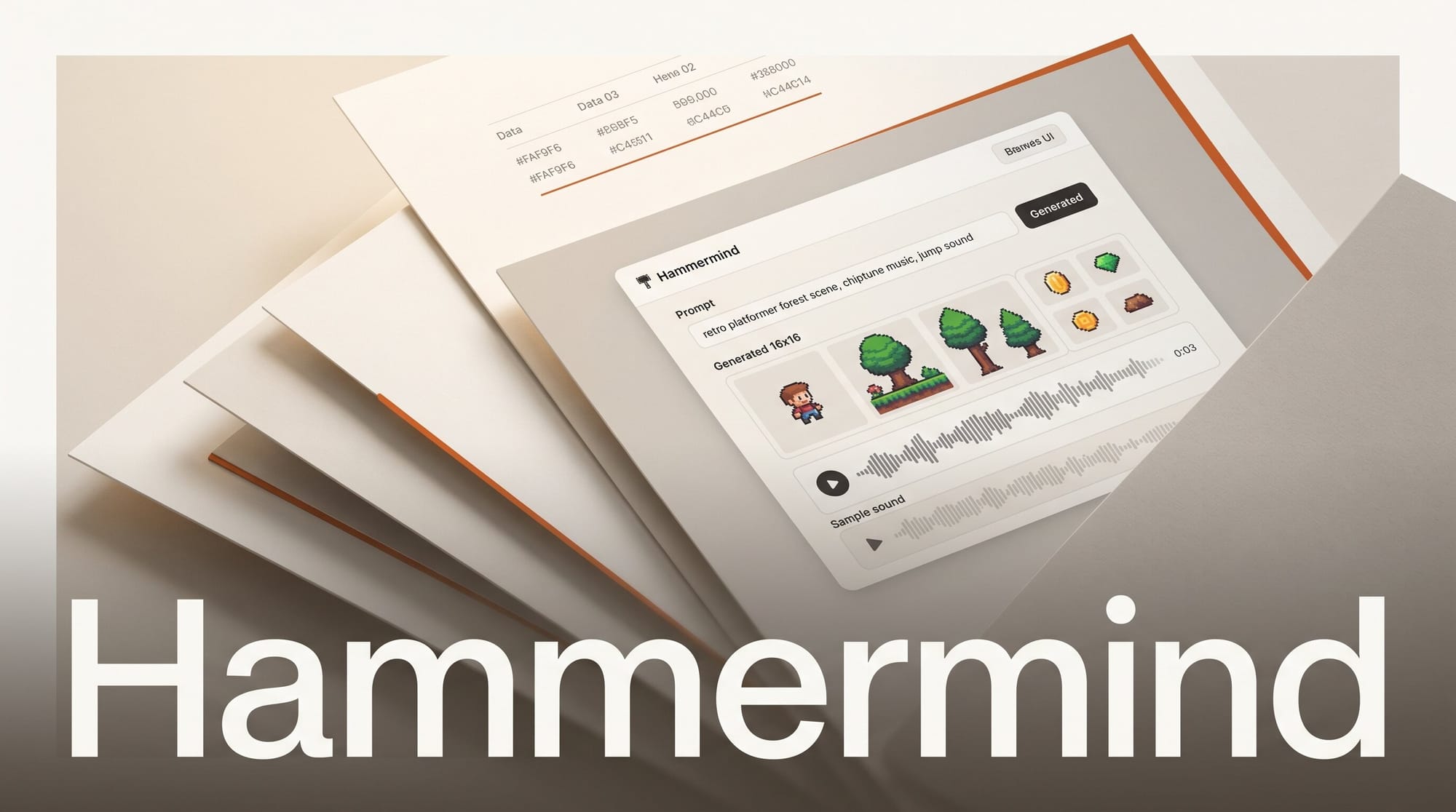
Hammermind launched on Hacker News as a single-prompt asset pipeline for game developers, turning a plain text description into game-ready pixel art and audio. Instead of bouncing between a sprite generator, a separate sound library, and an export script, creators describe what they need and pull finished files straight into their engine.
What Happened
Hammermind generates pixel art assets including characters, sprite sheets, enemy packs, icons, HUD kits, tilesets, and parallax backgrounds, along with audio in the form of voice lines, sound effects, ambience, and music. Everything is produced from one prompt. Generation runs through either a REST API or an MCP server that plugs into Claude Code, Cursor, VS Code, and Claude Desktop, so an AI coding agent can request and place assets without ever leaving the editor.
Why It Matters
Solo developers and small studios spend a disproportionate share of their time sourcing art and sound rather than building gameplay. A prompt-to-asset workflow collapses that into minutes, and Hammermind keeps a consistent look through twelve style presets with seed-locked consistency, so a character sheet and its matching enemy pack share the same palette and line weight. The audio side runs on self-hosted open-weight models that the company says are commercially licensable for shipping games, which removes a common legal gray area around AI-generated sound. For a wider view of where a tool like this fits a production stack, see our guide to AI tools for game developers.
Key Details
The platform exports engine-ready files for Unity, Godot, and GameMaker, with automatic background removal for transparent PNGs and batch generation for full action sets or multi-directional character rotations. Pricing is pay as you go with no subscription: top-ups start at $10, art costs roughly $0.20 per asset and audio roughly $0.08, and failed generations are refunded automatically. A browser-based playground lets you test prompts before wiring anything into a project, and the full list of supported editors and engines is on the integrations page.
What to Do Next
If you build games, generate a single character sprite sheet first to judge style consistency before committing a top-up to a full asset set. Connect the MCP server to your editor so your coding agent can fetch sprites and sound effects inline, then export directly to your engine to skip manual file wrangling. Check the per-asset costs on the pricing page and start with the $10 minimum to test one real scene before scaling up.





